A practical guide comparing cloud-managed security cameras to traditional NVR/DVR systems. Learn why businesses are migrating to cloud and when on-premise still makes sense.

A useful evaluation of a security platform starts with daily work, not a feature checklist. These points can help teams connect setup decisions with operational needs.
Verkada Command is cloud-based management software for security systems. Its documented scope includes setting up cameras and sites, managing settings and user access, and viewing live and recorded footage. It also brings together video surveillance, access control, analytics, and identity management. The practical question is how that shared view fits the organization’s existing responsibilities and processes.
A cloud-based platform can give authorized teams a common place to work with security devices, rather than asking staff to move between separate tools for every task. For Command, the documented functions include managing cameras and sites, viewing footage, and controlling user access. The value of a common workspace depends on clear ownership: someone needs to maintain configuration, and staff need to know where to go when something requires attention. In an initial review, treat one shared operating view as a workflow to validate, not a substitute for planning.
Before configuring a system, decide how the organization wants locations and responsibilities to be represented in everyday work. A small business may need only a straightforward division between a main site and a few users, while a distributed organization may need consistent naming and clear ownership across many facilities. These are planning choices; confirm the available structure and permissions in the product configuration rather than assuming every organizational model is supported. A consistent naming scheme also makes it easier for people to describe an issue accurately.
Browser and mobile access can serve different moments in the workday: a desk-based administrator may review settings, while an authorized responder may need to check a camera away from the office. The Verkada Command app is described as providing access to cameras in a single interface and to cloud-based footage history. Decide which tasks truly need to happen on a phone, and make sure the relevant users have appropriate access. That distinction helps teams avoid treating convenience as a reason to grant broader permissions than necessary.
Security programs often combine several kinds of equipment, but a shared management layer does not make every device or feature interchangeable. The documented scope for Command includes video surveillance and access control, with analytics and identity management also listed. Other capabilities should be checked against the exact devices, configuration, and service terms being considered. This is especially useful when a project includes equipment from more than one category.
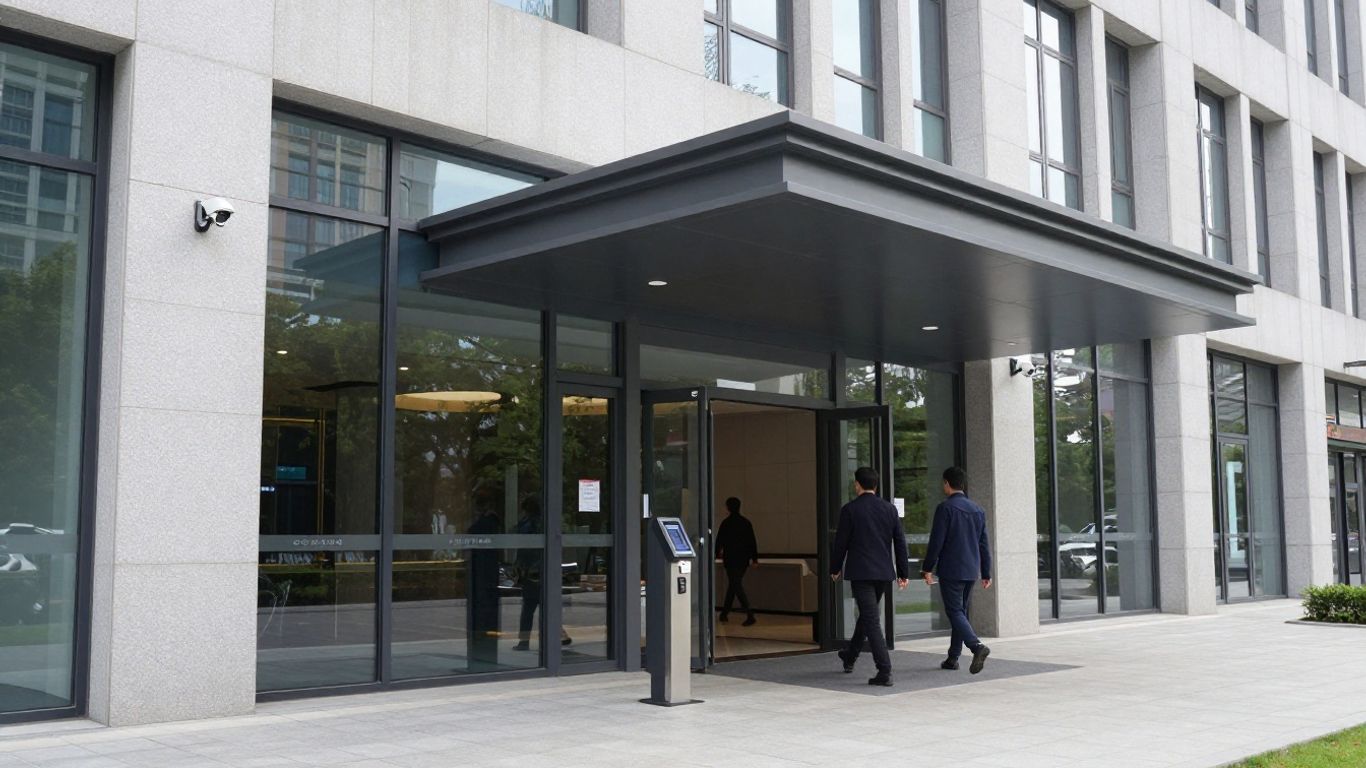
Video review is most useful when staff can move from a live view to relevant recorded footage without uncertainty about which camera covers a location. Command is documented as providing access to live and recorded footage, and its mobile app is described as providing access to cloud-based footage history. Before deployment, map cameras to locations and define who may view or manage them. These simple decisions can reduce confusion when a team needs to retrace an event.
Access control, alarms, and intercoms are related parts of a physical security program, but they do different jobs. Access control governs entry permissions, alarms can alert staff to defined conditions, and intercoms support communication at an entry point. Confirm which of these functions are included in the selected configuration and what equipment or service is required; do not assume that one system’s coverage implies another’s. A written capability check is more reliable than relying on category names alone.
Sensors and alerting can add context to a security response, but the exact supported devices and event types vary by system and configuration. Start with the conditions staff need to know about, then verify that the selected equipment can detect and report them in a useful way. The organization should also decide who receives each notification and what action is expected. Otherwise, alerts can become background noise instead of a prompt for a clear response.
A sound setup begins with operating requirements, not a rush to connect equipment. Teams should identify locations, device roles, users, and responsibilities, then confirm the network and support model before installation. Command is described as allowing organizations to set up sites and cameras, manage settings, and control user access. A staged rollout gives staff a chance to validate those basics before they become standard across multiple locations.
Create a practical deployment plan that connects each location to its devices and the people responsible for them. The plan does not need elaborate categories; it needs to be clear enough that an administrator can identify what belongs where and who can make changes. A compact planning table can surface missing decisions before equipment is installed.
| Planning area | Decision to make | Useful check |
|---|---|---|
| Sites | How locations will be named | Names match staff terminology |
| Devices | What each device is intended to cover | Coverage and location are documented |
| Users | Who needs access and for what tasks | Permissions match responsibilities |
| Ownership | Who handles routine changes | A primary contact is assigned |
After the plan is drafted, review it with facilities, IT, and the people who will use the system. That discussion often catches gaps that a device list alone misses, such as unclear responsibility for updating user access or responding to a support issue.
During installation, verify that each device is placed as planned and that its settings match the intended use. For a cloud-managed deployment, network readiness and reliable device connectivity should be checked as part of commissioning, not left until a problem appears. Confirm that authorized users can reach the functions they need and that administrative changes have an owner. Record the final configuration so later adjustments do not depend on one person’s memory.
A regular review of device status can help teams distinguish a local equipment issue from a broader network or configuration problem. Keep a simple record of the affected location, device, time observed, and steps already taken. For recurring issues, compare the record with network changes, maintenance activity, and user reports before changing settings. A defined escalation path also prevents routine troubleshooting from stalling when the usual contact is unavailable.
Once equipment is in place, the system’s value depends on whether staff can use it consistently during ordinary operations and unexpected events. Establishing a few repeatable workflows can make the difference between a platform people know how to operate and one they only open during a crisis. Keep the workflows proportionate to the organization: a single-site team may need a simple handoff, while a multi-site team may need a shared response process. Test the steps with the people expected to carry them out.
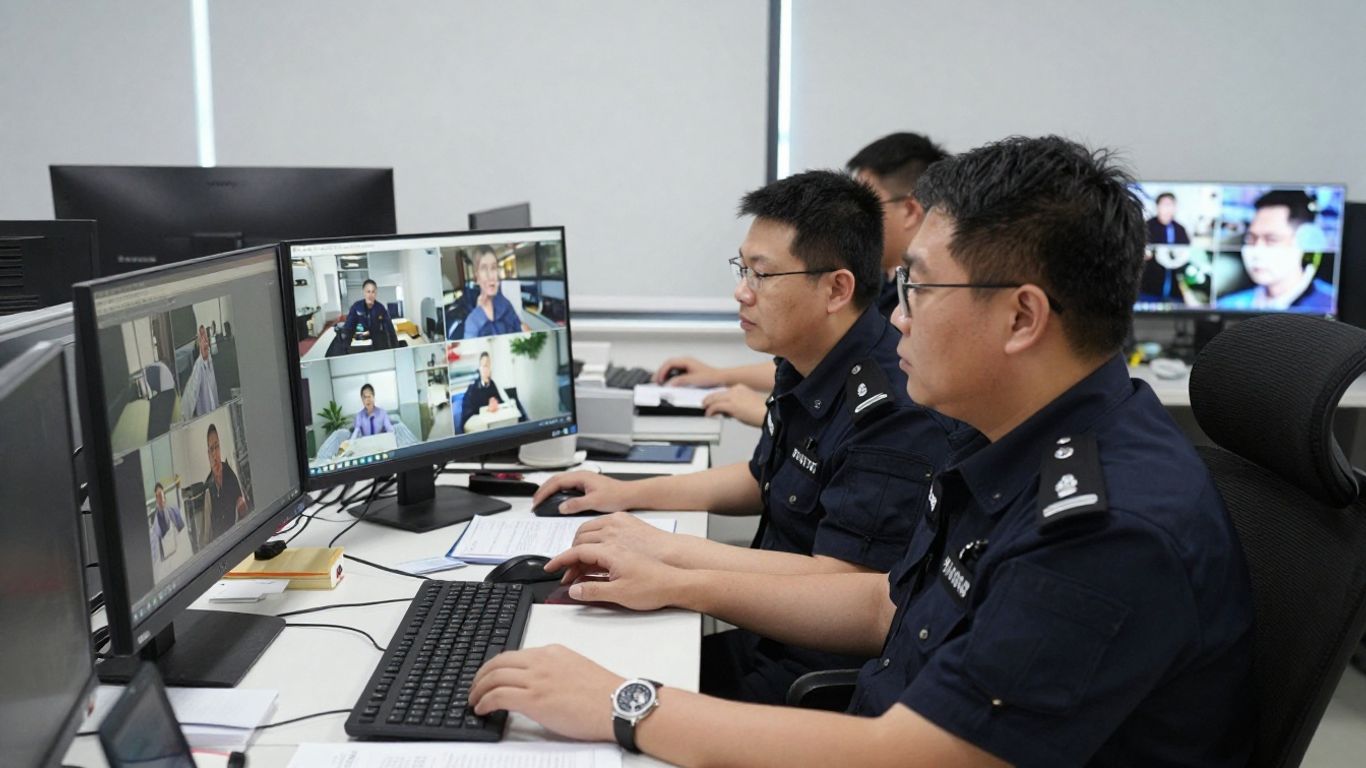
A useful review process starts with a clear question: which location, time period, or event needs attention? Staff can then identify the relevant camera, view live footage when appropriate, or review recorded footage according to their permissions and the organization’s retention rules. Avoid asking every user to search across every location by default; clear site names and camera labels make the task more focused. The aim is a repeatable investigation, not simply access to more video.
Alerting works best when it is tied to a defined response. Before enabling a notification, specify what condition should prompt it, who should receive it, and how the recipient should acknowledge or escalate it. Teams should also periodically check whether recipients still have the right responsibilities and whether the alert produces useful action. A short response plan is easier to follow than a long list of notifications with no assigned owner.
Access administration is ongoing work: people change roles, locations change how they operate, and permissions may need to be updated. Set a regular review cadence and give a named role responsibility for approving or making changes. For organizations with several locations, use consistent procedures while allowing site-specific needs to be documented. Clear handoffs help reduce confusion about who can make a change and who should be informed.
Integration decisions should begin with the devices and workflows an organization already relies on. Some teams may want to preserve existing cameras while moving toward cloud-based management; others may need to understand how a new system fits with current IT practices. The right path depends on verified compatibility, maintenance responsibilities, and the functions available in the chosen configuration. Treat integration as a design decision, not an assumption based on a product label.
Command Connector is described as a way to bridge non-Verkada cameras to Command, allowing them to be viewed and managed alongside Verkada cameras. The source also notes limitations for bridged cameras involving network reliability, camera maintenance, analytics, and alerting. That makes it important to check the specific capability comparison and understand who will maintain the existing equipment. For some organizations, retaining cameras may support a phased transition, but the trade-offs should be documented before rollout.
A request for an integration is not proof that the integration is available or that it covers the needed workflow. Ask vendors and internal technical teams to confirm supported connections, data exchanged, configuration requirements, and any ongoing maintenance. Where APIs are relevant, review the documentation and test the intended use in a controlled environment. That diligence helps avoid building a critical process around an unverified connection.
Choose an access method around the task, the user’s role, and the setting in which the work occurs. A browser workflow may suit planned administration, while a mobile workflow may be useful for authorized staff who need to view cameras away from a workstation. The Verkada Command app is described as offering camera access and footage history on mobile devices. Confirm that the required actions are available on the intended device before relying on mobile access for a time-sensitive task.
Adoption involves more than selecting devices or comparing a feature list. Organizations need to understand how permissions, connectivity, retention, privacy, support, and cost fit together across their locations. A short assessment with IT, security, facilities, and leadership can uncover requirements that would otherwise surface late in deployment. The goal is a system that fits the operating model rather than creating new work that no team owns.
Start by identifying which roles need to view footage, manage devices, or change user access. Use the least access needed for each responsibility, and define a process for reviewing permissions when staff or duties change. Ask what records are available for administrative activity and how the organization will review them. Vendor materials on privacy and transparency principles can inform questions, but internal policies and legal obligations still need their own review.
Confirm that network capacity and reliability are appropriate for the planned deployment, including any locations with different infrastructure conditions. Retention needs should be set deliberately, with attention to operational use, policy, and applicable requirements. Privacy planning should consider where devices are placed, who may access information, and how staff and visitors are informed. Document the decisions so that later changes can be evaluated against the same standards.
Compare the full operating picture, not only initial equipment costs. Include installation, network work, user administration, support responsibilities, and any recurring charges that apply to the planned configuration. A compact review can help decision-makers make the comparison practical:
Use the results to decide whether to deploy at once or begin with a limited phase. A smaller first step can reveal workflow and network issues while the organization still has room to adjust its plan.
A successful security deployment depends on clear operating requirements, thoughtful permissions, reliable infrastructure, and workflows people can follow. Evaluate the capabilities and limitations of the exact configuration under consideration, then involve security, IT, facilities, and users in planning and testing. That disciplined approach makes it easier to manage a system consistently as needs change.
Identify the locations to cover, the purpose of each device, the people who will use the system, and who will administer it. Confirm network and support requirements before installation begins.
Set permissions according to job responsibilities and provide only the access needed for each role. Establish a review process for changes in duties, staffing, or location.
Clear camera names, a defined time and location to investigate, and a consistent handoff process help staff focus their review. Retention and privacy rules should guide how footage is accessed and handled.
Testing confirms that an alert reaches the right person and prompts a useful response. It also helps teams identify duplicate, unclear, or unnecessary notifications.
Verify compatibility, available functions, network requirements, maintenance responsibilities, and any limits on analytics or alerting. Document how existing equipment will be supported over time.
Set a regular cadence based on the organization’s staffing and risk, and review access whenever roles or responsibilities change. Assign a clear owner to carry out the review.
Consider equipment, installation, network changes, ongoing service charges, support, and the staff time needed for administration. Compare those costs against the expected deployment scope and future changes.
Connect with us to explore our scalable solutions tailored to your unique needs and receive a personalized free quote.



