A practical guide comparing cloud-managed security cameras to traditional NVR/DVR systems. Learn why businesses are migrating to cloud and when on-premise still makes sense.

A well-planned access control system connects doors, people, policies, and evidence without making daily administration harder. The right design depends as much on workflows and network conditions as it does on hardware.
Verkada access control is a cloud-managed approach to controlling entry, monitoring door activity, and administering users. The system combines physical door hardware with software for credentials, permissions, schedules, and event review. For an organization evaluating the category, the central question is not simply whether doors can be locked; it is whether security and facilities teams can operate the system consistently.
Verkada Command is described as a unified cloud platform for managing physical security operations, including access control, video security, alarms, and intercoms. Administrators can use a centralized interface to manage devices, users, and sites, while role-based permissions help limit administrative access. This model can reduce dependence on local management consoles, but it still requires careful identity, network, and policy planning.
A typical deployment places a controller between the management platform and the controlled opening. Readers accept an approved credential, while the controller applies the access decision and communicates door events to the management system. Credentials may include key cards or mobile options, but the practical design depends on the selected readers, existing credentials, door type, and organizational policy.
Access events become more useful when they can be considered alongside video from the same location. An integrated system can give an investigator visual context for a door event, helping answer whether the person using a credential appears to be authorized. This does not replace a sound access policy; it gives security staff another source of information when reviewing an incident.
Cloud-managed systems depend on a working path between devices, networks, and the management service, so network design belongs in the initial assessment. At the same time, the source material describes always-available door operations using edge processing, storage, and cross-device communication during network outages. Confirm the exact offline behavior, local storage, and recovery process for the hardware selected in your proposal.
A short product demonstration can help stakeholders see the relationship between a door event, an administrative action, and related security evidence. Use it as a starting point, then validate the workflow against your own buildings and emergency procedures.
The feature set matters most when it supports repeatable daily work. Security teams may need to respond to a door event, facilities staff may need to change a schedule, and IT may need to manage identities without creating unnecessary manual steps. A useful evaluation connects each feature to a named owner and a defined operating procedure.
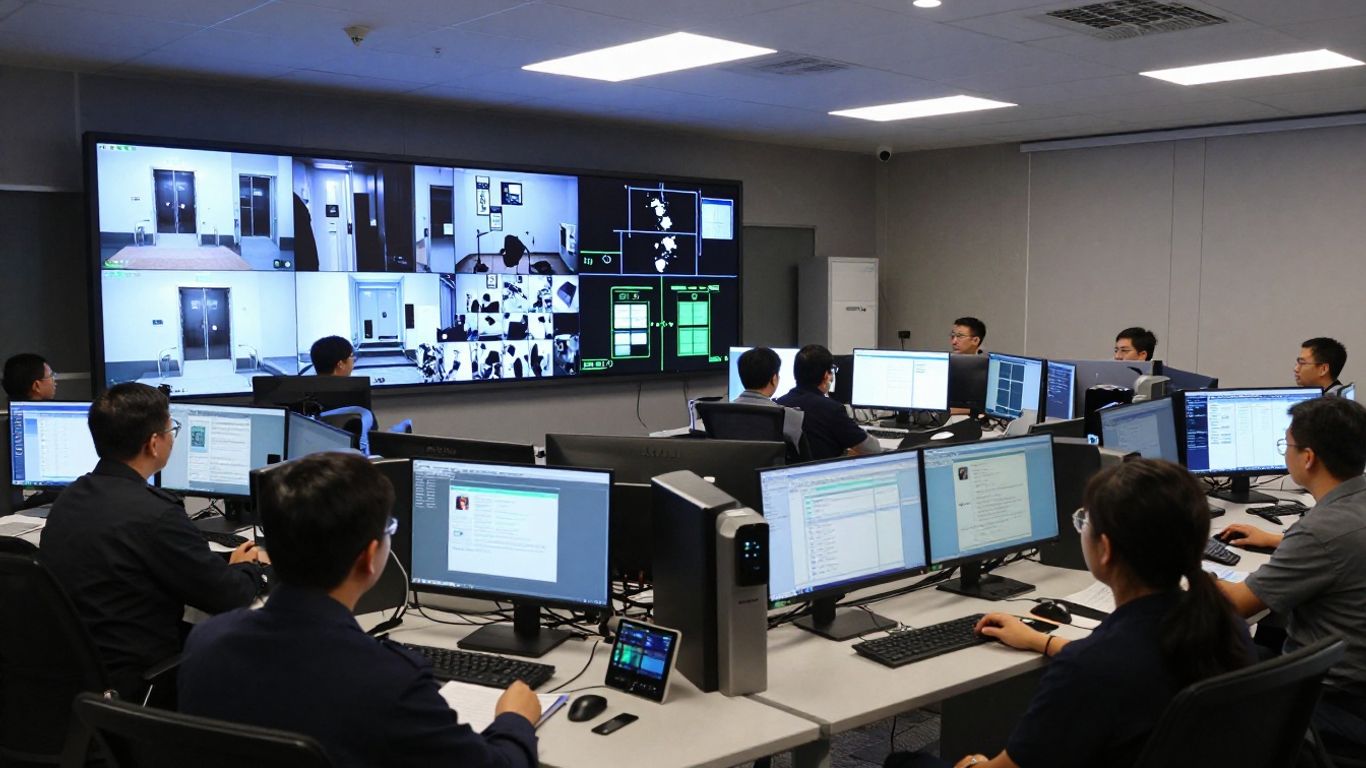
Centralized management can allow authorized administrators to review door status and respond without being physically present at the site. Remote actions should be governed by role, documented in policy, and tested with the people who will actually use them. For urgent situations, convenience is helpful only when the organization knows who can act and how the action is recorded.
Access policies should reflect job responsibilities, location, time, and risk. Rather than granting broad access to individual users, build groups around stable needs such as department, facility, or shift. This creates a more manageable review process when staff change roles or leave the organization.
Credential choice affects onboarding, replacement, convenience, and risk. Key cards can remain useful in environments where phones are restricted or shared procedures are common, while mobile credentials may reduce the need to issue physical cards. Remote unlocks require especially clear authorization rules because they change the normal relationship between a person at the door and the administrator.
Alerts should be selective enough to prompt action rather than create noise. Door-held-open conditions, unusual access times, and administrative changes are examples of events an organization may choose to review, depending on its policy and system configuration. Detailed event history also supports investigations and periodic access reviews.
Distributed organizations benefit from a consistent view of sites, users, devices, and system health. A central operating model can make standards easier to apply, but local differences still matter: a warehouse, office, clinic, and school may have different schedules and emergency needs. HTS can help define a common architecture while tailoring implementation to each location.
Software cannot compensate for an unsuitable door assembly or an unreliable network. Hardware planning begins with the opening itself: its lock type, frame, power, traffic pattern, life-safety requirements, and surrounding devices. A site survey should document these details before equipment is ordered.
Controllers provide the decision point for one or more openings, while readers provide the interface for presenting a credential. Compatibility should be confirmed at the model and wiring level, particularly when an organization wants to retain existing readers or key cards. The access control system overview describes compatibility with existing readers and keycards as well as the option to upgrade over time.
A complete opening usually includes more than a reader and controller. The lock must match the door and life-safety design, a request-to-exit device helps distinguish authorized egress from forced activity, and a door position sensor reports whether the opening is closed. Each component should be tested together, including behavior during power loss and fire-alarm events.
Intercoms and cameras can add communication and visual context around controlled doors. Other integrations may connect access events with identity systems, alarms, or operational applications, but the exact interface and responsibility should be documented. For organizations with development resources, the Verkada Access Control API documentation describes management and monitoring tasks such as users, credentials, doors, schedules, and access events.
New construction allows pathways, power, network drops, and door assemblies to be coordinated early. Existing buildings call for a more cautious approach because legacy readers, wiring, cards, and locks may not be uniformly compatible. A phased replacement can reduce disruption, provided the migration plan preserves required access and establishes a clear support boundary.
The installer and network team should agree on cable routes, switch capacity, power sources, addressing, firewall rules, and device naming before installation. Documenting these dependencies makes troubleshooting faster later. A practical bill of materials should also include spare parts, labeling, testing time, and access to locked or occupied areas.
A component matrix helps expose gaps that a simple door count can hide. The following is a useful planning format rather than a substitute for a site survey.
| Component area | Planning question | Typical owner | Verification point |
|---|---|---|---|
| Door hardware | Does the lock fit the opening and life-safety plan? | Facilities | Physical inspection |
| Credential reader | Which credentials must remain supported? | Security and IT | Compatibility test |
| Network and power | Are connectivity and backup power adequate? | IT and facilities | Commissioning test |
| Monitoring | Which events require action or review? | Security operations | Alert workflow test |
After the matrix is completed, resolve disagreements before procurement. This prevents a controller, reader, or lock from becoming the unexpected constraint in an otherwise well-designed deployment.
Access control protects physical spaces, but it also processes identity and activity data. A responsible design therefore considers authentication, administrative privilege, device security, records, privacy, and continuity together. Requirements vary by industry and jurisdiction, so the system should be mapped to the organization’s own policies and obligations.
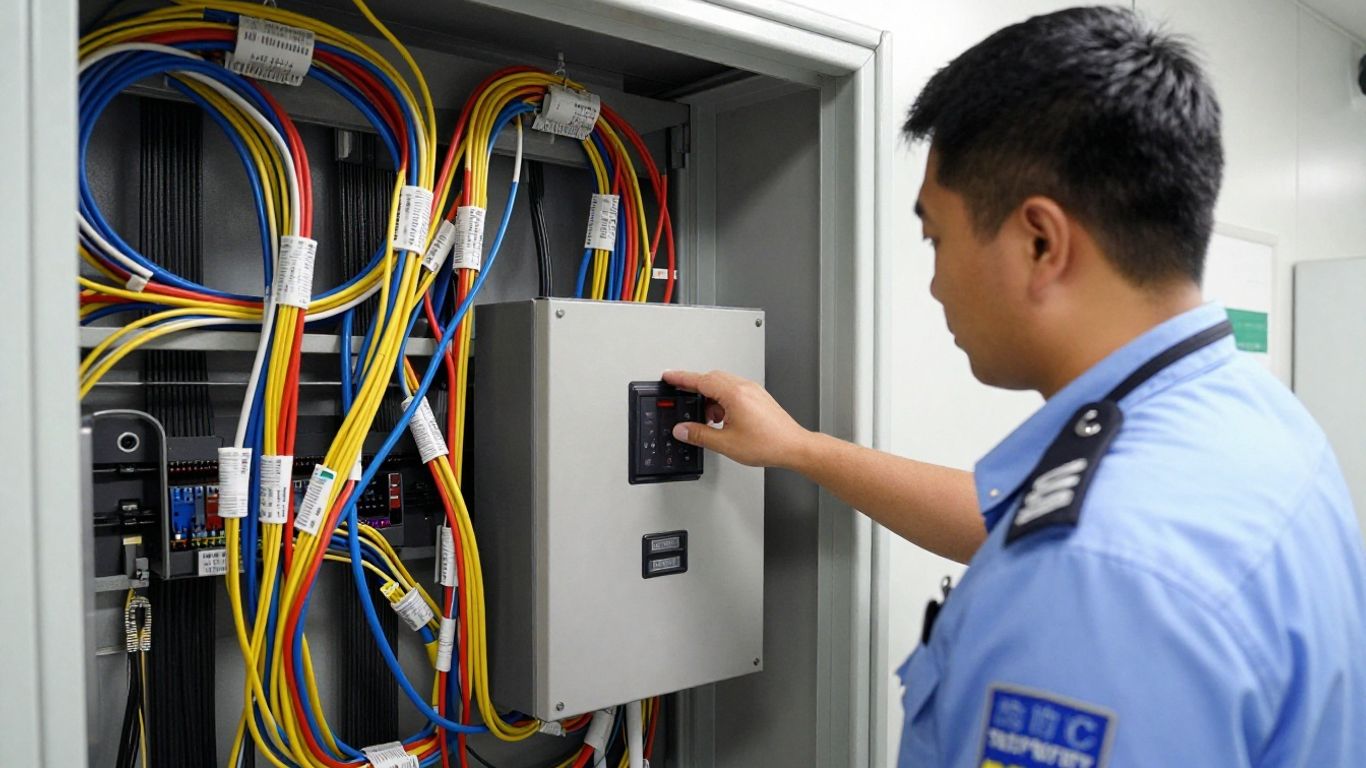
Start with the question of who needs access, to which areas, and at what times. Use named accounts where possible, minimize standing administrative rights, and establish a review cadence for users and groups. Visitor, contractor, temporary, and emergency access should have separate rules rather than being handled as informal exceptions.
Review how credentials, administrative sessions, device communications, and stored records are protected. Authentication should align with organizational identity policies, and administrative actions should be attributable to individual accounts. Also confirm how privileged roles are created, reviewed, disabled, and recovered when an administrator is unavailable.
Continuity planning should distinguish between a temporary network outage, a power interruption, and a failure of a local device. Ask which access decisions continue locally, how events are retained, and how the system reconciles activity after connectivity returns. Test these conditions at representative doors instead of assuming that one successful network test proves resilience everywhere.
Event records can support investigations, but retaining everything indefinitely may create unnecessary privacy and storage concerns. Define retention periods, access to logs and video, export procedures, and rules for sharing information. Involve legal, HR, compliance, and employee representatives when monitoring practices affect sensitive spaces or personal data.
A cloud service provider and the customer share responsibility for security. The provider may secure parts of the service and infrastructure, while the customer remains responsible for account administration, endpoint hygiene, network controls, configuration, and policy. Request current documentation and translate it into an internal responsibility matrix before approval.
Security is a system of decisions, controls, and habits—not a single hardware purchase.
That principle keeps the evaluation grounded. Even a well-integrated platform needs disciplined access reviews, tested procedures, and clear ownership after installation.
A quoted price rarely captures the full cost of an access control program. The budget may include hardware, subscriptions, installation, network work, configuration, training, support, and future changes. Comparing proposals by door count alone can conceal major differences in door condition, integration scope, and service expectations.
Separate one-time costs from recurring costs at the start of the review. Hardware covers controllers, readers, locks, sensors, and related equipment; software or subscription charges may cover management capabilities and updates; services cover design, installation, configuration, and support. Ask the provider to identify assumptions rather than presenting one blended number.
Pricing can change with the number and type of openings, the distance between buildings, existing infrastructure, credential requirements, and integration needs. A small number of complex doors may cost more to deploy than a larger group of standard openings. Multi-site work also adds travel, staging, coordination, and local compliance considerations.
Installation costs should account for electrical work, cabling, door repair, lift access, after-hours scheduling, and commissioning. Ongoing ownership may include credential administration, firmware or software maintenance, user reviews, troubleshooting, and replacement components. A managed service can make these responsibilities more predictable, but its service levels should be written into the agreement.
Cloud-managed and onsite approaches distribute costs differently. Cloud management may reduce local server responsibilities while introducing recurring subscription commitments; onsite systems may require more local infrastructure, upgrades, backup planning, and specialist support. Compare the five- to ten-year operating picture, not just the first invoice.
A pricing meeting is more productive when every bidder responds to the same scope. Ask about included licenses, warranty terms, installation assumptions, support hours, replacement procedures, integrations, and renewal changes. Also ask what happens if the organization adds a site, changes credentials, or needs to retain part of its legacy environment.
Deployment planning should begin with operations, not a product catalog. Walk the buildings, identify the people and processes affected, and document how access decisions are made today. HTS approaches this kind of work as an assessment and integration exercise, helping align physical security with network, IT, and facilities requirements.
Create a door inventory that records location, opening type, current hardware, power, network path, users, schedule, and risk. Interview reception, facilities, security, HR, and IT because each group sees a different part of the workflow. The result should identify both technical constraints and avoidable process complexity.
Translate business roles into access groups before importing users. Define normal hours, exceptions, holidays, temporary access, and approval authority, then identify who reviews those rules. A clear access model makes testing easier and reduces the temptation to solve every exception with a permanent permission.
Migration should cover credentials, door-by-door cutover, data handling, communications, and rollback. Decide whether old and new systems will run in parallel and how long that period should last. Start with a pilot that represents the most common door type and at least one higher-risk workflow.
Test identity synchronization, alerts, video context, remote actions, and any API or application workflow in a controlled environment. Separately test fire-alarm response, power loss, network interruption, forced-door events, and manual override procedures. Record expected behavior and assign someone to verify each result.
Administrators need hands-on practice with users, groups, schedules, event review, alerts, and troubleshooting. End users need concise guidance on credentials, lost cards, mobile access, and who to contact when access fails. Refresher training matters after organizational changes, major upgrades, or an incident.
The right system is the one that fits the organization’s risk, operating model, infrastructure, and budget over time. Cloud management may be attractive for teams that need centralized administration, while other environments may place greater weight on local control or specialized integrations. A fair decision compares requirements first and product features second.
Cloud-managed access control can suit offices, campuses, warehouses, and organizations that need consistent administration across locations. It may also help teams with limited onsite technology staff, provided the network and support model are sound. High-security or highly specialized sites should validate every required workflow rather than assuming a general-purpose design will fit.
A central platform can reduce the need for administrators to visit each location for routine changes. Standardized groups, schedules, naming, and reporting can also improve consistency across sites. Local teams still need defined escalation paths, especially when a door, network link, or credential reader requires hands-on attention.
Recurring fees, internet dependency, migration effort, and integration boundaries may affect the business case. Existing door hardware can reduce replacement work, but compatibility must be confirmed rather than assumed. The organization should also consider data governance, administrator training, contract terms, and the effort required to maintain accurate permissions.
Use a requirements worksheet that covers security, operations, IT, and finance. Useful questions include:
The answers should be scored against the organization’s priorities, not simply counted as feature checkmarks. A deployment that is easy to administer but difficult to support locally may not be the best overall choice.
Set a baseline before installation so the results can be evaluated fairly. Track provisioning time, unresolved access issues, alert quality, completion of access reviews, system availability, incident investigation time, and support requests by site. Review these measures after the pilot and again after the system has settled into normal operations.
Verkada access control can be a useful option for organizations seeking centralized physical security management, but success depends on more than selecting equipment. Door conditions, network readiness, permissions, continuity, integrations, training, and long-term cost all deserve equal attention. A practical assessment and carefully tested rollout give decision-makers a clearer path to a system that is secure, supportable, and appropriate for the way their organization operates.
Access control is the combination of policies, credentials, hardware, and software used to decide who may enter a space, when they may enter, and how those events are recorded.
It can be secure when the provider’s controls and the customer’s responsibilities are both addressed. Review authentication, encryption, administrative access, configuration, privacy, and incident response rather than treating cloud deployment as secure by default.
The answer depends on the system architecture and configuration. Confirm whether local door decisions continue, how events are stored, and how activity is reconciled after connectivity returns.
Some systems support existing credentials or readers, while others require changes. Compatibility should be checked for each card technology, reader, controller, and door configuration before migration.
Costs vary with the number and complexity of doors, hardware, licensing, installation, network work, integrations, support, and future changes. A multi-year total-cost comparison is more useful than a hardware-only quote.
Timing depends on building access, door conditions, cabling, approvals, procurement, integrations, and the number of sites. A pilot followed by phased installation can reduce operational disruption.
Review frequency should match organizational risk and policy. Many organizations review permissions after role changes and on a scheduled basis, with separate attention to privileged, temporary, contractor, and emergency access.
Connect with us to explore our scalable solutions tailored to your unique needs and receive a personalized free quote.



