A practical guide comparing cloud-managed security cameras to traditional NVR/DVR systems. Learn why businesses are migrating to cloud and when on-premise still makes sense.

Choosing among access control companies starts with understanding your facilities, users, risks, and operating model. The right decision balances security, integration, support, and total cost rather than focusing on a feature list alone.
A useful buying process begins before any vendor demonstration. First clarify what the system must protect, who needs access, and how the organization manages people, buildings, and technology today. This creates a practical baseline for comparing access control companies. It also helps prevent an attractive feature from driving a decision that does not fit daily operations.
A small office, healthcare site, warehouse, school, and multi-location enterprise can have very different access patterns. Consider the number of buildings, doors, employees, contractors, visitors, and operating hours. A single-site organization may prioritize simple administration, while a distributed business may need centralized oversight and consistent policies across locations.
List the systems already in place, including locks, readers, cameras, alarms, identity directories, and network equipment. The physical environment matters too: exterior gates, shared lobbies, loading areas, elevators, and remote facilities may each require a different approach. Harris Technology Services works with single-site and multi-site organizations, which makes facility scope an appropriate starting point for a tailored assessment.
Walk the property and document every point where a person, vehicle, or package can enter. Then group those points into zones such as public, employee-only, restricted, high-security, and emergency-access areas. This exercise often reveals doors that were overlooked in an initial estimate, along with places where access rules should be different from the surrounding space.
Record the door hardware, power availability, connectivity, life-safety constraints, and expected traffic at each location. A server room and a reception entrance should not be evaluated with the same assumptions. The goal is a clear door schedule that connects each opening to a risk level and an operational purpose.
Access should follow job responsibilities rather than convenience. Define how employees, managers, vendors, temporary workers, visitors, and emergency personnel receive, use, and lose access. The principle of least privilege is a useful reference: each person should receive only the access needed for their role and approved tasks.
Also decide who approves access, how quickly changes must take effect, and how departures are handled. If an employee changes departments, a contractor finishes a project, or a credential is lost, the organization needs a repeatable revocation process. These workflow details can matter more than the reader hardware itself.
Set a budget range, but do not reduce the comparison to the lowest initial quote. Establish requirements for uptime, reporting, privacy, regulatory review, integration, and future growth at the same time. A system that fits one site today may become expensive or difficult to administer after an acquisition or office expansion.
Write down measurable goals such as reducing manual credential changes, consolidating administration, or standardizing access policies across locations. A written baseline improves decisions because every proposal can be tested against the same requirements. It also gives finance, IT, facilities, and security a shared way to discuss tradeoffs.
Access control systems vary in how they identify users, where software runs, and how administrators manage events. There is no universal best type; the appropriate model depends on risk, connectivity, staffing, and the existing environment. Use the categories below to frame vendor conversations rather than treating them as mutually exclusive choices.
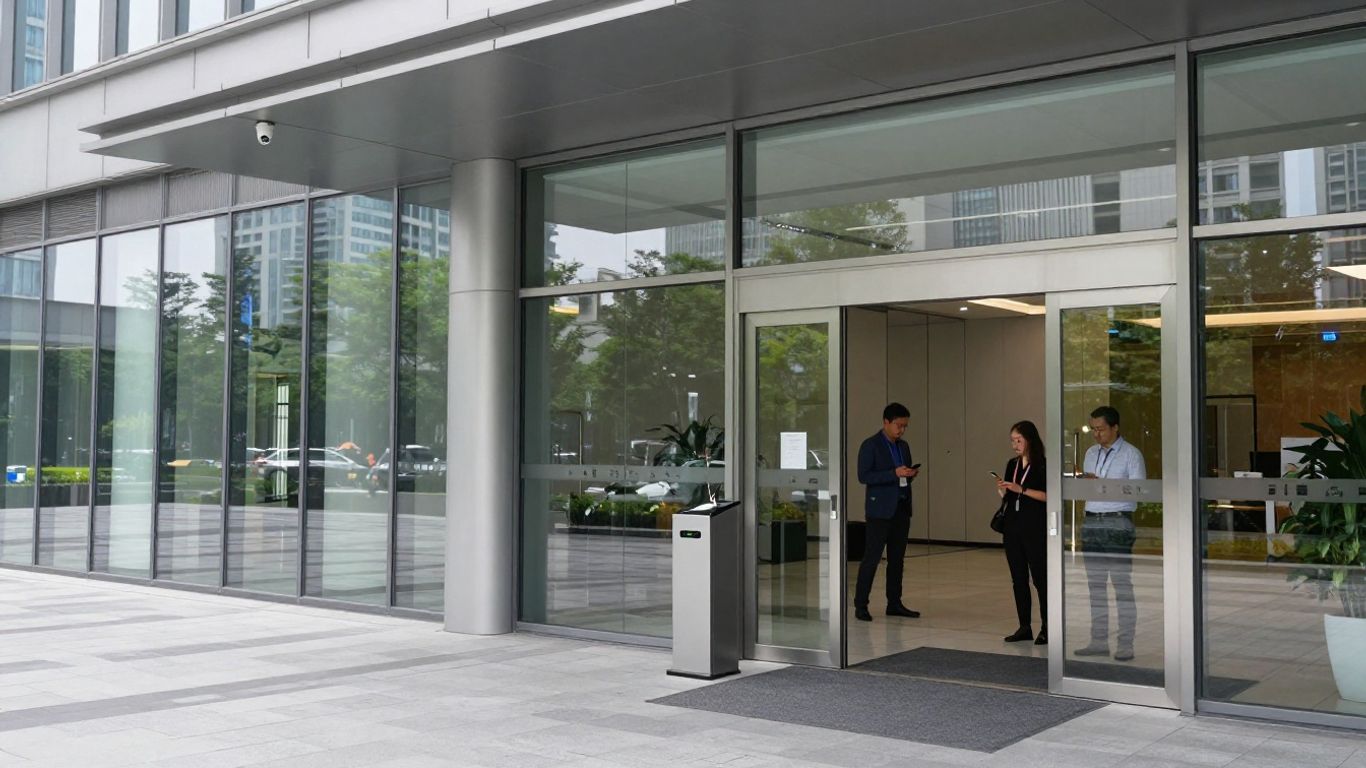
Cards, badges, and fobs remain familiar options for offices, campuses, industrial sites, and shared facilities. They can be straightforward to issue and understand, especially where employees already carry identification badges. Buyers should ask about card formats, credential duplication risks, reader compatibility, replacement procedures, and what happens when a credential is reported missing.
The operational question is not only whether a badge opens a door. Review how quickly administrators can assign or revoke it, whether permissions can be grouped by role, and how events are reviewed afterward. Physical cards may also require a plan for printing, inventory, and temporary credentials.
Mobile credentials can reduce the need for physical cards, while biometric methods use a physical characteristic such as a fingerprint or facial feature. Each option introduces different usability, privacy, support, and fallback considerations. Phones can be lost or uncharged, and biometric data requires especially careful handling and transparent policy.
Ask how users are enrolled, what happens when a device changes, and whether another credential is available during an outage or exception. The best choice depends on the population using the system, the sensitivity of the space, and the organization’s ability to support the process consistently.
Cloud-managed platforms generally centralize administration and may reduce the need for local servers, while on-premises systems can suit organizations with established infrastructure or specific control requirements. Hybrid arrangements are also possible. Compare not just hosting location, but update responsibility, network dependencies, backup procedures, identity management, and remote administration.
A proposal should explain what remains on site, what data travels outside the facility, and what the organization can still do if connectivity is interrupted. Harris Technology Services supports integrated, cloud-managed or on-premise systems, so deployment should be matched to the organization’s operating model rather than selected as a slogan.
Visitor workflows extend beyond employee access. Intercoms, reception tools, temporary passes, delivery procedures, and visitor logs can help an organization manage people who are not regular credential holders. Review how invitations are created, how hosts are notified, and how a visitor’s access ends.
Video can add context at an entry point, but it should not automatically replace a broader access policy. Ask how visitor events relate to door events, cameras, and incident review, and make sure the workflow remains usable during busy periods. A short demonstration with a real visitor scenario is often more revealing than a feature sheet.
Once requirements are clear, compare providers on the complete operating experience. Hardware, software, installation, integrations, support, and future changes all affect whether a system remains useful after deployment. A structured comparison helps separate meaningful differences from marketing language. For broader market context, this access control company comparison can be read alongside your own requirements and site assessment.
Start with the doors and devices you actually need, then examine the administrative software. Check readers, controllers, locks, request-to-exit devices, power supplies, credentials, alarms, and management interfaces. Ask whether the proposed equipment works with existing door hardware or requires a broader replacement program.
Software should make common tasks clear: adding a user, changing permissions, responding to a lost credential, reviewing an event, and producing a report. Request a live demonstration of those workflows. A polished dashboard matters less if routine administration requires specialist intervention.
Access control rarely operates alone. Consider connections with video surveillance, intrusion detection, visitor management, identity platforms, human resources systems, building management, and emergency procedures. Define what an integration actually does, whether it is native or dependent on an intermediary, and who maintains it after deployment.
Ask for a simple data-flow explanation: which system creates the user, which system approves access, and where the resulting event is recorded. Harris Technology Services provides physical security, IT, network infrastructure, and managed technology solutions, so integration should be evaluated across the full environment rather than door by door.
Some organizations need a standard rollout, while others have unusual buildings, acquisition histories, or operating rules. Compare configuration flexibility, templates, approval workflows, reporting, APIs, and migration tools. At the same time, distinguish useful customization from changes that create a costly system no one can maintain.
The deployment plan should name phases, dependencies, testing responsibilities, training, and acceptance criteria. For a multi-site rollout, ask whether one location can be used as a pilot and how lessons from that pilot will affect later sites. Clear boundaries make customization safer and easier to budget.
Relevant experience can shorten discovery and expose requirements that a generic proposal misses. Ask whether the provider has worked with similar building types, user populations, operating hours, and regulatory pressures. Experience should be demonstrated through specific project patterns, not simply a list of industries on a website.
A good discussion includes difficult cases: shared tenants, temporary staff, restricted rooms, after-hours deliveries, emergency access, and disconnected locations. Use those scenarios to test whether the proposed approach reflects how your organization actually operates.
A door system controls physical movement, but it also creates records about people, time, location, and activity. That makes security and privacy requirements central to the purchase. Review technical safeguards alongside governance, retention, access review, and incident procedures. The access control selection guidance offers useful background on evaluating scalable systems, centralized management, installers, and cost structures.
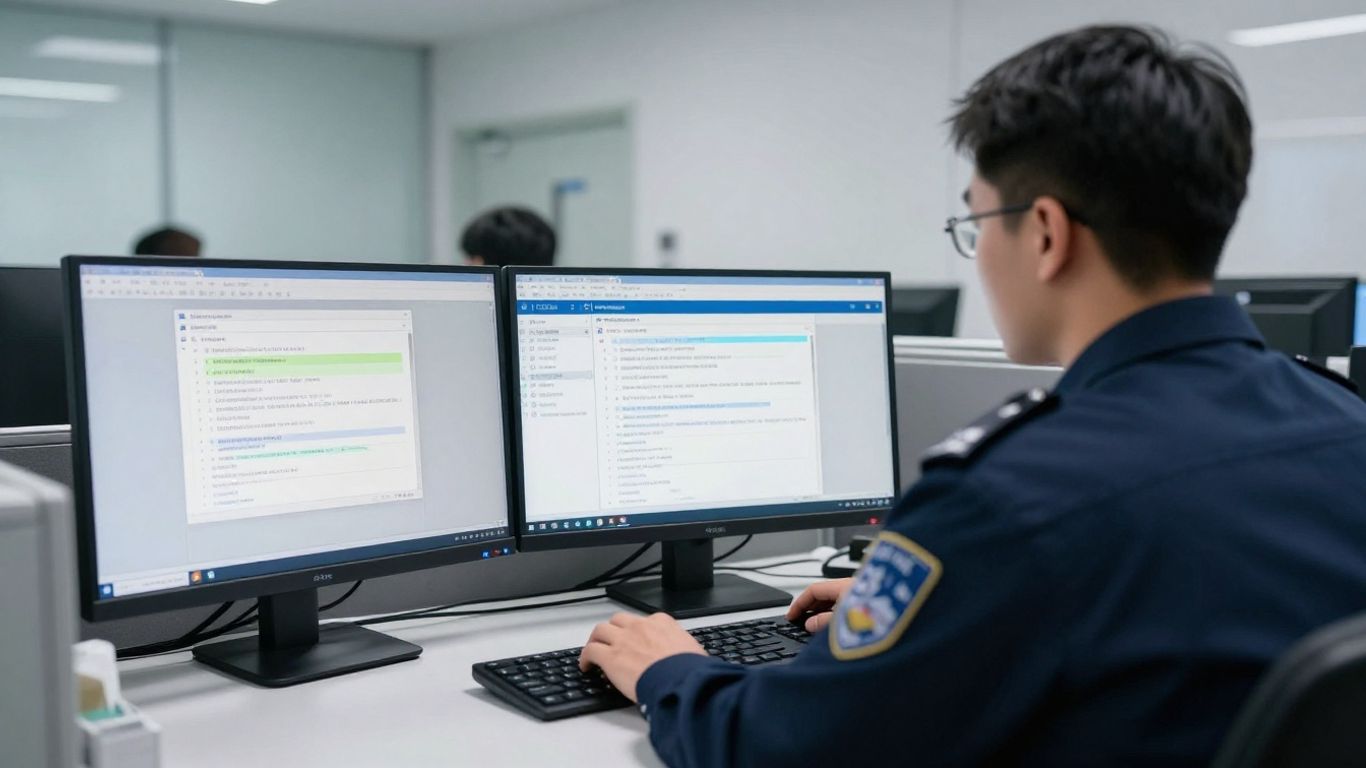
Ask how administrators authenticate, how users receive credentials, and how privileged actions are protected. Review support for strong authentication, role-based administration, credential lifecycle controls, secure communications, and device security. Do not accept a general statement about encryption without asking what is encrypted, where, and during which part of the data flow.
Also examine resilience. Determine how the system behaves during a network interruption, power event, controller failure, or loss of a cloud connection. Security depends on both prevention and a controlled response when normal conditions change.
Find out what information is collected, where it is stored, how long it is retained, and who can access it. Biometric information and detailed movement records may require additional review by legal, privacy, human resources, or compliance teams. The vendor should be able to explain deletion, export, correction, and access procedures in plain language.
Document responsibilities between the provider and your organization. A contract should address subprocessors, breach notification, data return, termination, and changes to the service. Privacy review is easier when these questions are answered before implementation rather than during an incident.
Reporting should support both everyday administration and formal investigation. Confirm that the system records credential changes, permission changes, denied attempts, door events, administrator actions, and relevant visitor activity. Check timestamp accuracy, search options, export formats, and the ability to preserve records when needed.
Ask to see reports using realistic scenarios, such as identifying who entered a restricted room during a defined period or determining when a former employee’s access was removed. Reports should be understandable to security and operations staff, not only to a technical administrator.
Requirements vary by industry, location, workforce, and data type. Map the system to obligations that may apply to privacy, records, workplace safety, healthcare, education, financial services, or government operations. Do not assume that a vendor’s general compliance statement covers your specific responsibilities.
Use a written control matrix showing each requirement, the proposed system response, the responsible party, and the evidence available for review. This approach makes gaps visible and gives auditors a clearer trail than a collection of brochures.
A capable product can still fail if deployment is rushed or support is unclear. Installation affects doors, power, networks, life-safety interfaces, user records, and daily operations. Evaluate the provider’s ability to coordinate those dependencies and remain accountable after the system goes live. The service model should be part of the purchase decision, not an afterthought.
Request a project plan that covers discovery, design, procurement, installation, configuration, testing, training, and handover. Clarify who surveys doors, who validates network readiness, and who coordinates with electricians, locksmiths, facilities teams, and IT. For occupied sites, the plan should explain how access remains available during cutovers.
Onboarding should include administrator setup, role definitions, documentation, and a process for correcting issues discovered after launch. A phased approach may reduce disruption, especially when several locations or legacy systems are involved.
Training should reflect the different people who use the system. Administrators need deeper instruction on permissions, reports, and troubleshooting, while reception or facilities staff may need concise workflows for visitors and exceptions. Ask whether training is live, recorded, documented, or repeated for new staff.
Support questions should have clear answers: how tickets are submitted, which issues are handled remotely, when an engineer becomes involved, and whether after-hours assistance is available. Harris Technology Services manages solutions end to end, so ownership of support and escalation should be explicit in the proposal.
Every system needs maintenance, even when much of the management is remote. Identify firmware updates, battery replacement, reader cleaning, controller checks, credential reviews, backups, and periodic access recertification. Ask which tasks your staff perform and which are included in the service.
Maintenance also includes keeping documentation current. Door schedules, network diagrams, administrator lists, and emergency procedures should reflect the installed system. Without that discipline, a well-designed deployment can become difficult to troubleshoot after staff or building conditions change.
Service-level terms should define priority levels, response targets, restoration goals, communication methods, and escalation paths. Distinguish between a cosmetic software issue, a single-door failure, and a site-wide outage. Each may require a different response and a different business impact assessment.
Review exclusions, travel charges, replacement-part policies, holiday coverage, and remedies if service targets are missed. Specific language is more useful than a broad promise of responsive support, particularly for organizations with critical or geographically dispersed facilities.
The first quote rarely captures the full cost of access control. Hardware, installation, software, credentials, connectivity, training, support, replacements, and future expansion can all affect the budget. Compare proposals over a defined period, such as three or five years, using the same number of doors, users, sites, and service assumptions. This is where a practical pricing overview can help frame questions without replacing vendor-specific estimates.
Ask for an itemized bill of materials and separate one-time costs from recurring charges. The estimate should identify readers, controllers, locks, power supplies, panels, servers or appliances, software licenses, credentials, and required accessories. Confirm whether quantities are based on current doors only or include anticipated growth.
Licensing may be calculated by door, user, site, device, feature, or connection. Request definitions for each unit and ask what happens if those quantities increase. Comparable line items make it easier to see whether a lower quote simply moves costs into another category.
Installation can include site surveys, cabling, electrical work, door modifications, programming, testing, permits, and after-hours labor. Migration may add data cleanup, credential replacement, directory mapping, parallel operation, and decommissioning of legacy equipment. These tasks should appear in the proposal even if another party will perform them.
Ask how change orders are approved and priced. A detailed assumption list reduces surprises when a door has unusual hardware or a network requires remediation. It also clarifies which internal resources must be available during the project.
Cloud services may introduce recurring fees for management, support, storage, integrations, analytics, or additional users and doors. On-premises systems can carry different recurring costs for maintenance, hosting, upgrades, and specialist labor. Compare the payment model with the organization’s budget preferences and procurement rules.
Review renewal terms, annual increases, minimum commitments, cancellation provisions, and data access after termination. A subscription can be predictable when its scope is clear; it becomes difficult to manage when essential capabilities are spread across optional add-ons.
Plan for readers, locks, controllers, batteries, servers, network equipment, credentials, and software changes over the useful life of the system. Ask how upgrades are delivered, whether older hardware remains supported, and what happens when a component reaches end of life. Include labor and downtime in the estimate, not just the replacement part.
A five-year view should also account for organizational change. New buildings, acquisitions, mergers, policy changes, and increased visitor volume can affect capacity. A slightly higher initial cost may be reasonable if it reduces disruptive replacement later, but that judgment should be supported by numbers.
The final choice should reflect both product fit and provider accountability. Look for a partner that can explain tradeoffs, document assumptions, and coordinate the people and systems involved. Harris Technology Services is positioned to provide nationwide physical security, IT, network infrastructure, and managed technology solutions, which is relevant when one organization needs coordinated support across locations. Still, every claim should be tested against your own requirements and contract terms.
Send shortlisted providers the same scope, door schedule, user assumptions, integration needs, service expectations, and pricing horizon. Require a response that identifies exclusions and unresolved questions. A product demonstration should use your workflows, not only the provider’s preferred script.
Ask each finalist to show onboarding a user, changing access, revoking a credential, reviewing an event, handling a visitor, and responding to a disconnected site. Those practical moments reveal administrative effort and operational fit quickly. Record the results in a comparison matrix for the decision team.
Speak with organizations that resemble yours in size, industry, site count, and complexity. Ask how implementation went, how support performs during urgent events, whether billing is predictable, and what the customer would change. Case studies can provide useful context, but they should be treated as individual experiences rather than guaranteed outcomes.
Reviews are most useful when patterns appear across several sources. Look for recurring comments about communication, project management, service continuity, and clarity of scope. A provider should be comfortable allowing detailed reference conversations rather than offering only carefully selected praise.
Discuss what happens when doors, users, sites, integrations, or administrators increase. Ask about capacity limits, migration paths, supported hardware, release practices, and notice for material product changes. A scalable system is not only one that can add doors; it must remain manageable as policies and responsibilities become more complex.
Also clarify how roadmap decisions affect your organization. Find out how customers receive release notes, how changes are tested, and whether older integrations remain supported. These answers help distinguish sustainable growth from a short-term fit.
Before approval, bring security, IT, facilities, finance, legal, privacy, and operational stakeholders together for one final review. The decision should confirm not just what the system does, but who owns each task before, during, and after deployment. A final checklist can keep late-stage enthusiasm from hiding unresolved assumptions.
Confirm the following items before signing:
Use the completed checklist in the contract review and project kickoff. The strongest provider relationship begins with shared expectations that can be measured after deployment.
The right access control decision comes from matching facility needs, user workflows, security requirements, integrations, service expectations, and long-term cost. By comparing providers against a documented baseline and testing their proposals with real scenarios, organizations can choose a system that is practical to operate today and prepared for measured growth.
Start with facility scope, entry points, user groups, security zones, existing systems, compliance needs, and growth plans. These requirements provide a consistent basis for evaluating products and providers.
Neither model is universally better. Cloud-based systems may simplify centralized administration, while on-premises systems may suit organizations with specific infrastructure, control, or connectivity requirements. Compare the complete operating model.
Costs vary by doors, hardware, credentials, software, installation, integrations, support, and deployment model. Request an itemized estimate and compare total ownership costs over several years rather than relying on the initial quote.
Common considerations include video, intrusion detection, visitor management, identity directories, human resources systems, building management, and emergency workflows. The right integrations depend on existing technology and operational priorities.
Document what information is collected, where it is stored, how long it is retained, who can access it, and how it is deleted or exported. Involve legal, privacy, and compliance stakeholders when biometric or detailed movement data is involved.
It should define priority levels, response and restoration targets, escalation paths, communication procedures, after-hours coverage, exclusions, replacement policies, and remedies for missed commitments.
Ask how the platform handles additional doors, users, sites, integrations, administrators, and policy changes. Review capacity, supported hardware, migration options, release practices, and the provider’s experience with organizations of comparable complexity.
Connect with us to explore our scalable solutions tailored to your unique needs and receive a personalized free quote.



