Explore Genetec Omnicast's advanced IP video surveillance. Discover editions, core capabilities, analytics, and cybersecurity features for robust security.

So, you're looking into Genetec Omnicast for your video surveillance needs? It's a pretty big player in the IP video game, and for good reason. It's not just about watching cameras; it's about making sense of what you're seeing and using that information to keep things secure. Whether you've got a small shop or a sprawling campus, Genetec Omnicast aims to be the backbone of your video system, pulling everything together so you can react faster and investigate smarter. Let's break down what this system can actually do for you.
Genetec Omnicast isn't a one-size-fits-all kind of deal. It's built with different needs in mind, which is why they offer several editions. Think of it like picking a phone plan – you get options based on how much you plan to use it and what features you really need. This approach means you're not paying for stuff you'll never touch, but you also have room to grow.
Omnicast comes in three main flavors: Standard, Pro, and Enterprise. The Standard edition is pretty straightforward, usually best for a single location. It gives you the core video management features without a lot of the complexity you might find in bigger systems. It’s a solid starting point if you’ve got one building or a small campus to keep an eye on.
As your needs get bigger, so do the Omnicast editions. The Pro edition is designed for places that are expanding, maybe adding a few more sites or just needing more cameras at their main location. It offers more capacity and management tools. Then there's the Enterprise edition. This is the big one, built for massive deployments. We're talking thousands of cameras spread across many locations, like city-wide surveillance systems or huge industrial complexes. It’s made to handle that kind of scale without breaking a sweat. This flexibility is a big reason why many organizations choose Genetec Security Center.
So, how do you pick? It really comes down to a few things:
Making the right choice upfront saves a lot of headaches down the road. It's better to plan for growth than to have to overhaul your system later because you outgrew your initial setup.
For example, a small retail store might be perfectly happy with Standard, while a university campus would likely need Pro or even Enterprise to cover all its buildings and outdoor areas. It’s all about matching the system’s capabilities to your specific operational requirements and future plans.
Omnicast really shines when it comes to managing your video streams. It’s built to be flexible, letting you record and store footage in ways that make sense for your setup. Think about how much video you actually need to keep and for how long. Omnicast helps you figure that out.
This system is smart about how it handles video. It can record multiple types of streams at once, which is great for saving network bandwidth. For bigger setups, it uses clever ways to manage traffic, making sure the important video stays clear without bogging down your network. This means you can use your network more effectively and potentially save money on storage.
The goal here is to make sure you're not wasting resources. By recording efficiently and managing your network traffic smartly, you can keep costs down while still getting the video you need.
Having all your recorded video in one place makes it easy to find later. Omnicast lets you set up different levels of storage – think of it like having a fast-access filing cabinet for recent files and a slower, cheaper archive for older documents. This tiered approach helps you manage how long you keep footage, balancing accessibility with cost.
This setup is designed to lower your long-term hardware expenses. Plus, it can work with existing storage you might have, or even record video right at the camera's location if needed.
Omnicast isn't just about recording; it's also about making that footage useful. It includes tools that go beyond simple playback. You can search through recordings much faster, detect motion automatically, and get alerts when something specific happens. This means less time spent scrubbing through hours of video and more time finding the actual event you're looking for. It helps speed up investigations and makes sure you can respond quicker when incidents occur.
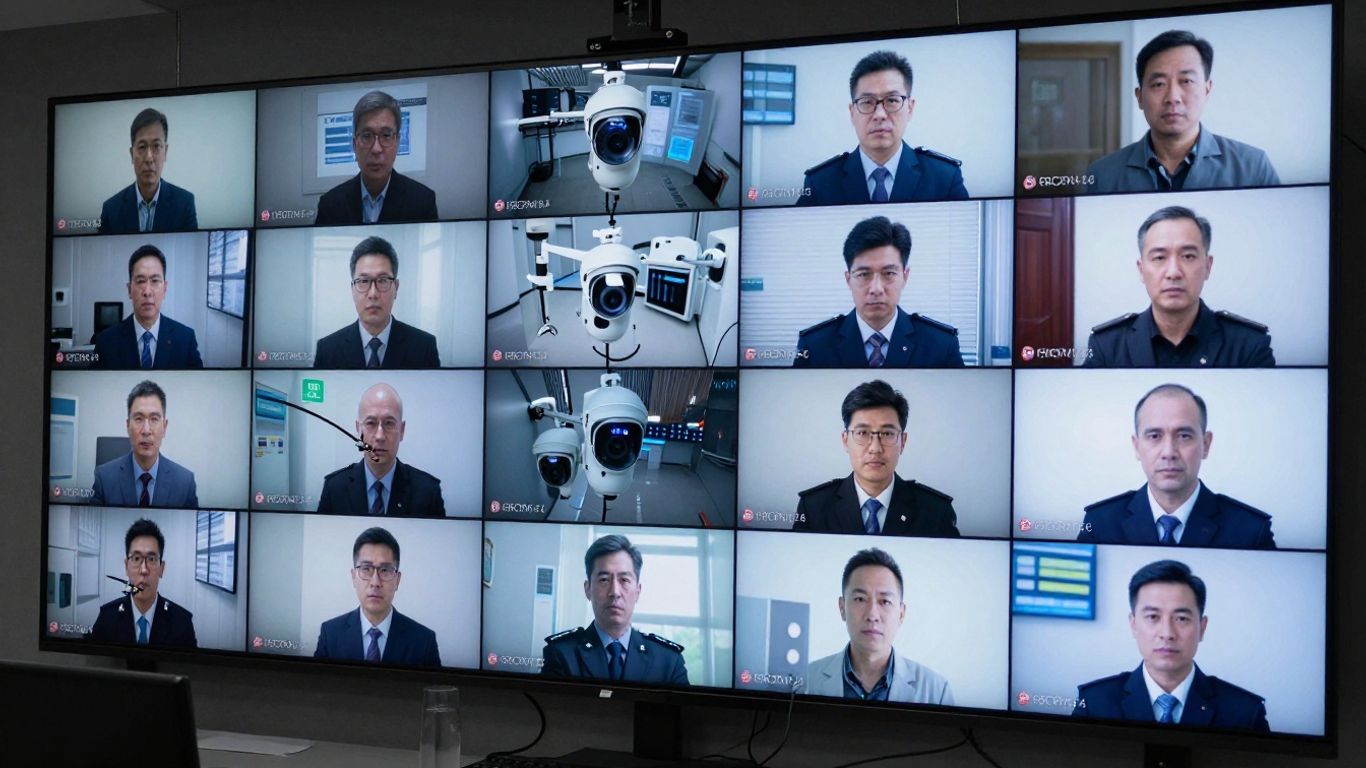
Genetec Omnicast isn't just a standalone video system; it's designed to be a central piece of your entire security setup. Think of it as the eyes and ears that connect with other security functions, making everything work together more smoothly. This means you're not just watching cameras; you're actively managing security across different areas.
One of the biggest advantages of Omnicast is how it plays nice with other security systems, especially access control. Instead of having separate systems for video and door locks, Omnicast, as part of the Genetec Security Center platform, brings them into one place. When an access event happens, like a door being forced open, Omnicast can automatically bring up the camera feed for that specific door. This makes it much faster to see what's going on. It's a big step up from having to manually switch between different software.
This unified approach means fewer blind spots and quicker reactions to potential security breaches. It transforms separate security tools into a cohesive defense.
Omnicast lets you build automated workflows, or
Keeping tabs on everything that's happening can be tough, especially in big places. Omnicast helps make sense of all the video feeds so you can see what's important, right when it matters. It's all about giving operators the right information, quickly and clearly.
The main screen in Omnicast is designed to be easy to use, even when things get hectic. You can see live video, review past footage, and grab video clips for evidence, all from one spot. This means less clicking around and more focus on the actual event. Operators can set up custom views that fit their job, showing them exactly what they need to see. It cuts down on confusion and helps teams react faster.
Imagine a map of your facility right on the screen. Omnicast lets you put camera icons on these maps. If something happens, you can just click the icon on the map, and the video feed from that camera pops up instantly. This is super helpful in large areas like airports or train stations where finding the right camera quickly is key. You can also group cameras together, so if you're looking at a specific area, you can see all the relevant cameras at once.
When an alarm goes off, Omnicast can automatically do things to help. For example, an alarm in a certain area could automatically bring up the video feeds from nearby cameras, start recording at a higher quality, or even send a notification to specific people. This built-in workflow helps make sure that important alerts don't get missed and that the right steps are taken immediately. It turns a simple alert into a structured response.
Setting up these automated responses means that even during a busy shift, critical events get the attention they need without relying solely on an operator remembering every single step. It builds a reliable process for handling incidents.
Here's a quick look at how an alarm might trigger a response:
Keeping your video data safe and sound is a big deal, and Omnicast takes it seriously. It’s not just about stopping bad guys from getting in; it’s also about making sure the footage you have is trustworthy and protected.
Think of encryption as a secret code for your video streams and recordings. Omnicast uses strong encryption methods to scramble this data, so even if someone managed to intercept it, it would just look like gibberish. On top of that, it has detailed access controls. This means you can set exactly who gets to see what, and when. You can create different user roles, like an administrator who can change settings, a supervisor who can view live feeds, and a regular operator who can only access specific cameras. This role-based access control is key to preventing unauthorized viewing or tampering.
Security isn't a one-time setup; it's an ongoing process. Omnicast gets regular updates, kind of like how your phone gets software updates to patch up any new security holes that might pop up. These updates often come out every couple of weeks, bringing new features and fixing potential vulnerabilities. Beyond software, the system also keeps an eye on your cameras and recording devices. It can alert you if a camera goes offline, if a hard drive is getting full, or if there are network issues. This proactive monitoring helps you catch problems before they become major security gaps.
Maintaining the health of your surveillance devices is just as important as securing the data itself. A compromised or malfunctioning camera is a blind spot, and Omnicast's monitoring tools help keep those blind spots to a minimum.
When you need to use video footage as evidence, you need to be absolutely sure it hasn't been altered. Omnicast helps with this by keeping detailed audit trails. Every action taken within the system – like who accessed a recording, when they accessed it, and if they exported it – is logged. This creates a clear history, or chain of custody, for your video evidence. This is super important for legal proceedings and investigations, as it proves the integrity of the footage from the moment it was recorded to when it's presented.
Look, video surveillance is great and all, but sometimes you just get buried in footage. It’s like trying to find a specific needle in a haystack the size of a football field. That’s where KiwiVision comes in. It takes all that raw video data and turns it into something you can actually use. Think of it as a translator for your cameras, making sense of what they're seeing so you can do your job better. This means you can spot problems faster, keep an eye on how things are running, and even get a better idea of how your business is doing, all from your video feeds. It’s about moving beyond just recording to actually understanding.
Nobody likes feeling like they're being watched all the time, right? Genetec gets that. KiwiVision has features built-in to help protect people's privacy. It can blur faces or mask areas, so you can still monitor what's going on without invading personal space. This is super important for keeping staff, customers, and visitors comfortable while still maintaining a secure environment. You get the security benefits without the privacy headaches.
Ever wonder how many people are actually in a store or at an event? KiwiVision can tell you. Its people counting feature tracks the flow of individuals, giving you real numbers. This isn't just for security; it can help with staffing, understanding customer traffic patterns, or even planning event capacity. Knowing these numbers helps you make smarter choices about how to manage your space and resources.
Here's a quick look at what KiwiVision analytics can do:
The goal here is to make your security system work smarter, not just harder. By automating the analysis of video feeds, KiwiVision frees up your team to focus on what really matters – responding to actual incidents and making informed decisions based on solid data, not just guesswork.
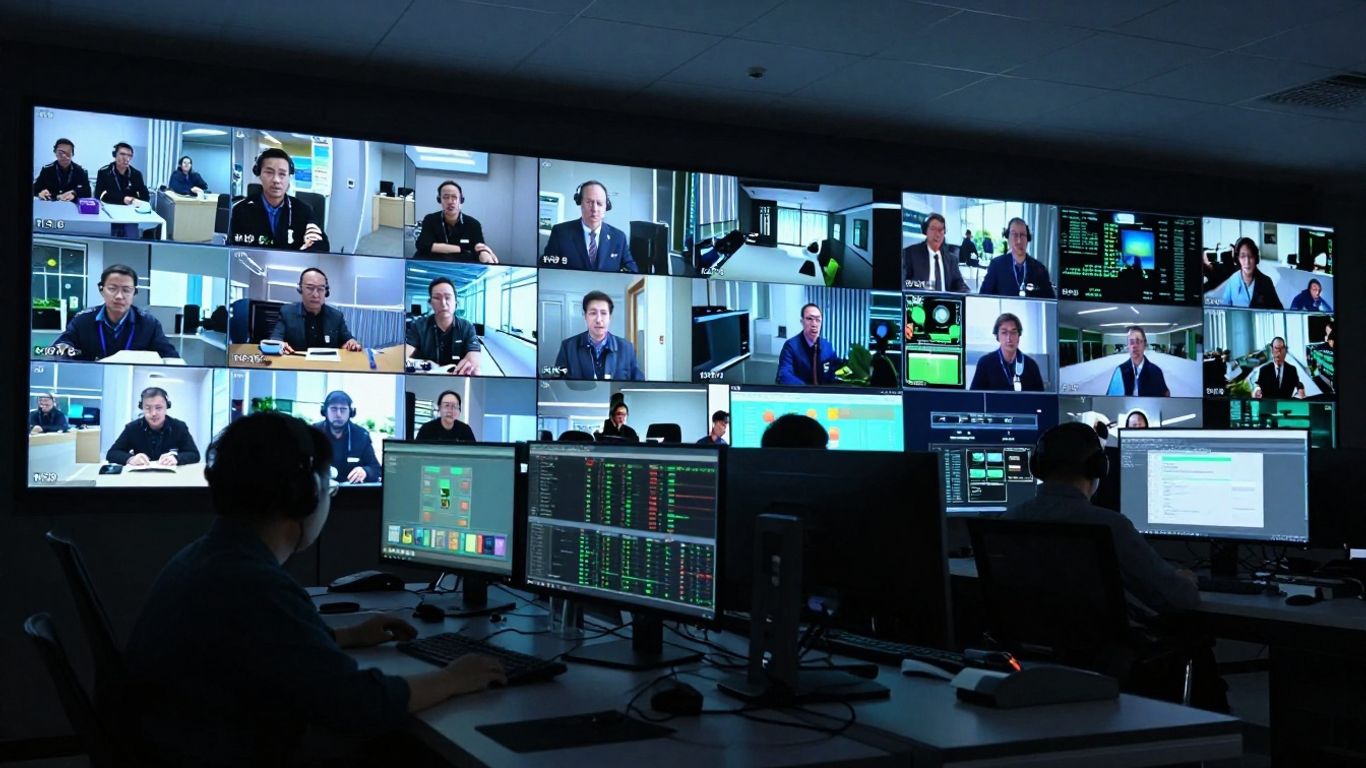
Genetec Omnicast is built to fit wherever you need it. You can start with a simple setup on a single server, perfect for smaller operations. As your needs grow, the system scales up. It supports clustered configurations for high availability, meaning if one server hiccups, another takes over without missing a beat. This is great for places that can't afford any downtime. For bigger, spread-out organizations, like those managing multiple buildings or even city-wide systems, Omnicast offers geographically redundant architectures. This means critical video streams are copied to different locations, providing a safety net against major site issues.
When we talk about high availability, we're really talking about keeping the video flowing. Think of it like having a backup generator for your security system. Omnicast's server clustering ensures that if a hardware component fails, the system automatically switches to a standby server. This failover process is usually so quick that recording doesn't stop. Geographic redundancy takes this a step further. It's about replicating your video data and system operations to a separate physical location. This is a big deal for businesses where losing video feeds for even a short time could have serious consequences, like in transportation hubs or critical infrastructure sites. It's all about making sure you have eyes on everything, all the time.
Keeping an eye on things 24/7 is the whole point, right? Omnicast is designed with this in mind. The system's architecture, combined with its redundancy options, aims for near-constant uptime. This isn't just about recording; it's about making sure operators have access to live feeds and recorded footage when they need it, especially during an incident. The system also includes features that help manage bandwidth efficiently, so even with many cameras, the network doesn't get overloaded. This means smoother operation and less chance of a system slowdown impacting monitoring capabilities.
Planning for continuity means thinking about what happens when things go wrong. It's about building a system that can withstand hardware failures, network issues, or even larger disruptions, so your security operations can keep running without interruption. This proactive approach saves a lot of headaches down the line.
Here's a quick look at how the redundancy options stack up:
So, that's the lowdown on Genetec Omnicast. It really seems like a solid system for keeping an eye on things, whether you've got a small shop or a whole city to watch. It's built to grow with you, and the way it handles video, plus all the extra smarts you can add on, makes it more than just a bunch of cameras. It's about making sense of what's happening and being ready for anything. Plus, they seem to be thinking about security and privacy, which is pretty important these days. If you're looking to upgrade your video setup, Omnicast is definitely worth a look.
Think of Genetec Omnicast as the smart brain for video cameras in a security system. It's a computer program that lets you watch live video from all your cameras in one place, record what they see, and find important moments later. It's a key part of Genetec's bigger security system, helping keep places safe.
Yes, it's designed to be flexible! Omnicast can connect with many different types of IP cameras and other security gear, even if they're from different companies. This means you don't have to replace all your existing cameras to use it.
Omnicast is really good at managing video. It can record footage efficiently, saving space and money. It also lets you store videos in different ways, like keeping the most recent footage easily accessible and older footage in a more cost-effective spot, making sure you have what you need when you need it.
It's built to grow with you. There are different versions of Omnicast. A basic version works great for a single location, while more advanced versions can handle thousands of cameras across many different sites, like an entire city or a large university campus.
Security is a big deal for Omnicast. It uses special codes (encryption) to protect video, controls who can see what, and keeps a record of who did what in the system. This helps make sure your video evidence is safe and can be trusted.
Absolutely. Omnicast is designed to work with other security systems, like door access control. This means if something happens, like a door being forced open, the system can automatically show you the video from nearby cameras, giving you a complete picture to react faster.
Connect with us to explore our scalable solutions tailored to your unique needs and receive a personalized free quote.