What is the difference between Avigilon Unity and Alta? Avigilon Unity is designed around on-premises video and access-control management, while Avigilon Alta uses a cloud-native operating model. The better fit depends on data-location requirements, IT ownership, connectivity, integrations, retention, and how security teams need to manage sites and events.
Compare Avigilon Unity (on-premise) and Avigilon Alta (cloud) security solutions. Find the best Avigilon platform for your organization's needs.

When you're looking at security systems, Avigilon has two main options: Unity and Alta. It can be a bit confusing to figure out which one is right for your business. One is designed for keeping everything on your own servers, while the other is all about the cloud. We're going to break down what each one does and help you see the differences so you can make a smart choice for your security needs. HTS stocks Avigilon Unity hardware, including the dome camera line, for on-premise deployments.
Avigilon really offers two main ways to handle security, and it's not just a minor difference. They've got Avigilon Unity, which is your go-to for keeping everything on your own servers, and then there's Avigilon Alta, built from the ground up for the cloud. Both systems bring together video surveillance and access control, often with smart AI features, but how you set them up and manage them is pretty different.
Think of Avigilon Unity as the traditional, robust choice. It lives entirely within your organization's network. This means you have direct control over all your data, which is a big deal for places with strict rules about where information can be stored. It's built for situations where you need that hands-on management and don't want your security data leaving your own servers. It's a solid option if you've got the IT staff to manage it and want that level of direct oversight.
Avigilon Alta, on the other hand, is all about the cloud. There's no need for a bunch of servers on-site to run it. You can manage everything from pretty much anywhere using a web browser or an app. This makes it super flexible, especially if you have multiple locations or need to check in on things when you're not at the office. It's designed to be easy to use and update, with a lot of the heavy lifting handled by the cloud infrastructure.
So, what's the big picture difference? It really boils down to where your data lives and how you want to manage your system. Unity gives you maximum control on-site, which is great for data sovereignty and custom setups. Alta provides flexibility and remote access, making it simpler to manage across different sites and reducing the need for on-site hardware.
Here's a quick look at some key differences:
Choosing between these two platforms isn't just about picking a product; it's about deciding on an operational strategy for your security. Your organization's specific needs regarding data privacy, IT resources, and desired flexibility will guide you to the right fit.
For organizations where keeping data strictly within their own network is a must, Avigilon Unity really shines. Think government agencies, banks, or places handling sensitive health information. Because everything runs on your own servers, you have total control over where your video footage and access logs go. This makes meeting strict regulations and compliance rules a lot simpler. You don't have to worry about data leaving your premises, which is a big deal for many industries.
Unity isn't just about recording video; it's about making sense of it. It comes with powerful AI tools that can do things like recognize faces, read license plates (LPR), and even spot unusual movements or potential threats like firearms. These analytics help security teams focus on what's important, cutting down on manual review time and speeding up response when something happens. It's like having an extra set of eyes that never get tired.
When you pair Unity's video system with its access control features, you get a really connected security setup. You can link access events, like someone badging in, directly to the video footage from that exact moment. This makes it much easier to see who was where and when, especially in busy or high-security areas. It's great for keeping track of people moving through different parts of a building or campus.
One of the big pluses for Unity is how well it scales up. It's built to handle a lot, supporting thousands of cameras and doors at a single site. This means it's a solid choice for large businesses, industrial complexes, or anywhere with a big security footprint. You can start with what you need now and grow the system as your organization expands, without hitting major roadblocks. It's designed for the long haul and for big operations.
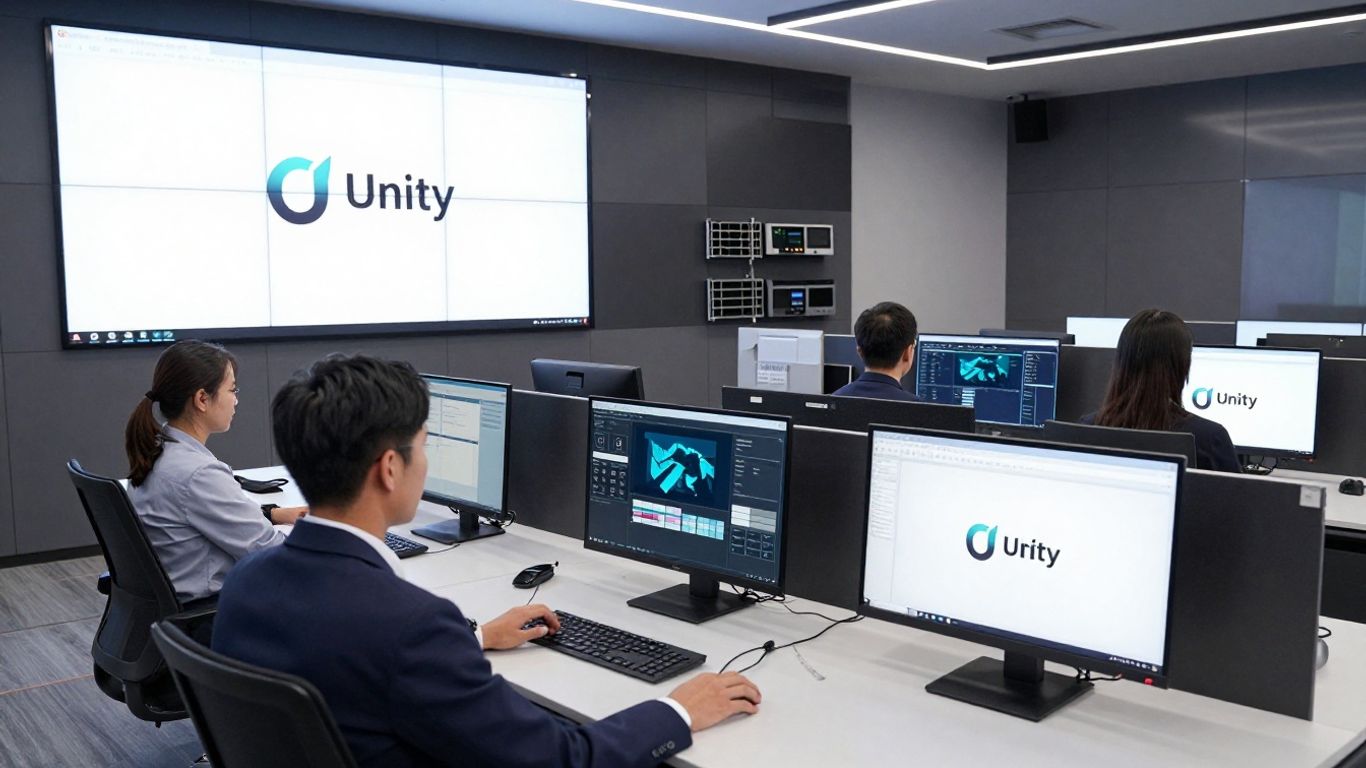
Forget about needing a server room or dedicated hardware on-site. Avigilon Alta is built from the ground up as a cloud-native solution. This means your security system lives in the cloud, which really simplifies things. You don't have to worry about buying, installing, or maintaining physical servers. It's all handled remotely. This approach makes it super flexible, especially if you have multiple locations or need to scale up quickly. The entire system is serverless by design, making it secure and adaptable. This is a big change from older systems that needed a lot of on-premise gear.
One of the biggest perks of a cloud-based system like Avigilon Alta is managing it from anywhere. Whether you're at home, on vacation, or at another office, you can access your security feeds, manage access permissions, and review events right from your phone or laptop. This level of remote access is a game-changer for security teams. It allows for real-time monitoring and quick responses, no matter where you are. You can even integrate your current IT stack using the App Marketplace or create your own custom apps.
Avigilon Alta doesn't just stream video; it makes that video smart. It uses artificial intelligence to analyze footage, helping you spot important events faster. Think of it like this: instead of you watching hours of footage, the AI does the heavy lifting. It can detect unusual activity, differentiate between people and vehicles to cut down on false alarms, and even track movement patterns. This means your security team can focus on what really matters and respond to actual threats more quickly. It's a proactive way to handle security, rather than just reacting after something happens.
When it comes to access control, Avigilon Alta offers a cloud-based system that's easy to manage and scale. You can control who has access to different areas, manage credentials, and monitor entry events all through the cloud. This is great for businesses that are growing or have changing security needs. You can add or remove doors and users without needing to overhaul your on-site hardware. It's designed to grow with your organization, providing enterprise-grade protection for every site. This cloud approach also means you can integrate your existing security hardware using Avigilon Cloud Connectors, extending the life of your current devices.
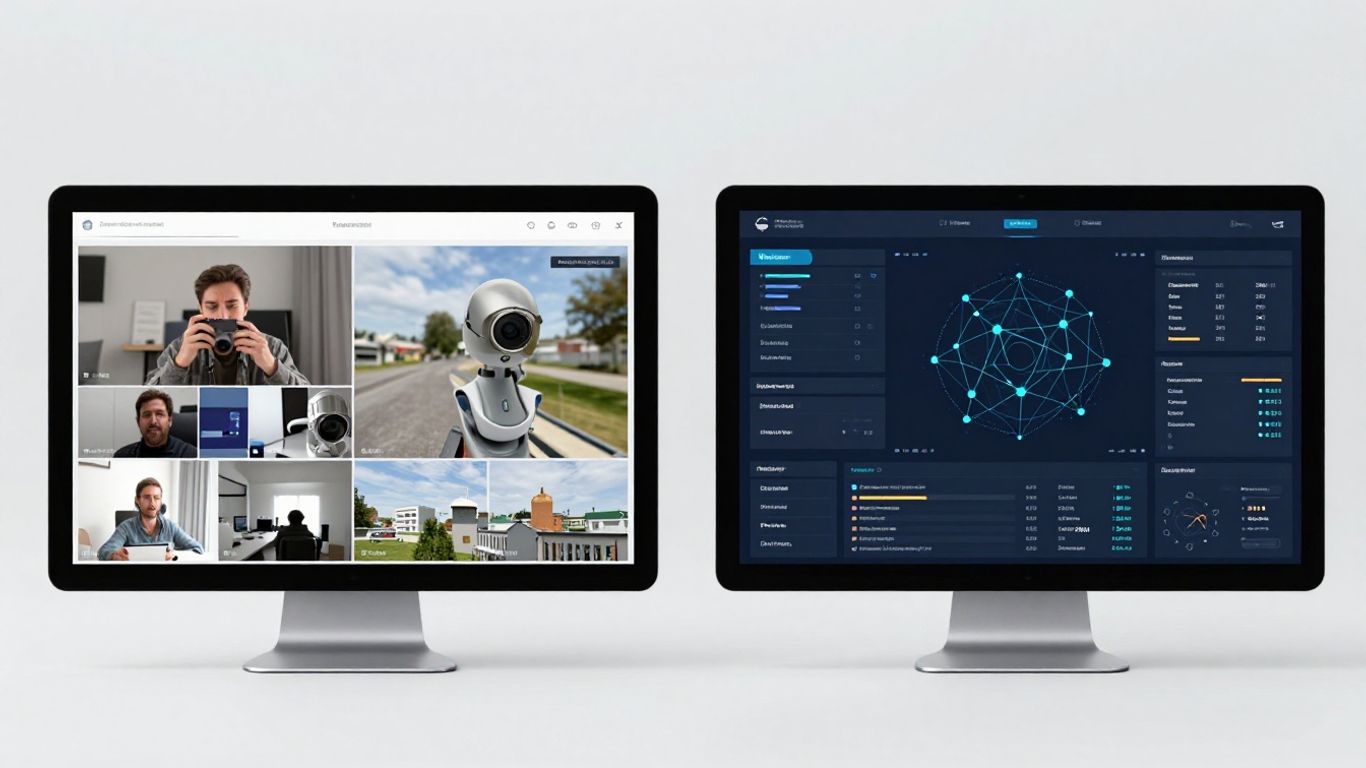
When you're looking at Avigilon's security systems, the video management side of things is a big piece of the puzzle. You've got two main flavors: Avigilon Unity Video and Avigilon Alta Video. They both do the job of keeping an eye on things, but they go about it in pretty different ways, mostly depending on whether you want everything on your own servers or if you're cool with the cloud.
This is probably the biggest difference. Unity Video is your classic on-premise setup. That means you need servers, storage (like NAS or SAN), and maybe even special appliances for the AI stuff, all sitting in your building. All your video footage lives right there, on your network. Alta Video, on the other hand, is totally cloud-native. No servers to buy or maintain on-site. Your video data is stored securely in the cloud. This makes Alta a lot simpler to get started with if you don't have a big IT department or want to avoid upfront hardware costs. It's a pretty big shift from traditional systems, and you can read more about enterprise security systems to get a broader picture.
Both systems pack some serious AI punch, but the specifics vary. Unity Video uses what they call AdaptAI, which is really good at things like facial recognition, license plate reading, and detecting unusual motion or even firearms. It's designed for deep, on-site analysis. Alta Video also uses AI, but it's more focused on cloud-based anomaly detection, tracking people and vehicles, and providing smart search capabilities. Think of Alta's AI as being optimized for remote access and quick investigations using cloud power, while Unity's is more about intensive, localized analysis.
How you get to and control your video feeds is another key area. With Unity Video, you're primarily accessing it over your local network. You can set up remote access, but it often involves more configuration. Management is more hands-on, with software updates needing manual installation. Alta Video is built for remote access from the ground up. You can manage your entire system from any web browser or mobile device, anywhere. Updates happen automatically in the cloud, which means you're always on the latest version without lifting a finger. It's a much more flexible approach for managing security across multiple locations or when your team is often on the go.
When it comes to growing your system, Unity Video scales well on-premise, supporting a large number of cameras per site. However, you're limited by your own hardware. If you need more storage or processing power, you have to buy and install more equipment. Updates for Unity also require manual effort, which can be time-consuming for large deployments. Alta Video's scalability is essentially limitless because it's cloud-based. Need more storage? Just adjust your cloud plan. Need to add more cameras? It's usually straightforward. The automatic updates are a big plus here, keeping your system secure and up-to-date without the hassle of manual installations. This cloud-first approach is a major draw for many organizations looking to simplify their security operations.
The choice between Unity and Alta for video management really boils down to your organization's IT infrastructure, data handling policies, and how you prefer to manage and access your security footage. If data sovereignty and deep on-premise control are paramount, Unity is the way to go. If flexibility, remote management, and minimal IT overhead are your priorities, Alta is likely the better fit.
When you're looking at Avigilon's security systems, the access control side of things also splits into Unity and Alta. It's not just about cameras; how people get in and out of your buildings is a big deal too. Both systems handle this, but they go about it in pretty different ways, which really matters depending on what your organization is like.
Unity Access is built for the traditional setup. It needs an on-premise server and controllers to run. This means you've got hardware on-site that you're responsible for managing. It's a solid choice if you have the IT staff and infrastructure already in place and prefer keeping everything within your own network. On the flip side, Avigilon Alta Access is completely cloud-based. There are no local servers needed for the core management. This makes setup a lot simpler and means you don't have to worry about maintaining physical server hardware. It's a big plus for places that want to keep their IT footprint small or are spread across multiple locations.
How people actually use their credentials to get through doors is a key difference. Unity Access offers some mobile support, but it's not its main focus. You'll typically be using card-based credentials, PINs, or maybe biometrics. Alta Access, however, really leans into mobile. It's designed for a modern, mobile-first approach, allowing users to unlock doors with their phones, digital guest passes, or even smartwatches. This "Wave to Unlock" feature is pretty neat for quick entry. It's all about making access convenient and flexible for everyone, from employees to visitors.
With Unity Access, system updates are a manual affair. You'll need your IT team to install them, which can take time and planning. This gives you control, but it also means you might not always be on the very latest version right away. Alta Access, being cloud-native, handles updates automatically. This is a huge benefit because it means your system is always up-to-date with the latest security patches and features without you having to lift a finger. Management is also a big differentiator. Unity is managed locally, while Alta can be managed from anywhere with an internet connection, which is great for remote teams or managing multiple sites.
When it comes to growing your system, both platforms can scale, but they do it differently. Avigilon Unity Access can handle a large number of doors, up to 4,000 per site. This is impressive for on-premise systems and works well for large, single locations. Avigilon Alta Access, on the other hand, offers unlimited cloud-based scalability. This means as your organization grows or adds new locations, the access control system can expand without the typical hardware limitations you'd hit with an on-premise solution. It's built to grow with you, easily.
Choosing between Unity and Alta for access control really comes down to your existing infrastructure, how much control you want over your data and hardware, and how important mobile access and remote management are to your daily operations. If you're all about keeping things on-premise and have the resources to manage it, Unity is a strong contender. But if you're looking for flexibility, ease of management, and a mobile-friendly experience, Alta is likely the way to go. You can explore more about Avigilon Alta Access for cloud-based access control.
So, you've looked at Avigilon Unity and Avigilon Alta, and now you're probably wondering which one is the better fit for your specific situation. It's not a one-size-fits-all kind of deal, you know? Both are solid security platforms, but they really shine in different environments. Think of it like picking the right tool for a job – you wouldn't use a hammer to screw in a bolt, right?
Avigilon Unity is your go-to if you're all about keeping things on-premise. This is especially true for places like government buildings, financial institutions, or healthcare facilities where data control and strict compliance are non-negotiable. If you need your video and access control data to stay firmly within your own network, Unity is the way to go. It's also great for large-scale operations that manage thousands of cameras and doors, and where having direct network access and advanced customization is key. Plus, if you've got a dedicated IT team ready to manage hardware and software updates, Unity fits right in.
Unity provides a robust on-premises alternative for organizations that need local storage and server-based security.
Now, Avigilon Alta is where the cloud really comes into play. This platform is fantastic for businesses that want a more flexible, low-maintenance security system. Think multi-location businesses that need to manage everything remotely from a central point. It's also a great choice if you're looking to reduce your IT overhead, as there's zero on-site infrastructure required. Alta is built for ease of use, with automated software updates and mobile management being big pluses. If you're interested in a cloud-native access control solution, Avigilon Alta Access is worth a look.
When you're making the final call, consider a few things. Your existing IT infrastructure is a big one – do you have servers and the staff to manage them, or do you prefer a cloud-based setup? What are your compliance needs? Some industries just can't go fully cloud. Budget is always a factor, too, though both platforms offer different cost structures. And think about how you want to manage the system day-to-day. Do you want hands-on control with Unity, or the hands-off convenience of Alta? For organizations looking for a cloud-native video security solution, Avigilon Alta simplifies operations. Ultimately, the best choice depends on what makes the most sense for your organization's specific operational style and security goals.
So, we've looked at Avigilon Unity and Avigilon Alta, and it's pretty clear they're both solid choices for security. Unity is your go-to if you need everything on-site and want total control, especially if data rules are a big deal for you. On the other hand, Alta is the cloud-native option, making things flexible and easy to manage from anywhere, which is great if you've got multiple locations or just want less hassle with hardware. Deciding between them really comes down to what your business needs most – whether that's keeping everything local or embracing the cloud. Either way, Avigilon seems to have a good setup for different kinds of organizations.
Think of Avigilon Unity as the 'stay-at-home' option. It keeps all your security information right there in your building, which is great if you have super strict rules about data or need total control. Avigilon Alta is like the 'go-anywhere' option. It's all online (in the cloud), so you can manage your security from anywhere using your phone or computer, and it doesn't need much equipment at your location.
If keeping your data completely within your own building is a top priority, especially for rules like those in banks or government buildings, Avigilon Unity is usually the better choice. Because it stays on your property, you have direct control over where your information goes.
Yes, but Avigilon Alta is built for easy phone use. You can unlock doors, check cameras, and manage things from anywhere with your phone. Avigilon Unity can have some mobile features, but Alta is designed from the ground up to be managed remotely and on the go.
For Avigilon Alta, the answer is mostly no! It's cloud-based, so you don't need big servers on-site. Avigilon Unity, on the other hand, needs servers and other equipment right there at your location to work.
Avigilon Alta is generally simpler to set up and maintain because it doesn't require a lot of hardware at your location. Updates happen automatically online. Avigilon Unity requires more setup and management of the equipment you have on-site.
Absolutely! Both Avigilon Unity and Avigilon Alta can use cameras with advanced Artificial Intelligence (AI) features. These features help detect unusual activity, recognize faces, or read license plates, making your security smarter.
Connect with us to explore our scalable solutions tailored to your unique needs and receive a personalized free quote.