Explore the Unifi Dream Router 7: an all-in-one home network solution with Wi-Fi 7, multi-gig ports, and NVR capabilities. Learn about its performance and ecosystem.
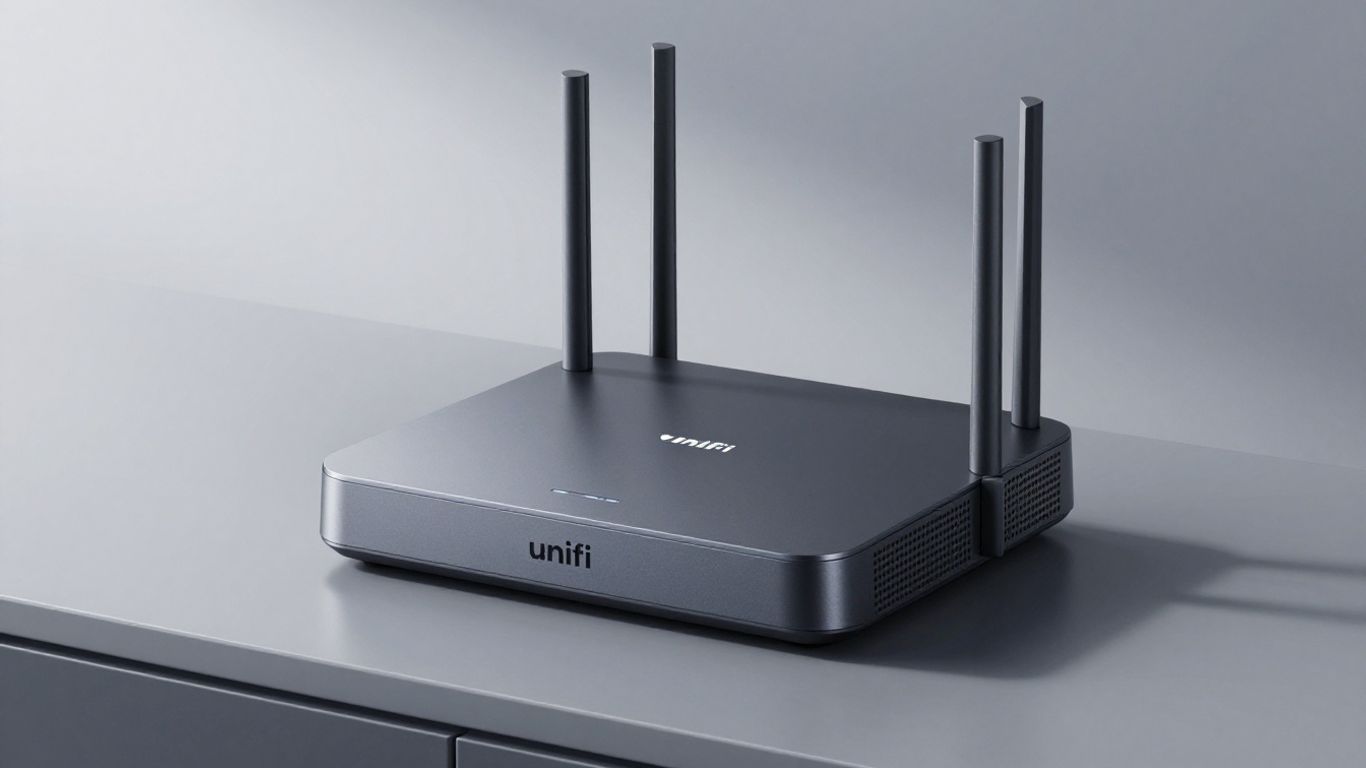
So, I've been messing around with home networks for a while now, and Ubiquiti's UniFi stuff keeps popping up. Their latest gadget, the UniFi Dream Router 7, is pretty interesting. It's supposed to be an all-in-one solution for your home internet. I've been looking into what it can actually do, and honestly, it seems like a solid option if you're tired of your old router or need something that can handle faster internet speeds. Let's break down what this thing is all about.
Ubiquiti's UniFi Dream Router 7, or UDR7, is the latest iteration in their line of compact, all-in-one network devices. It's designed to be more than just a router; it's a central hub for your entire home network. Think of it as the brain that manages your internet connection, Wi-Fi, and even security cameras, all packed into a surprisingly small and good-looking unit. This device aims to simplify your home networking setup without sacrificing performance. It's built to handle modern internet speeds and the growing number of devices we all have connected these days.
The UDR7 isn't the first of its kind from Ubiquiti. It follows in the footsteps of earlier models like the original UniFi Dream Machine (UDM) and the UniFi Dream Router (UDR). Each generation has brought improvements, and the UDR7 is a pretty big leap forward. It takes what was good about the previous versions and adds more power and newer technology, especially when it comes to Wi-Fi and wired connections. It's like going from a decent sedan to a sports car – still practical, but with a lot more under the hood.
Here's a quick look at how the generations stack up:
Let's be honest, most routers aren't exactly interior design showpieces. Ubiquiti seems to get this. The UDR7 sports a modern, rounded design that's meant to blend in rather than stick out like a sore thumb. It's small enough to sit on a shelf or desk without being obtrusive. This focus on looks means you won't feel the need to hide it away in a closet, which is a nice change of pace. It's a device that works hard behind the scenes but doesn't look out of place in your living room or home office.
The UDR7 is designed to be a central piece of your network, offering advanced features in a package that doesn't clash with your home decor. It’s a blend of powerful technology and thoughtful design, making it a practical choice for many households.
When you look at the Unifi Dream Router 7 (UDR7), it’s clear Ubiquiti put some thought into what people actually need for their home networks. It’s not just about throwing in a bunch of ports; it’s about making them useful.
This router really steps up its game with its ports. You get one SFP+ port, which is pretty neat. This means you can connect it directly to a 10Gbps internet line if your provider offers it, or use it to link up to a faster switch. It’s a big deal if you’re trying to build a serious wired network. Plus, there are three more 2.5Gbps Ethernet ports. One of these is a Multi-Gigabit port that can also do Power over Ethernet (PoE), which is handy for powering other devices. The cool part is that you can reassign these ports in the software. So, if you don't need two internet connections, you can easily turn that second WAN port into another LAN port. It gives you a lot of flexibility.
One of the standout features is the built-in Network Video Recording (NVR) capability. The UDR7 comes with a 64GB microSD card already installed, ready to go. This means you can start recording footage from your UniFi cameras right out of the box, without needing a separate NVR device. It’s a neat way to keep an eye on things around your house. The system is designed to handle this without bogging down your main network, which is a nice touch.
Having Power over Ethernet (PoE) on one of the LAN ports is a really practical addition. It means you can power devices like UniFi IP cameras or VoIP phones directly through the Ethernet cable, eliminating the need for separate power adapters. This simplifies installation and keeps your setup cleaner. The UDR7 provides enough power for typical devices, making it easy to expand your network with compatible accessories without adding more clutter or power outlets.
The port selection and PoE support on the UDR7 show a move towards making a single device capable of handling more network tasks, reducing the need for additional hardware for common home networking needs.
Here’s a quick look at the port setup:
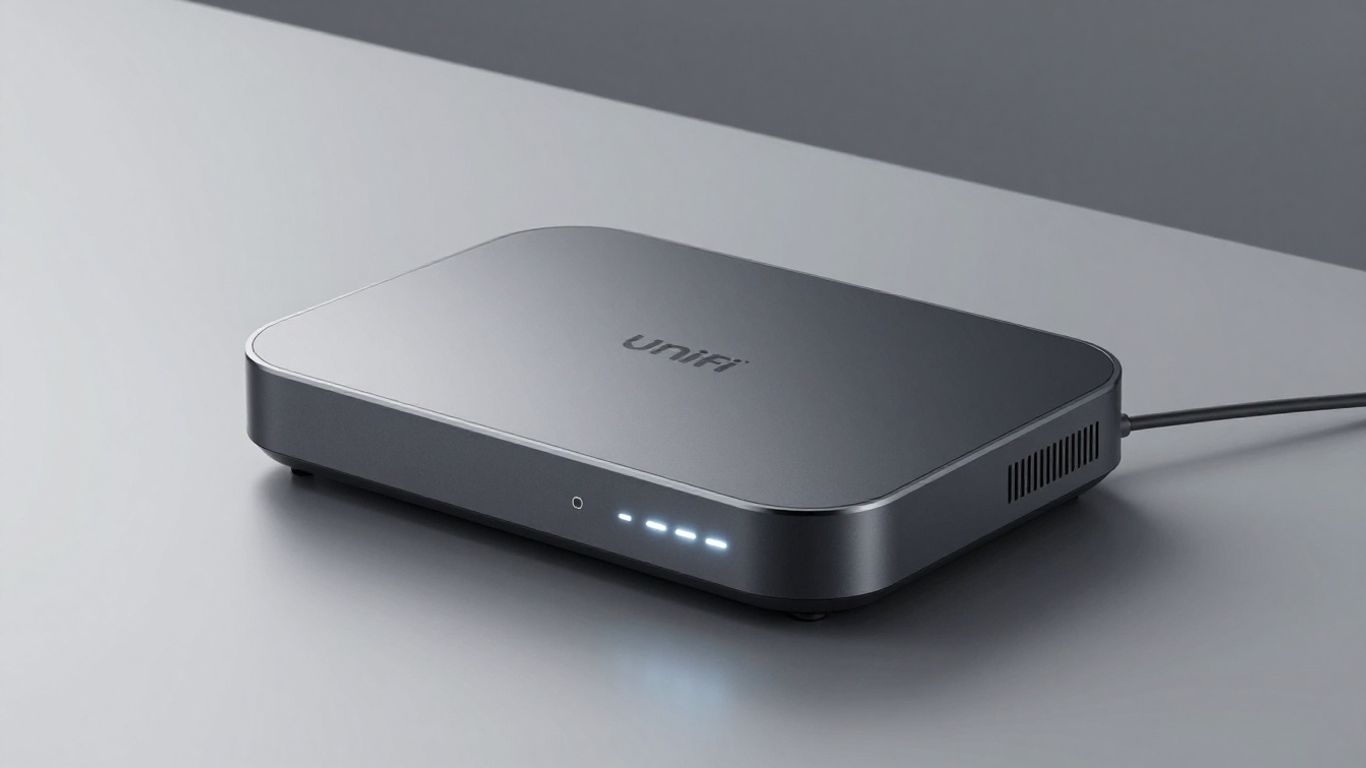
When it comes to wired connections, the UniFi Dream Router 7 (UDR7) really shines, especially with its 2.5Gbps ports. I tested it extensively, and it consistently delivered speeds right around that 2.5Gbps mark. It's pretty much maxing out what those ports can handle, which is exactly what you want. The inclusion of an SFP+ port is a nice touch, opening the door for 10Gbps connections if you've got the right gear. However, it's a bit of a bummer that there isn't a second 10Gbps port, meaning you can't really build a full 10Gbps wired network solely with this device. Still, for most homes, especially those with multi-gigabit internet, these wired speeds are more than enough.
The Wi-Fi on the UDR7 is also quite impressive, even if the specs might not look like the absolute highest on paper. It handles the 5GHz and 6GHz bands really well, giving you solid gigabit speeds even at a decent distance. I was getting consistent speeds that felt really fast, especially when using the newer Multi-Link Operation (MLO) feature. The 2.4GHz band, though, is a bit of a weak spot. It's noticeably slower than other similar devices, but honestly, most of us are using the faster bands for our main devices anyway. Coverage is pretty good too; I found it easily covered a large open space, though walls and other obstructions will naturally reduce that range. You can always add more UniFi access points if you need to blanket a bigger area.
One of the cool things about the UDR7 is that its security features, like intrusion detection and prevention (IDS/IPS), don't really tank its performance. I tested it with these features turned on and off, and the speed difference was practically non-existent. This is a big deal because, with some other routers, turning on security measures can really slow things down. The UDR7 is rated for about 2.3Gbps with these features active, which is basically the real-world speed of its 2.5Gbps port. So, you get robust security without sacrificing much speed, which is a win-win in my book.
The UDR7 manages to balance high-speed networking with strong security features without a significant performance hit. This means you can enable advanced protection for your network without worrying about a noticeable slowdown in your internet speeds or local network transfers.
Think of the UniFi Dream Router 7 (UDR7) as more than just a box that connects your home to the internet. It's actually the central hub for a whole bunch of other Ubiquiti gear. It runs what they call UniFi OS, which is like the brain, and on top of that, it can run different "applications." The main one is the Network application, which handles all your basic internet stuff. But because it's a "UniFi Cloud Gateway," it can do more.
The UniFi system is built around several applications that do specific jobs. The most important one is UniFi Network, which lets you manage all your network settings, devices, and Wi-Fi. Then there's UniFi Protect for security cameras, UniFi Talk for phone systems, and UniFi Access for door entry. The UDR7 can run some of these alongside the Network app, making it a pretty versatile device for a home or small office.
Here's a quick look at what you can run:
While the UDR7 is capable of running multiple applications, its processing power means you can't run everything at full tilt simultaneously. For most homes, though, running Network and maybe Protect for a few cameras is perfectly fine.
What's cool about the UniFi ecosystem is how it grows with you. You can start with just the UDR7, and it works great on its own. But if you need better Wi-Fi coverage in a bigger house or want to add more wired devices, you can easily add more UniFi Access Points (APs) and UniFi switches. The UDR7 acts as the controller for all these extra devices, making management simple through its single interface. This means you're not stuck with the built-in ports; you can expand your network significantly without needing a whole new main router. It's designed to be the foundation you build upon.
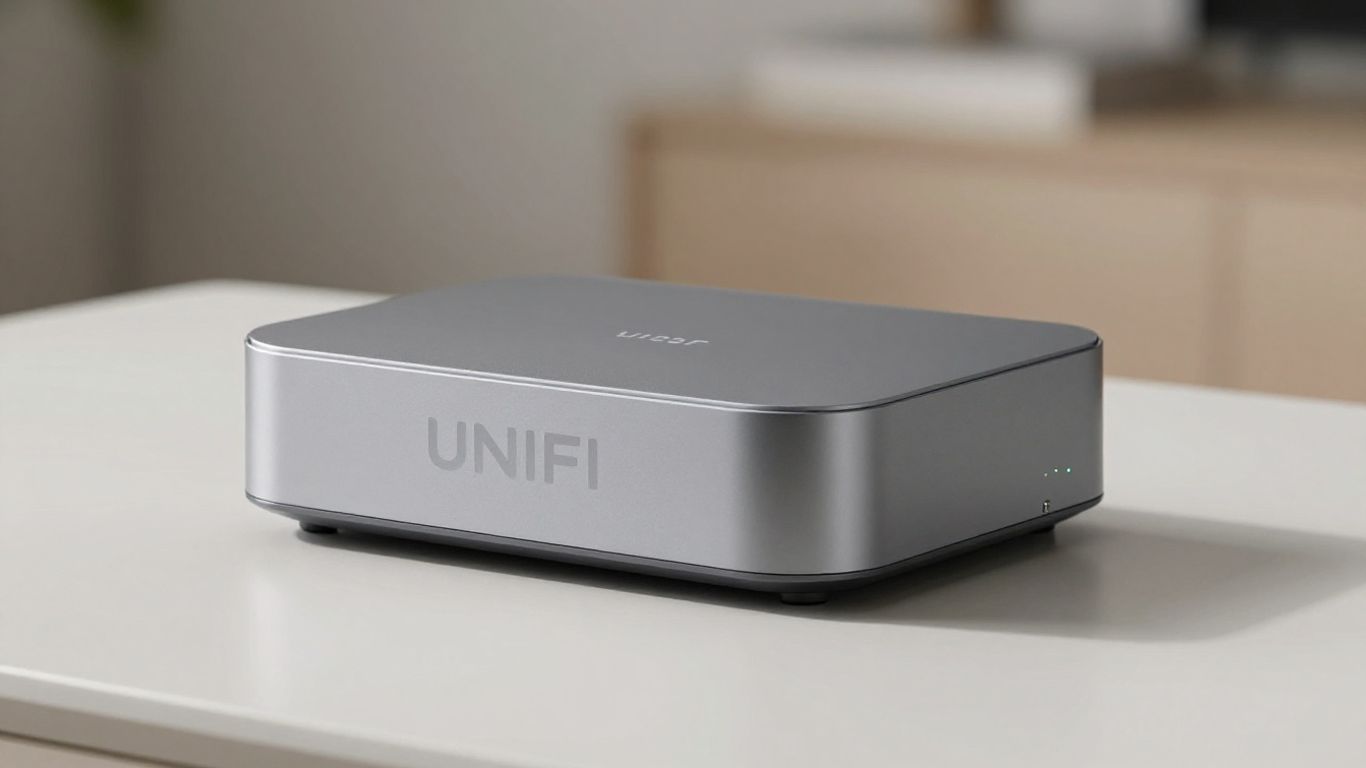
Getting your Unifi Dream Router 7 (UDR7) up and running is pretty straightforward, even if you're not a networking guru. Ubiquiti has made the process quite user-friendly, whether you're using it as a standalone device or planning to expand your network later.
The initial setup mirrors that of other UniFi consoles. You can access the router's web interface directly by typing its IP address, usually 192.168.1.1, into your browser. Alternatively, the UniFi mobile app can guide you through the setup. While the app is convenient, the web interface offers more detailed control over the hardware settings. You have the option to manage the UDR7 locally, without needing to create an account with Ubiquiti, which is great for privacy. However, linking a Ubiquiti account does unlock additional features and makes remote management much simpler. If you prefer to avoid a cloud account, you can still set up remote access using Dynamic DNS.
For many users, the UDR7 will function perfectly well on its own. It's designed to be a powerful, all-in-one solution. Simply connect it to your modem, power it on, and follow the on-screen prompts or app instructions. You'll be able to configure all the standard network settings you'd expect, from Wi-Fi names and passwords to basic security options. It handles everything from basic internet sharing to more advanced routing tasks without needing any extra gear.
One of the UDR7's strengths is its ability to integrate with other UniFi devices. If you decide you need better Wi-Fi coverage in larger homes or areas with signal dead spots, adding UniFi Access Points (APs) is a breeze. The UDR7 acts as the central controller for these APs. You can adopt them through the UniFi interface, and they'll automatically pull their configuration from the router. This allows you to create a unified Wi-Fi network that covers your entire space, managed from a single dashboard. It's a really neat way to build out a robust network without a lot of fuss.
Setting up the UDR7 is designed to be accessible. While it offers deep configuration options for advanced users, the basic setup is simple enough for most people to get online quickly. The choice between local management and cloud-connected management is yours to make based on your comfort level with privacy and convenience.
Here's a quick look at the port configuration options:
So, what's the big deal with the UniFi Dream Router 7 (UDR7)? It really comes down to what you get for your money, especially when you look at its capabilities compared to other options out there. For a lot of folks, this device hits a sweet spot that makes it a really smart buy.
When you stack up the UDR7 against other routers that offer similar multi-gigabit speeds and Wi-Fi 7 capabilities, it often comes out ahead on price. You're getting a device that can handle 2.5Gbps broadband connections right out of the box, which is becoming more common but still commands a premium on many other systems. Plus, it includes features like built-in Network Video Recording (NVR) storage via a microSD card, and Power over Ethernet (PoE) support for devices like cameras or phones. These aren't always standard on competing routers, meaning you might have to buy separate accessories, adding to the overall cost.
If your internet service provider is offering speeds of 1Gbps or higher, especially in the 2.5Gbps range, the UDR7 is practically tailor-made for you. Older routers, even those advertised as "gigabit," can often become a bottleneck, preventing you from actually getting the speeds you're paying for. The UDR7's multi-gigabit ports (one 2.5Gbps WAN/LAN and three 2.5Gbps LAN) and its Wi-Fi 7 capabilities mean you can actually utilize those faster internet plans. It's a direct upgrade path for anyone feeling held back by their current network hardware.
For those who already have a UniFi Dream Router (UDR) or even a standard gigabit router that's a few years old, the UDR7 represents a significant and satisfying step up. The jump to Wi-Fi 7, the increased port speeds, and the added NVR functionality make it feel like a substantial improvement. It's not just a minor tweak; it's a noticeable boost in performance and capability that can genuinely improve your daily online experience, whether you're streaming, gaming, or working from home.
The UDR7 is positioned as a device that bridges the gap between high-end enterprise networking and the needs of a modern home or small office. It offers a taste of advanced features without the complexity or prohibitive cost often associated with them.
Here's a quick look at how it stacks up against its predecessor:
So, after looking at everything the UniFi Dream Router 7 has to offer, it really does seem like a solid choice for a lot of homes. It handles faster internet speeds well, looks good sitting on a shelf, and gives you a lot of control over your network without being overly complicated. If your current router is holding you back from getting the most out of your internet plan, or you're just ready for an upgrade, the UDR7 is definitely worth considering. It’s a good step up, especially if you’re already in the UniFi world or thinking about it. For most people, this device hits a sweet spot for speed and features without breaking the bank.
The Unifi Dream Router 7 is like a super-powered internet box for your home. It's the third version of a cool, egg-shaped device from Ubiquiti that handles your Wi-Fi and connects you to the internet. It's designed to look nice in your home and can do a lot more than just provide Wi-Fi.
This new model has better connections, like a faster port for your internet and more ports for other devices. It also has a special slot to record video from security cameras and can power some devices directly, like phones or cameras, using Power over Ethernet (PoE).
It's really fast! It can handle super-speed internet connections up to 2.5 Gigabits per second. Its Wi-Fi is also excellent, giving you fast speeds even when you're a bit away from the router, especially on the 6GHz band.
Yes! It's part of a bigger system called UniFi. Think of it as a central hub that can manage other smart devices in your home, like security cameras (UniFi Protect), internet phones (UniFi Talk), or even door locks (UniFi Access). It's more than just a router; it's a network controller.
Setting it up is pretty straightforward. You can use it by itself, or if you want even better Wi-Fi coverage throughout your house, you can connect other UniFi Wi-Fi devices to it. The setup process is guided, making it easier even if you're not a tech expert.
For what it offers, it's a great deal. It provides a lot of advanced features, especially for faster internet speeds, at a competitive price. If you have a fast internet plan and want to get the most out of it, or if you're upgrading from an older router, this is a solid choice.
Connect with us to explore our scalable solutions tailored to your unique needs and receive a personalized free quote.


