Discover the Ubiquiti Cloud Key Gen2, an all-in-one network management solution with integrated UniFi Controller and Protect, LCD display, and 1TB HDD.
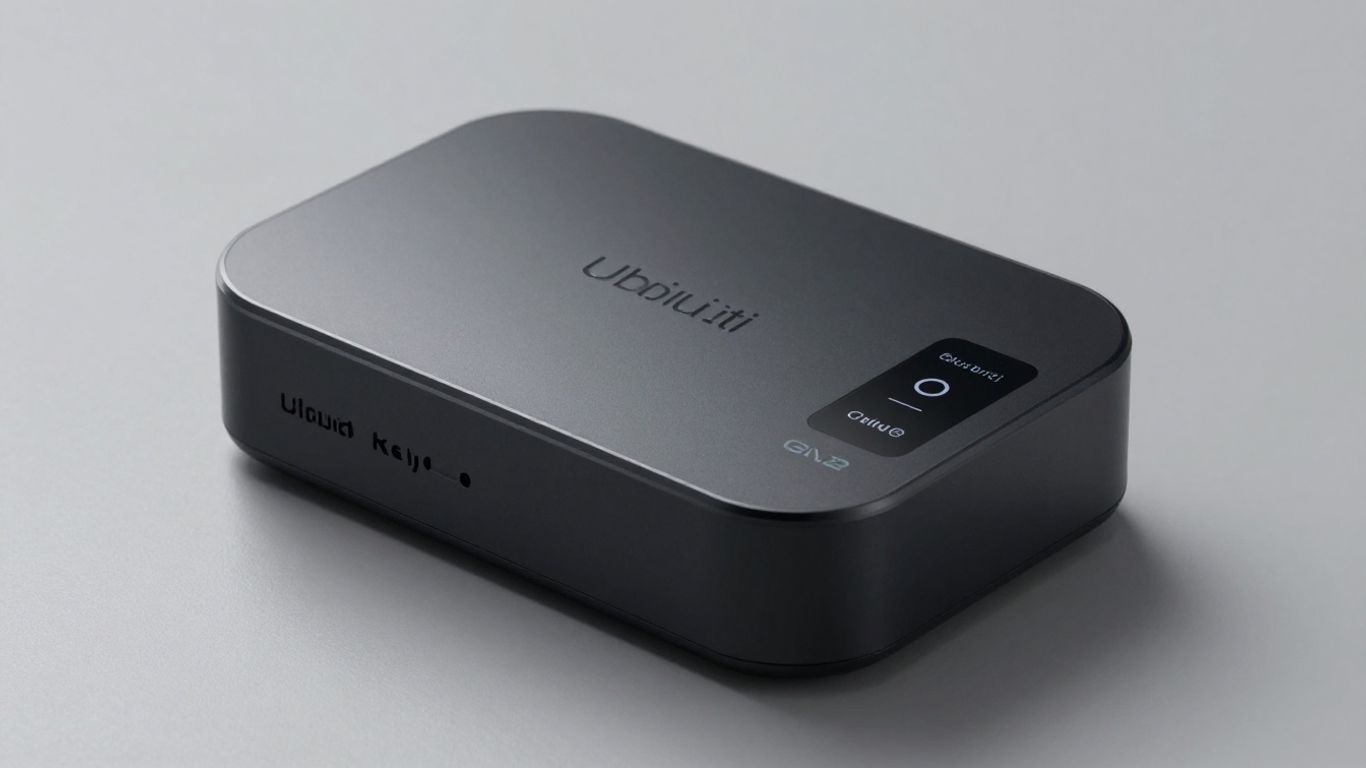
Setting up and managing your network can sometimes feel like a puzzle, right? You've got your Wi-Fi, maybe some cameras, and you just want it all to work together without a headache. That's where the Ubiquiti Cloud Key Gen2 comes in. It's designed to be the central hub for all your UniFi gear, making life a whole lot simpler. Think of it as the brain that keeps everything connected and running smoothly.
The Ubiquiti Cloud Key Gen2 is a pretty neat little device that really simplifies managing your network. It's designed to be an all-in-one solution, which is great if you're tired of juggling multiple apps or devices.
This is probably the biggest selling point. You get both the UniFi Network Controller and UniFi Protect pre-installed. This means you can manage all your UniFi access points, switches, and routers from one place, and at the same time, keep an eye on your security cameras. It’s like having a mini-command center for your entire Ubiquiti setup. No more switching between different interfaces; it's all right there.
One of the upgrades from the previous generation is the built-in LCD screen. It’s not huge, but it’s super handy. It cycles through important information like network status, connected devices, and even camera activity if you're using UniFi Protect. It’s really useful for quickly checking what’s going on without having to pull out your phone or log into a computer. You can see things like:
For those using UniFi Protect, the Gen2 Plus model comes with a 1TB hard drive. This is where your camera footage gets stored. It’s a big deal because it means you don't have to pay for a separate cloud storage subscription. If 1TB isn't enough, you can actually swap it out for a larger 2.5" SATA drive, which is a nice bit of flexibility. Just make sure it's a 5V drive, as those needing extra power won't work.
Worried about losing your settings? The Cloud Key Gen2 handles automatic backups, which is a lifesaver. Plus, you can access your network management interface from anywhere using a web browser or the mobile app. This remote access feature is fantastic for checking in on your network when you're away from home or the office. It makes troubleshooting or just keeping tabs on things much easier, especially if you manage multiple locations. You can check the status of your network and even get notifications about important events.
The Cloud Key Gen2 sports a sleek, compact chassis made from anodized aluminum. This isn't just for looks; the metal body helps dissipate heat passively, meaning no noisy fans to worry about. It's designed to run quietly in the background, managing your network without adding to the ambient noise. The dimensions are about 5.16 x 1.07 x 5.28 inches, and it weighs in at a solid 1.28 pounds, giving it a nice, sturdy feel.
One of the big upgrades with the Gen2 is the built-in 1TB 2.5" SATA hard drive. This is where your UniFi Protect recordings and controller data are stored. The great news is that this drive is user-replaceable and upgradeable. If you need more storage for your cameras, you can swap it out for a larger 2.5" SATA drive, with some users reporting success with drives up to 5TB. Just remember, it needs to be a drive that operates on 5V power; drives requiring extra power aren't supported. It's a pretty straightforward process, but make sure to back up your configurations first, as replacing the drive will reset the device.
Powering the Cloud Key Gen2 is flexible. You can use standard 802.3af Power over Ethernet (PoE) from a compatible switch, which is super convenient if you're already running PoE to other devices. Alternatively, you can power it using a USB-C connection. For this, you'll need a USB power adapter that supports Quick Charge 2.0 or 3.0. This dual power option means you can place the Cloud Key Gen2 just about anywhere without being tied to a specific switch location.
On the front, you'll find a small LCD screen that provides at-a-glance information about your network and the Cloud Key's status. It cycles through details like network name, bandwidth usage, and the number of connected devices for the UniFi Network application, and camera status and recording bitrate for UniFi Protect. Below the screen, there's an LED indicator that shows the device's status: white for ready, blue for configured, and various flashing patterns for updates or power loss. It's a nice touch for quick troubleshooting without needing to log into the interface.
The inclusion of a small internal battery is a game-changer, especially if you've used the first-generation Cloud Key. This battery acts like a mini-UPS, giving the device enough power to shut down cleanly if the main power source is interrupted. No more worrying about data corruption or needing to restore backups just because the power flickered.
For those looking to integrate the Cloud Key Gen2 into a server rack, an optional rackmount accessory is available. This accessory allows you to mount the Cloud Key securely in a standard 19-inch rack, keeping your network equipment tidy and organized. It connects via a 13-pin connector, and you'll want to make sure you only use one Ethernet connection at a time to avoid network issues. You can find more details on Ubiquiti's UniFi Cloud Key product page.
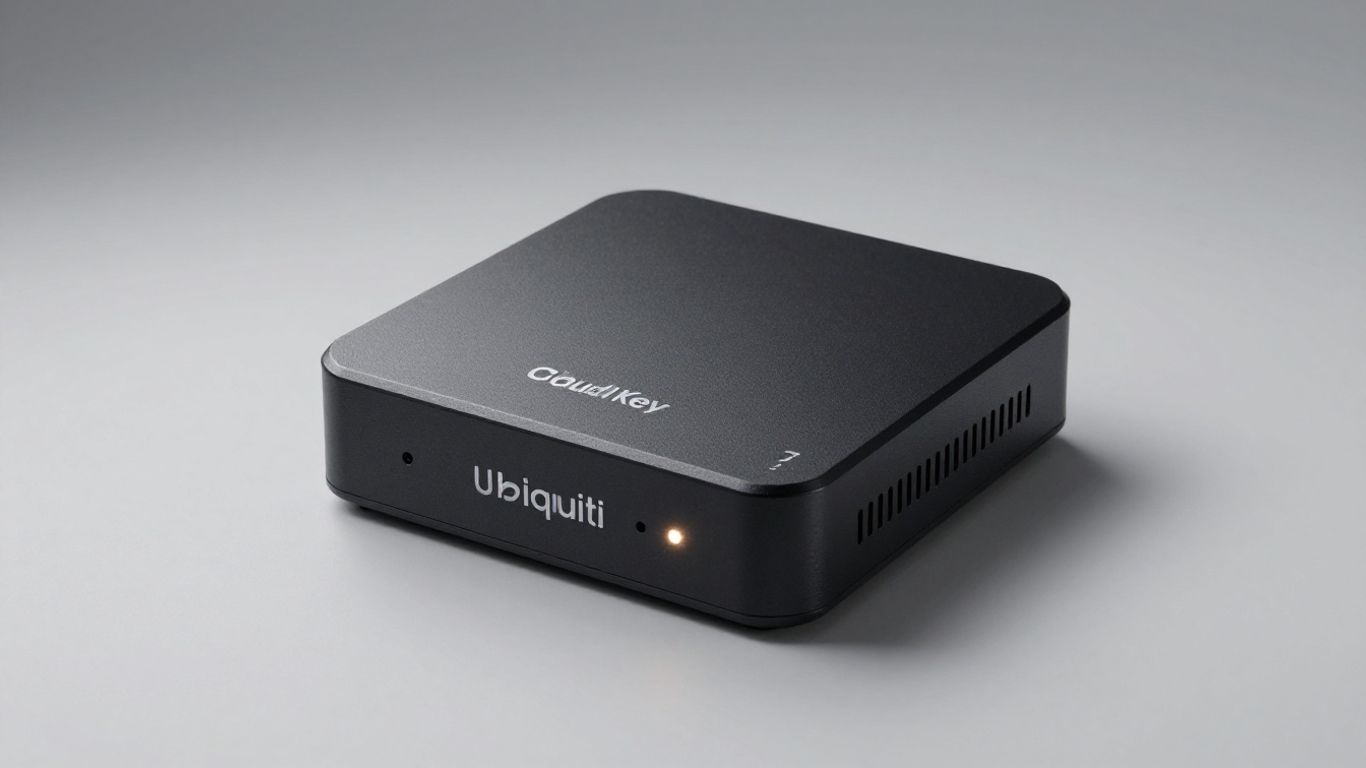
When you use the Cloud Key Gen2, you get a single device that can handle a lot of different UniFi products—actually making network management pretty straightforward. One box, multiple applications, zero fuss if you set it up right. Let’s break down how it works and why people tend to stick with it.
Everything on your UniFi network—access points, switches, cameras, even some phones—gets managed from one spot. The Cloud Key Gen2 runs as a small server, so you don’t need a big computer or always-on PC just for network controls. Set it up on your main LAN, and you can manage all your UniFi gear:
All these tools are available through the Cloud Key’s browser dashboard. You can scale both up and down, so whether you’ve got one access point or a dozen, it’s designed to keep up.
The Cloud Key Gen2 isn’t just for your WiFi. UniFi splits its ecosystem into a handful of software packages:
You can run several of these at the same time, so you don’t end up with different systems for networking, security, and communication. Setup is pretty much click-and-go. No fees, no recurring costs for local management—it’s all built in.
Accessing your network when you’re away is probably the killer feature for most users. After the initial setup, you log in through a web portal or UniFi’s mobile app. No need to fiddle with port forwarding or dynamic DNS—the device handles secure remote connections through Ubiquiti’s cloud. That means:
With remote access set up, most IT headaches just don’t show up until you want them to.
It’s also handy for people who manage networks for small businesses or multiple locations. You still have to pay attention to backups and updates, but for day-to-day work, the Cloud Key Gen2 can really save time and trips onsite.
Getting your Ubiquiti Cloud Key Gen2 up and running is pretty straightforward, which is a big plus if you're not a network guru. Most people find they can get it set up without too much fuss. The initial provisioning can be done in a couple of ways, making it flexible for different setups.
When you first unbox the Cloud Key Gen2, you have a couple of easy options to get it talking to your network. If you've got a smartphone handy, you can use the Ubiquiti app. It uses Bluetooth to find the Cloud Key and guide you through the basic setup steps. This is super handy if you don't want to mess with cables or logging into your router directly. Alternatively, you can connect it to your network with an Ethernet cable and access its setup page through a web browser. Just type in its IP address, and you'll be guided through the process. It’s designed to be user-friendly, so you won't be scratching your head wondering what to do next.
Once the Cloud Key Gen2 is on your network, it plays nicely with the rest of the UniFi ecosystem. If you're already using other UniFi gear, like access points or switches, the Cloud Key Gen2 integrates smoothly. It shows up in the UniFi Network Controller interface, allowing you to manage all your UniFi devices from one central spot. This makes adding new devices or checking the status of your network a breeze. It’s all about keeping things organized and easy to manage, even as your network grows.
While the Cloud Key Gen2 is small enough to sit on a desk or shelf, Ubiquiti also offers an optional rackmount accessory. This is great if you have a network closet or server rack. It lets you neatly mount the Cloud Key Gen2 alongside your other networking equipment. This not only keeps things tidy but also provides a more secure physical location for the device, especially in environments where it might get bumped or moved around. It’s a small addition, but it really helps with professional-looking installations.
Setting up the Cloud Key Gen2 is designed to be accessible. Whether you prefer using a mobile app or a web browser, the process is guided and aims to get you managing your network quickly. The integration with the UniFi ecosystem means it fits right in if you're already invested in Ubiquiti products.
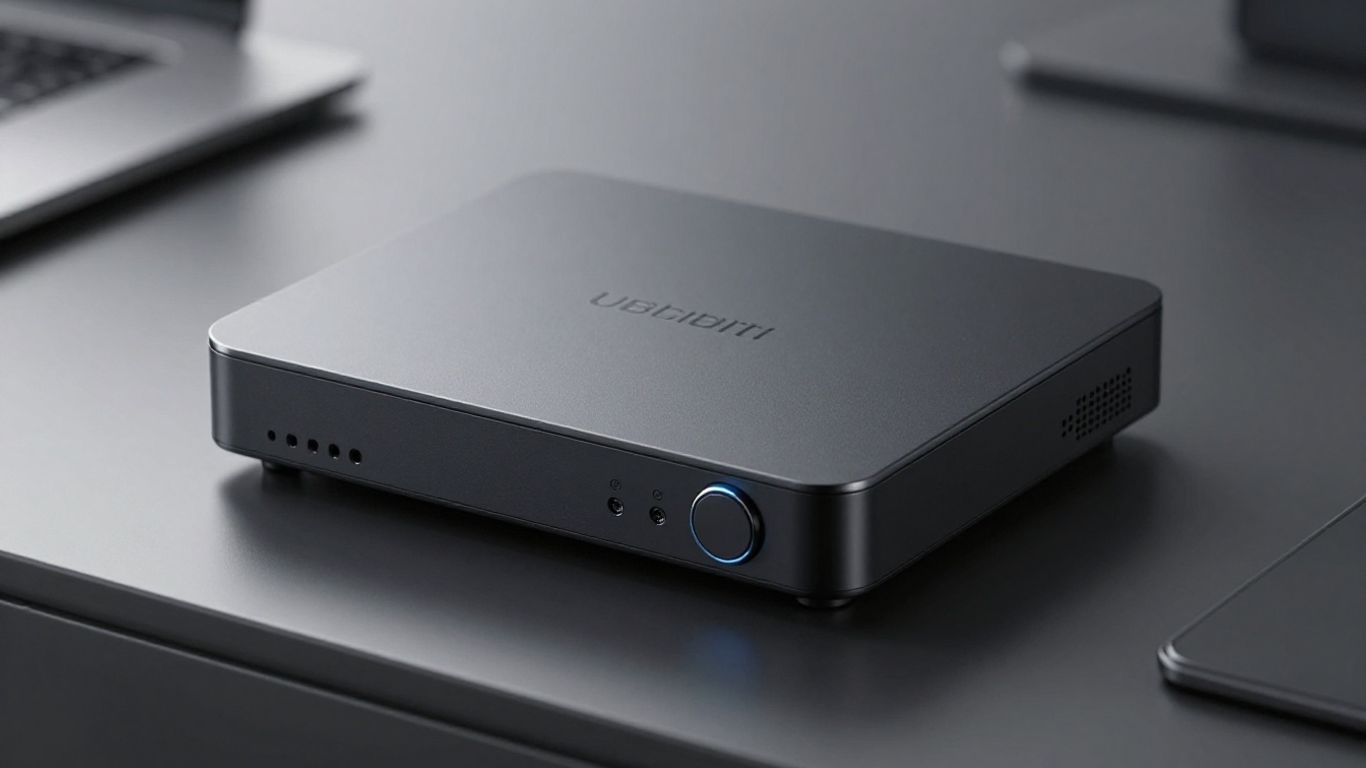
The Cloud Key Gen2 stores your camera footage and settings right on its built-in hard drive, so there’s no need to ship footage to an external cloud. You don’t have to pay for monthly video storage or cloud management subscriptions. This is a big win for folks who want to avoid recurring costs or just prefer keeping everything local.
Quick breakdown of the benefits:
You can also add or swap out the hard drive yourself if you need more space, keeping sensitive footage where you want it.
Local, subscription-free storage means you control your data—no surprise bills or privacy trade-offs, even as your system grows.
Losing power is usually a nightmare for most network devices, but the Cloud Key Gen2 comes with a built-in lithium-ion backup battery. That battery buys you precious seconds if there’s an outage; it gives the Cloud Key time to shut down properly and keep your files intact.
Here’s how the battery adds reliability:
The Cloud Key Gen2 keeps you in the loop with notifications. Set it up to alert you about hardware changes, power issues, or backup success/failure, straight to your phone or email. Automated backup options are also built in – schedule them to make sure if something ever goes wrong, you won’t have to start from scratch.
What you can set up:
If you’re like most people, you’ll appreciate the peace of mind that comes from regular updates and reliable, set-it-and-forget-it safety nets.
So, you've got this little box, the Ubiquiti Cloud Key Gen2, and you're wondering where it actually fits in. It's not just some fancy paperweight, you know. This thing is designed to be the brain for your network, whether that's your home setup or a small business.
For homeowners who've ditched the ISP's router for something a bit more robust, the Cloud Key Gen2 is a solid choice. It lets you manage your Wi-Fi access points, keep an eye on your cameras with UniFi Protect, and even handle UniFi Talk phones if you're going that route. It's pretty neat because you get all these enterprise-level features without the usual headaches or monthly fees. Setting it up is straightforward, often done right from your phone using Bluetooth, and then you can manage everything from anywhere via a web browser. It really simplifies keeping your home network running smoothly and securely.
For small businesses, this becomes even more useful. Imagine a small office with a few access points and maybe a couple of security cameras. The Cloud Key Gen2 consolidates all that management into one place. No more logging into multiple devices or interfaces. It's the central hub that makes managing your network infrastructure feel less like a chore and more like a breeze.
When you start adding more devices, like several UniFi Access Points spread throughout a building or a dozen security cameras, the Cloud Key Gen2 holds its own. The built-in 1TB hard drive is great for storing camera footage, which is a big plus if you don't want to pay for cloud storage. It's designed to handle the demands of running both the UniFi Network application and UniFi Protect simultaneously. While it's not meant for massive enterprise-level deployments with hundreds of devices, it's perfectly capable for typical home and small business needs. You can expect smooth operation for things like Wi-Fi roaming across multiple APs, similar to solutions designed for large-space VR experiences.
Okay, so we've talked about how great it is, but what happens if something goes wrong? Ubiquiti thought about this. The Cloud Key Gen2 has a built-in battery that gives it a few minutes to shut down safely if the power suddenly cuts out. This is super important to prevent data corruption on the hard drive. Speaking of the hard drive, it's replaceable, which is good, but it's still a mechanical drive that has a lifespan. Many users, especially those relying on it for business, opt to replace the drive or the entire unit every few years as a preventative measure. Automated cloud backups are also a feature, giving you an extra layer of security for your configurations. It’s wise to have a plan for backing up your UniFi OS Console configurations regularly, especially before performing any major updates or hardware changes.
It's always a good idea to have a spare Cloud Key Gen2 on hand if your network is critical to your operations. Swapping it out is quick, and you can restore your configuration from a backup, minimizing downtime. Think of it like having a spare tire for your car – you hope you never need it, but you're glad it's there if you do.
So, you're looking at the UniFi ecosystem and wondering how the Cloud Key Gen2 fits in, especially when compared to other options? It's a fair question, and the answer really depends on what you need.
The original Cloud Key was a neat little device, but the Gen2 really stepped things up. The biggest upgrade is the addition of the LCD screen, which gives you a quick look at your network's status without even needing to log in. Plus, the Gen2 has a built-in battery backup, which is a lifesaver during power outages – something the Gen1 lacked entirely. It also supports more applications out of the box, like UniFi Protect for cameras, which the Gen1 didn't handle as robustly.
This is where it gets interesting. The UniFi Dream Machine (UDM) is an all-in-one router, switch, and controller. If you're starting fresh and want a single box to handle everything, the UDM might seem appealing. However, the Cloud Key Gen2 offers more flexibility. You can keep your existing router and just use the Cloud Key for management, or you can swap out components more easily. For instance, if your router fails, you replace the router, not the whole management system. The Cloud Key Gen2 also allows for a more modular setup, letting you add UniFi switches and access points as needed without being tied to a single hardware unit for routing.
While the Cloud Key Gen2 is fantastic for homes and small to medium businesses, it does have its limits when you scale up to enterprise environments. For really large networks with hundreds of devices or very high camera counts, you might find the processing power or storage capacity of the Cloud Key Gen2 to be a bottleneck. In those cases, running the UniFi Network Controller on a dedicated server or a more powerful UniFi OS Console like the UniFi Dream Machine Pro or UniFi Cloud Gateway Ultra might be a better fit. These offer more robust performance and scalability.
The Cloud Key Gen2 shines as a dedicated management hub, especially when you want to keep your network and video surveillance separate or upgrade components independently. Its integrated storage and battery backup make it a reliable choice for many scenarios, but for massive deployments, dedicated server solutions or higher-end UniFi OS consoles are generally preferred for their raw power and scalability.
So, if you're looking for a way to get all your Ubiquiti gear under control without a lot of fuss, the Cloud Key Gen2 is a solid pick. It handles your network, cameras, and even phones all from one spot. Setup is pretty straightforward, and you can manage things from pretty much anywhere. While it's not perfect, and you might want to think about replacing the hard drive down the line, it really does simplify managing a UniFi setup. For anyone diving into or already deep in the UniFi ecosystem, this little box is definitely worth considering.
The Ubiquiti Cloud Key Gen2 is a small device that acts as a central hub for managing your UniFi network. It's like a mini-computer specifically designed to control and monitor your UniFi access points, cameras, and other devices, all from one place.
It can handle several UniFi product lines. This includes managing your wireless networks (UniFi Network), keeping an eye on your security cameras (UniFi Protect), and even handling UniFi phones (UniFi Talk). It's a versatile tool for a connected home or business.
Yes, the 'Plus' version of the Cloud Key Gen2 comes with a 1TB hard drive built-in. This is where your camera footage is stored, so you don't need to pay for cloud storage subscriptions. You can also replace this drive if you need more space.
You can easily manage your network from anywhere using a web browser or the UniFi mobile app. The device can be set up quickly using Bluetooth or a web browser, making remote access simple and convenient.
The Cloud Key Gen2 has a built-in battery. If the power is suddenly cut off, this battery gives the device enough time to safely shut down without losing any data or corrupting its system. It’s a great safety feature.
It's fantastic if you have multiple UniFi devices like access points or cameras. If you only have one access point, you might not need it. For those building a complete UniFi system, it's a core component, though larger setups might consider other UniFi options like the Dream Machine.
Connect with us to explore our scalable solutions tailored to your unique needs and receive a personalized free quote.


