Explore Verkada door access solutions with our comprehensive guide. Learn about implementation, security, technology, and integration for enhanced safety.

So, you're looking into Verkada for door access, huh? It's a pretty popular choice these days for businesses wanting to tighten up security without making things overly complicated. Think of it like upgrading your front door lock, but for your whole building, and you can check who's coming and going from your phone. This guide is going to break down what you need to know about Verkada door access, from setting it up to how it plays nice with your other security gear.
Getting Verkada door access set up is pretty straightforward, especially when you compare it to the old systems. It all starts with getting your system configured in the cloud, which is where Verkada really shines. You don't need a server room humming away in the back; everything is managed through their online platform, Verkada Command. This means you can tweak settings, add users, or check on doors from pretty much anywhere with an internet connection.
Think of Verkada Command as your central hub. It's where you'll set up who can go where and when. You can create groups of doors, assign specific access schedules, and manage all your users and their credentials. It's designed to be pretty intuitive, so you're not digging through complicated menus. This cloud-first approach means less IT hassle and more focus on actual security.
When it comes to letting people in, Verkada is flexible. You can use the usual key cards or fobs, but they also support mobile credentials through the Verkada Pass app, which is handy. For new people joining your organization, setting them up is a process we can streamline. We can help with the initial enrollment and even train your team on how to manage new credentials as your staff changes.
Here’s a quick look at common credential types:
Figuring out who gets access to what, and when, is a big part of security. We work with you to build these access policies. It's not just about blocking people; it's about making sure the right people have access to the right areas at the right times. This involves looking at your organizational structure and any compliance rules you need to follow. We can set up policies that are as simple or as detailed as your security needs demand.
Setting up access policies correctly from the start prevents future headaches and ensures your security measures align with how your organization actually operates. It's about balancing security with usability.
This structured approach to implementation means you get a system that's not only secure but also practical for day-to-day use.
When you're thinking about security, door access is a big piece of the puzzle. Verkada's system doesn't just lock and unlock doors; it actively works with your other security tools to give you a much clearer picture of what's happening.
This is where things get really interesting. Verkada's access control is built to work hand-in-hand with their cameras. Imagine this: someone swipes a card to enter a restricted area. Instantly, the camera nearest that door starts recording, and the access event is automatically linked to that video clip. No more trying to manually match up timestamps from different systems when you're trying to figure out who went where and when. It makes investigations way faster and more straightforward. You get a visual confirmation of every entry, which is pretty neat for accountability.
Forget about guessing what's going on at your different locations. Verkada gives you a live dashboard where you can see the status of all your doors. You can remotely lock or unlock doors if you need to, maybe if there's an unexpected situation or if you just need to let someone in quickly. Plus, you get instant alerts for anything suspicious, like someone trying to force a door or access an area they shouldn't be in. It's like having eyes everywhere, all the time, right from your computer or phone.
Traditional access control systems can be a real headache. They often need bulky servers on-site, complicated network setups, and lots of maintenance. Verkada flips that model. It's all cloud-based, meaning you manage everything through a simple web interface. No servers to worry about, no complex databases. You can control user permissions, set up access schedules, and manage credentials from anywhere with an internet connection. It cuts down on IT headaches and makes managing your security much less of a chore.
The real benefit here is how all these pieces work together. It's not just about having separate security tools; it's about them talking to each other to provide a more complete and responsive security posture. This interconnectedness means fewer blind spots and a quicker reaction time when something needs attention.
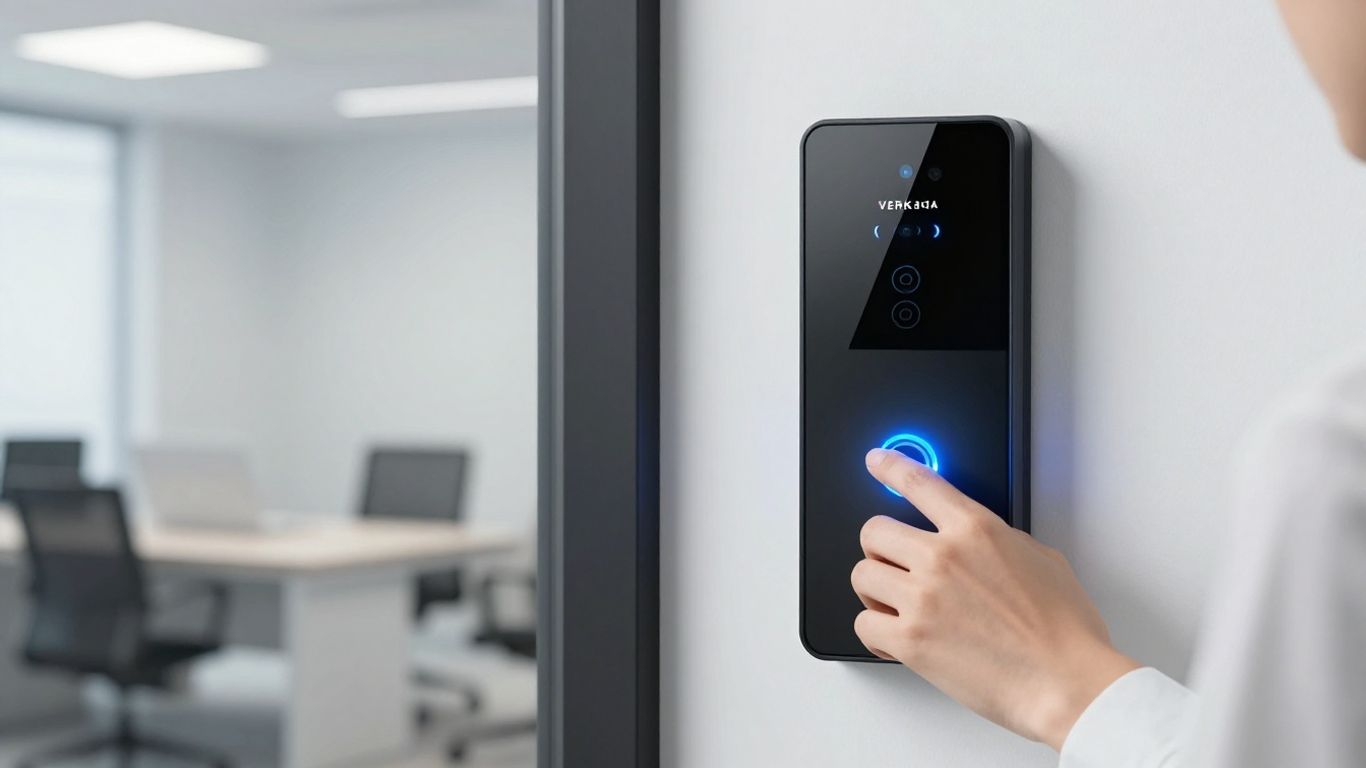
When you're looking at new security tech, it's easy to get lost in the jargon. Verkada's approach to door access is designed to cut through that confusion. At its core, it's a cloud-first system, which is a pretty big departure from how things used to be done. Traditional systems often meant bulky servers in a back room, complicated wiring, and a whole lot of IT headaches. Verkada flips that script.
Think of it like this: traditional systems are like having a VCR and a stack of tapes in your living room. You need the physical hardware, it takes up space, and updating it is a chore. Verkada, on the other hand, is more like streaming services. The heavy lifting happens in the cloud, managed remotely. This means no on-premises servers to maintain, and you can manage everything from a web browser or the mobile app, wherever you are. It's a simpler setup that still keeps all the critical security functions running locally on the door controllers. This hybrid approach means your doors stay secure even if the internet goes down.
The system's intelligent controllers are the real MVPs here. They keep a local copy of all the access rules and user data. So, when someone swipes a card or uses their phone, the controller makes the decision right there, on the spot. It's only when the internet connection is back that it syncs up all the new event logs and any policy changes from the cloud. This local processing is key to keeping things running smoothly.
Verkada doesn't lock you into one way of doing things when it comes to credentials. They support a pretty wide range. You've got your standard key cards and fobs, which is great if you're migrating from an older system. But they also push for more modern options, like using your smartphone with the Verkada Pass app. This uses Bluetooth Low Energy (BLE) to unlock doors, which is pretty convenient. Plus, you can set up PIN codes or even multi-factor authentication for higher security areas. This flexibility means you can pick what works best for your team and your security needs, whether that's sticking with what you know or moving towards newer tech.
Here's a quick look at some common credential types:
This is a big one. What happens if your internet connection drops? With many cloud-dependent systems, that could mean doors stop working or security logs get lost. Verkada's access control controllers are built to handle this. They have the intelligence to make access decisions locally. This means that even without an internet connection, people can still get in and out based on the rules that were set when the system was last online. All the events are stored on the controller and then uploaded to the cloud once the connection is restored. It’s a smart way to keep your building secure and operational, no matter what.
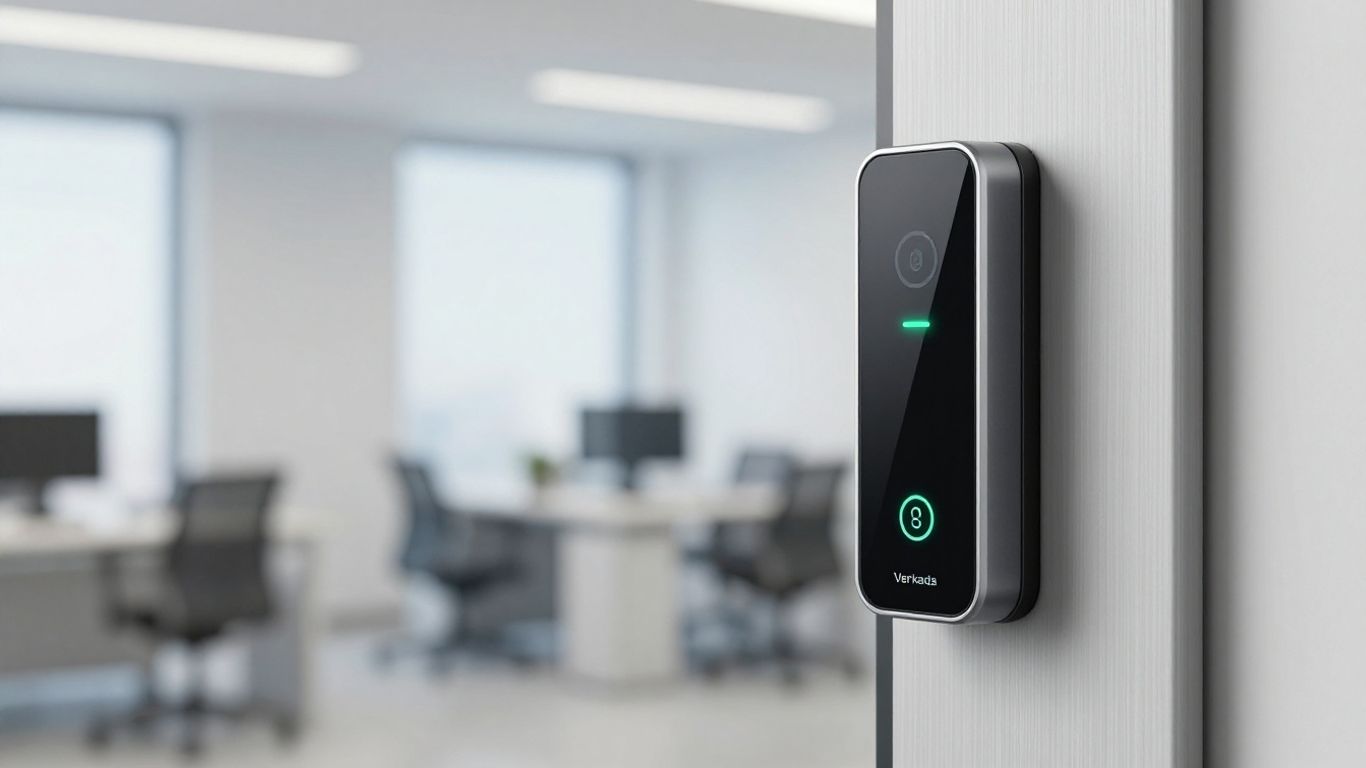
Making your new Verkada door access system play nice with what you already have is a big deal. It’s not just about slapping in new hardware; it’s about making it work with your IT setup, your security routines, and even your day-to-day operations. Think of it like adding a new appliance to your kitchen – you want it to connect to the power, fit on the counter, and not mess up how you cook.
This is where things get really interesting. Your Identity and Access Management system is basically the master list of who’s who in your organization and what they should be allowed to do. Verkada can sync up with these systems, like Okta or Microsoft Entra ID. What does that mean in plain English? When someone joins your company, gets a promotion, or leaves, your IAM system can automatically update their access rights in the Verkada system. No more manually adding or removing people from door lists, which is a huge time-saver and cuts down on mistakes. It helps make sure that only the right people have access to the right places, which is pretty much the goal of security, right?
Connecting your access control to your IAM system is a smart move. It means your physical security acts more like your digital security – managed centrally and with clear rules.
Sometimes, off-the-shelf integrations aren't enough. Maybe you have a unique workflow or a specialized piece of software you need your door access to talk to. That's where APIs come in. Verkada provides APIs, which are like digital translators, allowing developers to build custom connections. This means you can hook Verkada door access into pretty much anything. Imagine automatically logging door access events into your custom incident response system, or triggering an alert in another application when a specific door is accessed. It opens up a lot of possibilities for tailoring the system exactly to your needs.
Verkada isn't just about doors. It's designed to work with other Verkada products, like their cameras. When someone uses their badge to open a door, the camera nearby can automatically record it. This gives you a visual record of who accessed what, and when. It’s super helpful for investigations or just for peace of mind. Plus, it means you’re not managing two completely separate systems; they work together. This unified approach simplifies how you monitor and manage your overall security, making it easier to spot issues and respond to them quickly.
When you're looking at access control, one of the big questions is how well it can grow with you and how safe it is. Verkada's system is built with both of these in mind, which is pretty handy.
Forget about needing a whole server room just to add a few more doors. Verkada's cloud-based setup means you can add new access points – whether it's one door in a small office or hundreds across multiple buildings – without a headache. New controllers and readers just connect and automatically get their settings from the cloud. This makes expanding your security footprint as simple as plugging in new hardware. It's designed to handle everything from a corner store to a sprawling corporate campus.
Keeping your system secure is a big deal, and Verkada takes it seriously. All the communication between your door controllers and the cloud is encrypted, using strong standards like TLS 1.2. Any data stored is also locked down with AES-256 encryption. Plus, the Command platform itself has layers of protection. You can set up role-based access so people only see what they need to, and it supports things like single sign-on (SSO) and multi-factor authentication (MFA) for extra security. Even the physical controllers have tamper detection, so you'll get an alert if someone tries to mess with them.
The system's security isn't just about keeping bad guys out of doors; it's also about protecting the system itself from digital and physical tampering. This layered approach means your access control data and functionality are well-guarded.
With Verkada, you don't have to worry about running out of space for your access logs or video footage. They offer unlimited cloud archiving, which means all your event data is stored safely and is accessible whenever you need it. This is great for investigations or just keeping records. They also have flexible data plans, so you can choose what works best for your organization, whether it's their own plans or bringing your own carrier. This removes a lot of the guesswork and potential costs associated with data storage in traditional systems.
So, you've decided Verkada door access is the way to go. That's great! But getting it set up right, especially if you're not super tech-savvy, can feel like a whole other challenge. This is where picking the right partner makes a huge difference. Think of them as your guide through the setup process, making sure everything works smoothly from day one.
When you're looking for someone to help with your Verkada system, you want to know they actually know their stuff. It's not just about plugging things in; it's about understanding how it all fits together to keep your place secure. A good partner will have certifications that prove they've been trained by Verkada and know the ins and outs of the system. They should also have a solid track record, meaning they've done this for other businesses successfully.
Here's what to look for:
Setting up access control isn't just a one-off job. It involves planning, installing hardware, configuring software, and making sure it all talks to each other. A partner with a clear, step-by-step process will make this much less stressful. They'll have a plan for everything, from figuring out where readers should go to training your staff on how to manage credentials.
Their process might look something like this:
A partner's detailed approach to installation, including careful hardware placement and thorough testing, is key to a system that works reliably right from the start. This careful planning helps avoid problems down the road.
Your door access system doesn't exist in a vacuum. It's part of your overall security picture. The best partners look at the bigger context. They'll think about how Verkada access control works with your video cameras, alarm systems, or any other security tech you might have. They aim to create a connected security setup, not just a standalone piece of equipment. This means they're not just selling you hardware; they're helping you build a more secure environment overall.
So, that's the lowdown on Verkada door access. We've gone over how it works, why it's a good idea for keeping your place secure, and how it's way simpler than those old-school systems. It really cuts down on the headaches, letting you manage everything from one spot, whether you're at your desk or on the go. Plus, hooking it up with your cameras makes things even easier when you need to check on something. It’s all about making security less of a chore and more of a smart, built-in feature of your building. If you're tired of complicated setups and want a more straightforward way to control who comes and goes, Verkada is definitely worth a look.
Older systems often needed big, clunky servers in your building and lots of complicated wires. Verkada uses the internet (the cloud) to manage everything, making it way simpler. You can control it from anywhere on your phone or computer. Plus, it still works even if the internet goes out for a bit!
Yes, you can! Verkada is flexible. You can use regular key cards, new phone apps that act like cards, or even special codes. This means you don't have to replace all your old cards right away if you don't want to.
Don't worry! Verkada's door controllers are smart. They keep working even without the internet. They remember who should get in and when, and then they update the system once the internet comes back online. Your doors will still open for the right people.
Absolutely! Verkada systems are designed to talk to each other. When someone uses their access card, the camera nearby can automatically record a video clip of it. This makes it super easy to see who came and went, especially if you need to check something later.
Not at all! Verkada is built to grow with you. Whether you need to add one more door or set up access for a whole new building across the country, it's easy to do. The cloud system handles the expansion without needing a whole new setup.
Verkada uses strong digital locks and keys to protect its systems. All the information sent over the internet is scrambled (encrypted), and the system has many layers of protection. It also lets you set up who can do what, so only authorized people can manage the system.
Connect with us to explore our scalable solutions tailored to your unique needs and receive a personalized free quote.