Compare Ruckus vs Meraki: A deep dive into performance, features, cost, and management for enterprise wireless networks.

Ruckus vs Meraki comes down to priorities: Ruckus emphasizes wireless performance in crowded, interference-heavy environments, while Meraki emphasizes simple cloud management across distributed sites. Compare licensing, deployment model, security controls, and RF requirements before choosing; neither platform is the best fit for every network.
| Decision factor | Ruckus | Meraki |
|---|---|---|
| Management | SmartZone controller options or controller-less Unleashed | Centralized cloud dashboard |
| Wireless focus | Adaptive antennas for demanding RF environments | Consistent operations across distributed sites |
| Licensing | Varies by management platform; Unleashed avoids controller licenses | Cloud management uses recurring licenses |
| Typical fit | High-density or interference-heavy spaces | Multi-site teams prioritizing simple remote management |
Planning a wireless refresh in Pennsylvania, New Jersey, or Delaware? HTS can help your team compare management models, licensing needs, RF conditions, and rollout constraints before you choose. Discuss your network requirements with HTS or call HTS at (877) 877-9080 about your wireless plan.
| Decision factor | Ruckus | Meraki |
|---|---|---|
| Management | SmartZone controller options or controller-less Unleashed | Centralized cloud dashboard |
| Wireless focus | Adaptive antennas for demanding RF environments | Consistent operations across distributed sites |
| Licensing | Varies by management platform; Unleashed avoids controller licenses | Cloud management uses recurring licenses |
| Typical fit | High-density or interference-heavy spaces | Multi-site teams prioritizing simple remote management |
When you're trying to figure out the best wireless and network gear, it can get pretty confusing. Two big names that keep popping up are Ruckus and Meraki. They both make good stuff, but they go about things in pretty different ways. This article breaks down the ruckus vs meraki debate, looking at how they work, what they cost, and which one might be a better fit for you. It’s not just about features; it’s about how they fit into your whole setup and what you need them to do.
When you're looking at network gear, especially for businesses, you'll see a few big names pop up again and again: Ruckus, Meraki (which is part of Cisco), and Aruba (owned by HPE). They all make solid hardware, the kind that keeps your Wi-Fi running and your network connected. But the real story, the thing that makes one a better fit for your specific situation than another, isn't just the blinking lights on the box. It's all about how they handle managing the network, what kind of security they build in, and how smart they are about making things work smoothly.
Meraki really pioneered the whole idea of managing your network from the cloud. Their whole platform is built around making things super simple. You get one dashboard, a clean interface, and everything from your access points to your switches and firewalls is controlled from there. This is why they're a go-to for companies that have lots of locations but maybe not a huge IT team on staff at each one – think retail chains or businesses with many branches. Their big selling point is "single pane of glass" management. You can literally have someone plug in a new access point at a remote store, and it just configures itself from the cloud. Pretty neat, right? But this simplicity comes with a specific way of doing things: licensing. Meraki uses a co-termination model. If a license for a device expires, that device stops working. It's a subscription that keeps you updated and supported, but it's an ongoing cost you have to plan for.
On the flip side, Aruba comes from a more traditional enterprise background. They built their reputation on strong security and giving network admins a lot of detailed control. While they do have cloud management options with Aruba Central, their roots are in powerful hardware controllers that give you deep visibility and the ability to set very specific rules. Their strength is in things like Role-Based Access Control, where you can set policies based on who the user is, what device they're using, and where they are. This is fantastic for organizations with strict security needs or compliance requirements, though it does mean a bit more of a learning curve compared to Meraki.
So, who uses what? Meraki often shines in environments where ease of deployment and management across many sites is the top priority. If you've got a chain of stores or a distributed workforce and want to minimize the need for on-site IT expertise, Meraki's cloud-first approach is a strong contender. It's about getting things up and running quickly and keeping them simple to manage day-to-day.
Ruckus, on the other hand, is frequently the choice for places where the wireless environment itself is a challenge. We're talking about high-density areas like stadiums, large auditoriums, or busy convention centers. These are places where a lot of people are trying to connect at once, and there's a lot of radio frequency (RF) interference. Ruckus's specialized antenna technology is designed to cut through that noise and keep connections stable for everyone.
Aruba fits well in large enterprises, government agencies, and universities. These are organizations that often have complex security policies, need granular control over network access, and might have existing infrastructure that benefits from a robust, policy-driven system. Their focus on security and detailed configuration makes them suitable for environments with stringent compliance needs.
Thinking about the whole picture is important. How does the vendor's gear work together? Meraki has a really integrated ecosystem. Their access points, switches, and security appliances all talk to each other and are managed from that single dashboard. This makes it easier to manage your entire network infrastructure as one unit, simplifying things like security policy enforcement across different device types.
When choosing a network vendor, it's not just about the individual products. You need to consider how their entire system works together and how that aligns with your day-to-day operations and your company's long-term goals. A solution that's easy to manage for a small team might be a nightmare for a large IT department, and vice-versa.
Ruckus also has its own management platforms, like SmartZone, which offers both physical and virtual controller options, giving you flexibility in how you deploy and manage their high-performance wireless solutions. Aruba, with its cloud platform and strong controller-based heritage, also provides a cohesive system, especially when paired with their ClearPass policy manager, which integrates with a wide range of security tools.
When we talk about Wi-Fi, performance is usually what people think of first. It's not just about how fast your internet speed test looks, but how well the network actually works when lots of devices are trying to use it at once. This is where things can get a bit tricky, as real-world performance isn't always what the spec sheet promises.
Ruckus has long been known for its adaptive antenna technology, BeamFlex+. The idea here is that the access point can steer Wi-Fi signals towards specific devices. This is particularly helpful in crowded areas, like conference rooms or lecture halls, where many people are trying to connect. It helps reduce interference and makes sure each device gets a good, stable connection. They claim this tech really shines when you have a lot of users all trying to do their own thing on the network simultaneously.
Meraki takes a more unified approach. Their systems are designed to be managed from a single dashboard, and this extends to how they handle wireless performance. They focus on simplifying network management while still providing robust Wi-Fi. While they might not always highlight a specific antenna technology like Ruckus, their focus is on providing a reliable and consistent experience across their entire product line, managed through their cloud platform. This means performance tuning is often tied to the overall network configuration managed centrally.
Finding unbiased, real-world performance data can be tough. One test we looked at, sponsored by Ruckus, pitted their R750 access point against models from Aruba and Meraki. In this specific test, which involved 30 devices streaming video, plus other simulated traffic, the Ruckus R750 reportedly handled all the traffic without any stalls, showing an average throughput of 441 Mbps. The Aruba AP-535 came in second with 232 Mbps, but had about half its devices stall. It's worth noting this test was conducted by Ruckus, so we take the results with a grain of salt, but it does offer a data point. Other user reviews sometimes point to Ruckus having better stability, while Aruba users might praise the interface but mention occasional stability hiccups. Ultimately, for most users, the difference might be subtle unless you're in a very demanding environment.
While raw speed test numbers are fun to look at, they don't always tell the whole story about how a Wi-Fi network will actually perform day-to-day. Stability, especially under load, and how well the system handles many devices at once, often matters more for a smooth user experience.
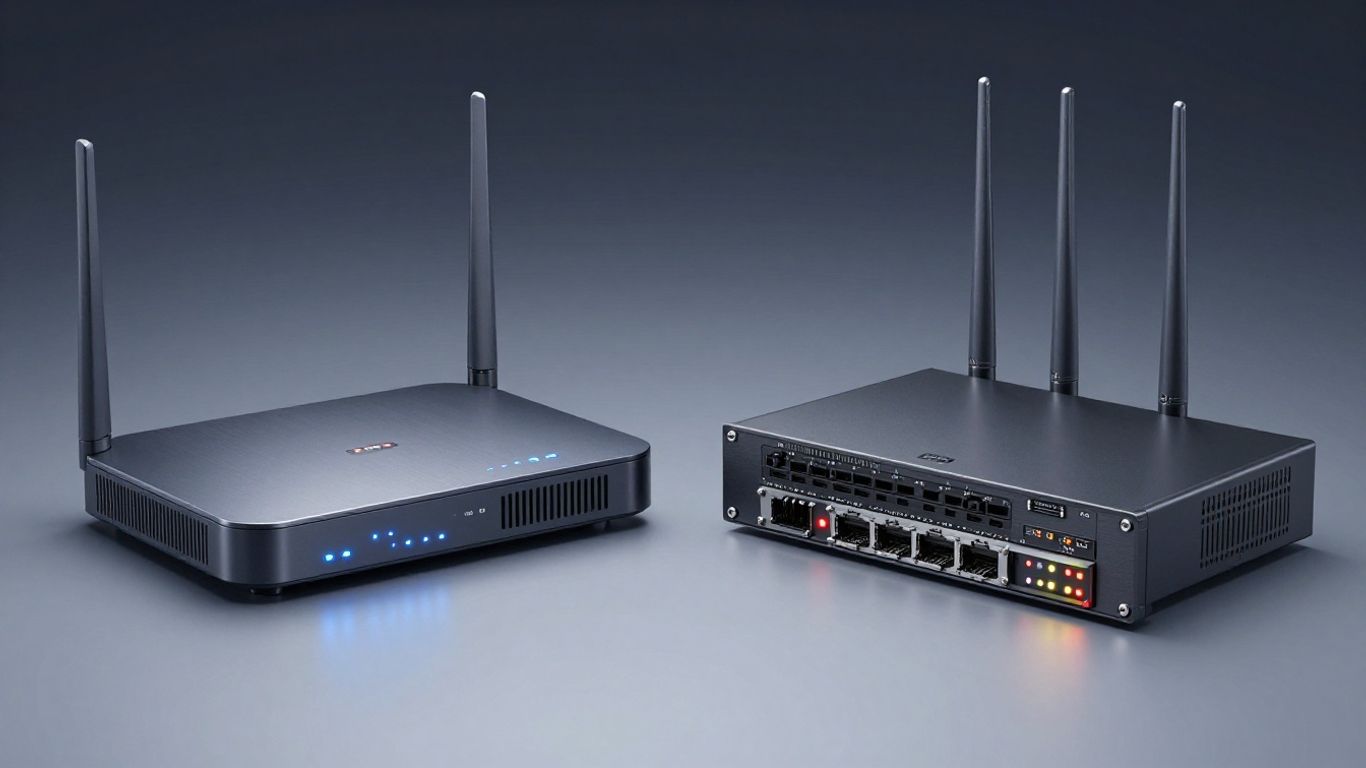
When we talk about network gear, it's not just about how fast it is on paper. It's about the smarts built into it that make it work well, especially when things get busy. Both Ruckus and Meraki have some pretty cool tech under the hood, but they go about it a bit differently.
Security is a big deal, obviously. You want your network locked down tight. Meraki leans heavily on its cloud platform for security. Everything is managed from that single dashboard, so you can set policies and see what's happening across your whole network from one spot. It's pretty straightforward for setting up things like guest access or blocking certain types of traffic.
Ruckus, on the other hand, has a more granular approach. Their systems often use policy-based controls that can be applied directly at the access point level, especially with their SmartZone controllers. This means you can get really specific about who can access what, and where. It's a bit more hands-on, but it gives you a lot of control.
This is probably Meraki's biggest selling point. Their whole system is built around this idea of a 'single pane of glass'. You log into one dashboard, and you can see and manage your switches, access points, firewalls, cameras, and even your SD-WAN. It's designed to make life easier for IT teams, especially those who are stretched thin or managing multiple locations. You get a unified view of everything, which really cuts down on the time you spend troubleshooting or just trying to figure out what's going on.
Ruckus has this thing called BeamFlex. Think of a regular Wi-Fi antenna like a light bulb, sending signals out in all directions. BeamFlex is more like a spotlight that can actually steer the signal towards the device that needs it. It uses multiple antennas and can actually change the signal pattern on the fly to get the best connection to each specific device. This is super helpful in places with a lot of interference or where devices are moving around a lot. It means fewer dropped connections and a more stable experience for users, even in tough spots.
Here's a quick look at how some key technologies stack up:
The real magic in modern Wi-Fi isn't just about the latest speed standard. It's about how the hardware intelligently manages the radio waves and security to keep things running smoothly, even when hundreds of devices are trying to connect at once. Technologies like advanced antenna steering and unified management platforms are what separate a network that's just 'okay' from one that's truly reliable.
When you're looking at Ruckus versus Meraki, the money side of things can get a little complicated. It's not just about the sticker price of the hardware; you've got to think about how you're going to pay for it over time.
Meraki's whole deal is cloud management, and that means licenses are a big part of the picture. You buy the hardware, but you're essentially subscribing to use it. This is called co-termination licensing. Basically, all your Meraki licenses – for access points, switches, firewalls – have the same expiration date. So, if you buy some gear in January and more in July, you'll renew everything together at the end of the year. This can make budgeting a bit easier once you get into the rhythm, but it means you're always paying for that cloud management and support. It's a predictable model, but it does add a recurring cost that you don't always see with other vendors.
Ruckus offers a different path with its Unleashed line. This is their controller-less solution. You can set up and manage your Ruckus access points directly from one of the APs itself, or through a simple web interface. This means no separate controller hardware to buy or manage, and importantly, no ongoing license fees for the controller functionality. You buy the APs, and they just work. This can be a really attractive option if you're trying to keep initial hardware costs down and avoid those yearly subscription renewals. It's a more straightforward approach for businesses that don't need the centralized, cloud-based management that Meraki provides.
Aruba also has a play in the controller-less space with what they call Instant Mode. Similar to Ruckus Unleashed, you can deploy Aruba access points without needing a dedicated hardware controller. One AP acts as a virtual controller for a group of others. This setup is great because you get enterprise-grade hardware and features, but you avoid the recurring subscription costs associated with cloud-managed platforms. It's a solid choice for organizations that want robust wireless capabilities but prefer a one-time hardware purchase and don't want to be tied into ongoing licensing agreements. It offers a good balance between performance and a more traditional capital expenditure model.
The total cost of ownership isn't just about the upfront price. You need to factor in the lifespan of the hardware, the cost of management (whether that's staff time or subscription fees), support contracts, and potential upgrades down the line. Sometimes a slightly higher initial price can save you a lot more money over several years if it means lower ongoing expenses or less hassle.
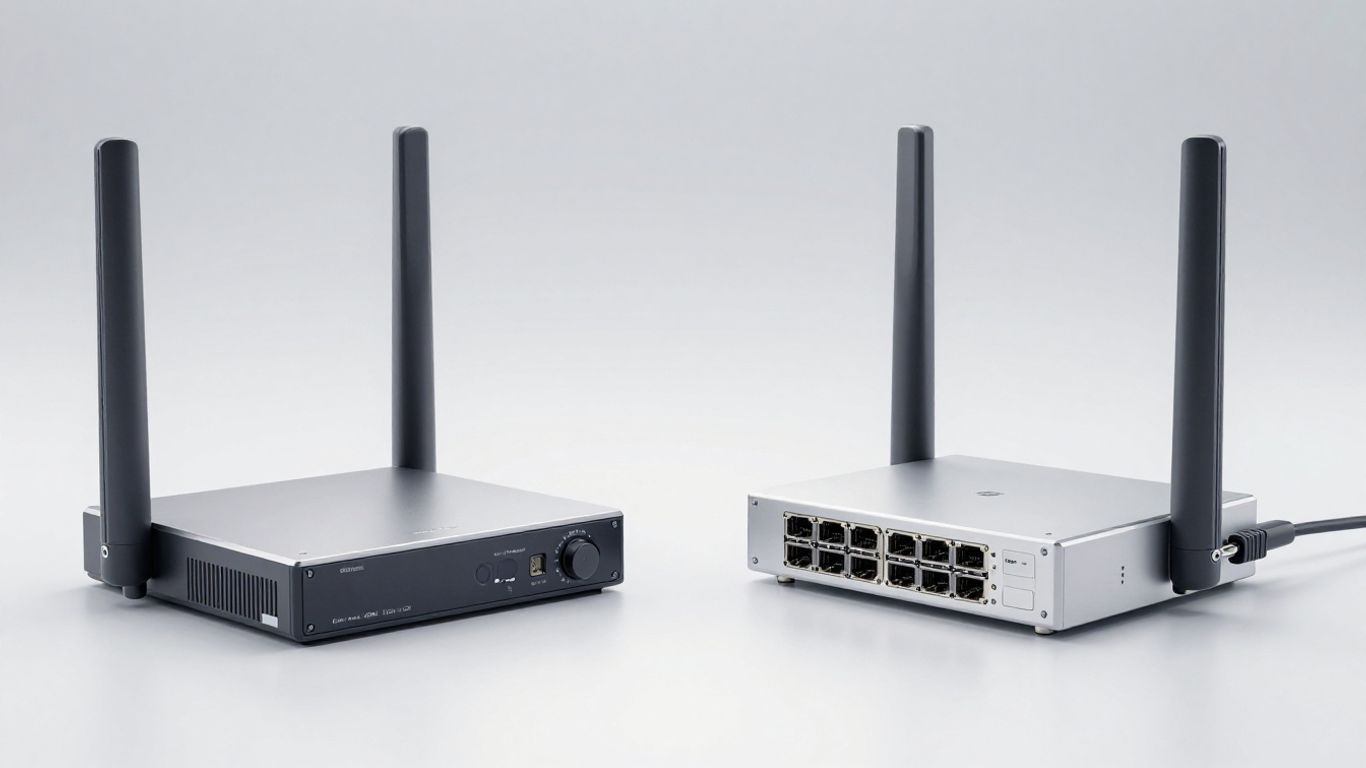
Getting new network gear up and running can sometimes feel like a puzzle, right? You want it to just work without a whole lot of fuss. This is where the differences between Ruckus and Meraki really start to show, especially when you look at how you get them set up and how you manage them day-to-day.
Meraki's big selling point here is its cloud-managed approach. When you get a new Meraki access point or switch, you literally just plug it in. It connects to the internet, calls home to the Meraki cloud, downloads its configuration, and boom – it's online and ready to go. This is what they call "zero-touch provisioning." It means your IT team doesn't have to manually configure every single device before it gets installed, which can save a ton of time, especially if you're rolling out gear across multiple locations. You can manage everything from that single Meraki dashboard, whether you're in the office or working remotely. It’s pretty slick for keeping things simple.
Ruckus takes a slightly different path. Their system often relies on a controller, which can be a physical appliance you install on-site or a virtual machine running in your data center or cloud. This controller is where all the network intelligence lives. While it might mean a bit more upfront setup compared to Meraki's plug-and-play, it gives you a lot of control. The SmartZone controller manages all your Ruckus access points, pushing out configurations and firmware updates. They also have a controller-less option called Ruckus Unleashed, which is great for smaller setups where you don't want the overhead of a dedicated controller. It's more about flexibility in how you want to manage your network.
Aruba, now part of HPE, also leans heavily into cloud management with Aruba Central. Similar to Meraki, Central provides a unified dashboard for managing your Aruba access points, switches, and gateways. It's designed to simplify network operations, offering features like automated device onboarding, firmware management, and performance monitoring. You get a lot of visibility into your network's health and can troubleshoot issues remotely. Aruba Central aims to give you that "single pane of glass" experience, making it easier to keep tabs on everything without needing to be physically present at every location. It's a robust platform that scales well for larger, more complex environments.
The goal for any network deployment should be to simplify operations, not add complexity. Whether it's zero-touch provisioning, a centralized controller, or a cloud platform, the technology should make your IT team's life easier and improve network reliability.
When you're picking out network gear, it's easy to get caught up in what's new and shiny. But what about down the road? We need to think about how these systems will grow with us and handle whatever tech throws at them next. It’s not really about finding something that’s truly future-proof, because, let’s be honest, that’s pretty much impossible. Technology moves too fast. Instead, it’s about choosing systems that are flexible and can be updated piece by piece. This way, you can try out new stuff or fix problems without having to replace the whole network every few years.
Right now, Wi-Fi 6E is the latest standard, and it's a big deal for handling more devices and less interference, especially in crowded places. But what's next? Wi-Fi 7 is already on the horizon, promising even faster speeds and better performance. Both Ruckus and Meraki are keeping pace. Meraki tends to integrate new standards into their cloud-managed platform fairly quickly, meaning you get updates pushed to you. Ruckus, with its focus on advanced RF, is also developing hardware that can take advantage of these newer standards, often giving you more control over how they're used.
Meraki's approach to scalability is pretty straightforward, especially with their MS switch series. They're designed to be managed from the cloud, so adding more switches is usually a matter of plugging them in and assigning them a license. The dashboard handles the rest. This makes it simple to expand your network capacity as your business grows. You can easily add more ports or even entire racks of switches without a lot of complex configuration. It’s all about that single pane of glass management.
Both Ruckus and Aruba (which has its own cloud management with Aruba Central, similar in concept to Meraki's approach) are thinking about the long game. They're not just building for today; they're investing in R&D to stay ahead of the curve. This means looking at things like AI-driven network management, advanced security features, and, of course, supporting the latest Wi-Fi standards. Ruckus often highlights its adaptive antenna technology as a way to future-proof performance, while Aruba focuses on its cloud platform and policy-based security. The key takeaway is that both companies have a plan to keep their hardware relevant as technology evolves, though their paths to get there might look a bit different.
Building a network that can grow and adapt is more important than chasing the 'perfect' future-proof solution. Look for modularity, support for new standards, and a vendor with a clear vision for where wireless technology is headed. This way, you invest in a system that can evolve with your needs, rather than becoming obsolete too quickly.
Here's a quick look at how they stack up:
Alright, so we've looked at Ruckus and Meraki, and it's clear there's no single 'best' option for everyone. Meraki really shines when you need to get a bunch of sites up and running fast with minimal fuss, thanks to its super simple cloud management. It’s like plug-and-play for your whole network. Ruckus, on the other hand, is the go-to if you're dealing with crowded spaces or tricky wireless environments where you need every bit of performance and stability. Their tech is built to handle a lot of users without breaking a sweat. Ultimately, the choice really boils down to what matters most for your specific setup – ease of management and broad reach, or top-tier performance in tough conditions. Think about your budget, your IT team's skills, and what you absolutely need your network to do.
Think of Meraki as super simple, like a smartphone app for your network. It's great if you have many locations and not much IT help. Ruckus, on the other hand, is like a high-performance sports car. It's amazing at handling tons of people and devices in crowded places, like a stadium, and offers really stable connections.
Meraki is usually easier to get started with because it's designed for 'plug-and-play.' You can often plug in a device, and it sets itself up from the cloud. Ruckus can be a bit more involved, but it offers really strong performance once it's running.
Meraki often has a yearly fee (like a subscription) for its management and features, and if you stop paying, things might stop working. Ruckus can sometimes have a higher upfront cost for the hardware, but it might not need ongoing fees for basic use, especially with options like Ruckus Unleashed.
Ruckus is generally better for places with tons of people trying to connect at once, like concert halls or big event centers. Its special antenna technology helps it handle all that 'noise' and keep connections strong for everyone.
It means you control and watch your whole network from a website anywhere you have internet. It's like having a remote control for your network. This makes it simple to manage many devices or locations without being there.
Meraki usually requires ongoing licenses for its cloud features to work fully. Ruckus offers 'Unleashed' which lets you use their enterprise-grade hardware without a separate controller or ongoing fees for management, making it a more budget-friendly option for some.
Connect with us to explore our scalable solutions tailored to your unique needs and receive a personalized free quote.