Explore Ubiquiti Reddit for insights on UniFi home networking, hardware, and advanced setups. Get community perspectives and tips.

So, you're curious about Ubiquiti for your home network, huh? It's a popular choice, and a lot of folks end up talking about it on Reddit. This article is going to take a look at what people are saying over there, covering everything from the basics of why folks use Ubiquiti to some of the more technical bits. We'll check out what users think about the hardware, the software, and how it stacks up against other options. If you're thinking about upgrading your home internet setup, or just like to tinker, you might find some useful info here.
Lots of folks end up on Reddit when they're looking for real-world experiences with Ubiquiti gear. It's not always easy to find straightforward answers from the manufacturer, and sometimes you just want to hear from someone who's actually using the stuff day-to-day. People often post questions about setup, performance issues, or if a particular piece of hardware is worth the money. It's a place where you can get advice that isn't trying to sell you something.
When you browse through the Ubiquiti subreddit, a few topics pop up again and again. People talk a lot about:
Jumping into the Ubiquiti Reddit community can be a bit overwhelming at first. It's a mix of beginners asking basic questions and seasoned pros discussing complex network setups. It's generally a helpful place, but always take advice with a grain of salt and do your own research.
Here are a few tips for getting the most out of it:
Sometimes, the most practical advice comes from users who have faced the same challenges you're dealing with. They can offer workarounds or suggest alternative approaches that aren't always obvious from official documentation.
Lots of folks on Reddit mention that they choose UniFi because they want more control and visibility over their home network than typical consumer routers offer. It seems like a common thread is wanting to see exactly what devices are doing and how much data they're using, which often requires third-party tools with other brands. UniFi, on the other hand, is praised for providing this data right out of the box. Many users also point out that while UniFi gear isn't exactly cheap, especially in certain regions, it avoids the recurring subscription fees that some other systems have. This upfront cost, without ongoing payments, is a big draw for people looking for a long-term solution.
The hardware itself is often described as functional and well-built, with a design that prioritizes utility over flashy aesthetics. It's not about looking fancy; it's about working reliably.
When it comes to day-to-day use, many UniFi users report a "rock solid" experience after getting their systems set up. The ability to segment network traffic is frequently highlighted as a major benefit, allowing for better organization and security. For those who have transitioned from other systems, like Eero or Google Wifi, the stability and performance of UniFi are often cited as significant improvements. The consistent performance, even with multiple devices connected, is a key reason people stick with the platform.
UniFi's pricing can be a bit of a mixed bag. While it's generally seen as more affordable than high-end enterprise solutions, it's definitely a step up from basic consumer routers. However, the community often emphasizes the value proposition. The modular nature means you can start with a basic setup and add more access points or switches as needed, spreading the cost over time. This flexibility, combined with the lack of subscription fees, makes it a compelling option for those who plan to stay within the ecosystem for a while. Some users do note that availability can be an issue, with popular items frequently being out of stock, which can be frustrating when trying to build out a network.
When people talk about Ubiquiti for home networks, the Dream Machine (UDM) series often comes up. You've got the UDM Pro and the UDM Router (often called UDR). The Pro is a bit more of a powerhouse, usually aimed at those who need more serious throughput and have more complex needs. The UDR is a bit more of an all-in-one, maybe better suited for smaller setups or people just starting out with Ubiquiti.
It's interesting because Ubiquiti's older router lines, like the USG, had some issues with getting features they promised at launch, and some security libraries were pretty old. People often mention that even when you try to turn off data collection, the devices might still send information out. This is a point of discussion for sure.
Some users find that while the Ubiquiti interface is slick, the underlying router firmware has had a history of missing advertised features or having security vulnerabilities that weren't addressed quickly. This leads some to look at alternative router hardware that might not look as polished but offers more robust and up-to-date security.
Here's a quick look at how some users compare them:
Beyond the main router, the switches and Wi-Fi access points (APs) are where Ubiquiti really shines for many users. The UniFi switches are often praised for their management capabilities, especially when you're using them with a UniFi controller or a Dream Machine. You can set up things like VLANs (which we'll touch on later) pretty easily through the interface.
One big plus for many is Power over Ethernet (PoE). This means you can run a single Ethernet cable to your access point, and that cable not only connects it to your network but also powers it up. No need to find a power outlet right where you want to mount your AP. This is a game-changer for cleaner installations.
Ubiquiti's approach to software is a bit of a double-edged sword for some. On one hand, they do push out updates that can add new features or improve existing ones, sometimes even to older hardware. It's pretty neat when a software update can bring new capabilities to your network gear without you having to buy anything new.
However, there's also a history of updates causing issues or introducing bugs, which can be frustrating. Users often share their experiences with new firmware releases, discussing whether to update immediately or wait for others to test the waters. The UniFi Network Application, which you use to manage everything, is where most of these updates happen.
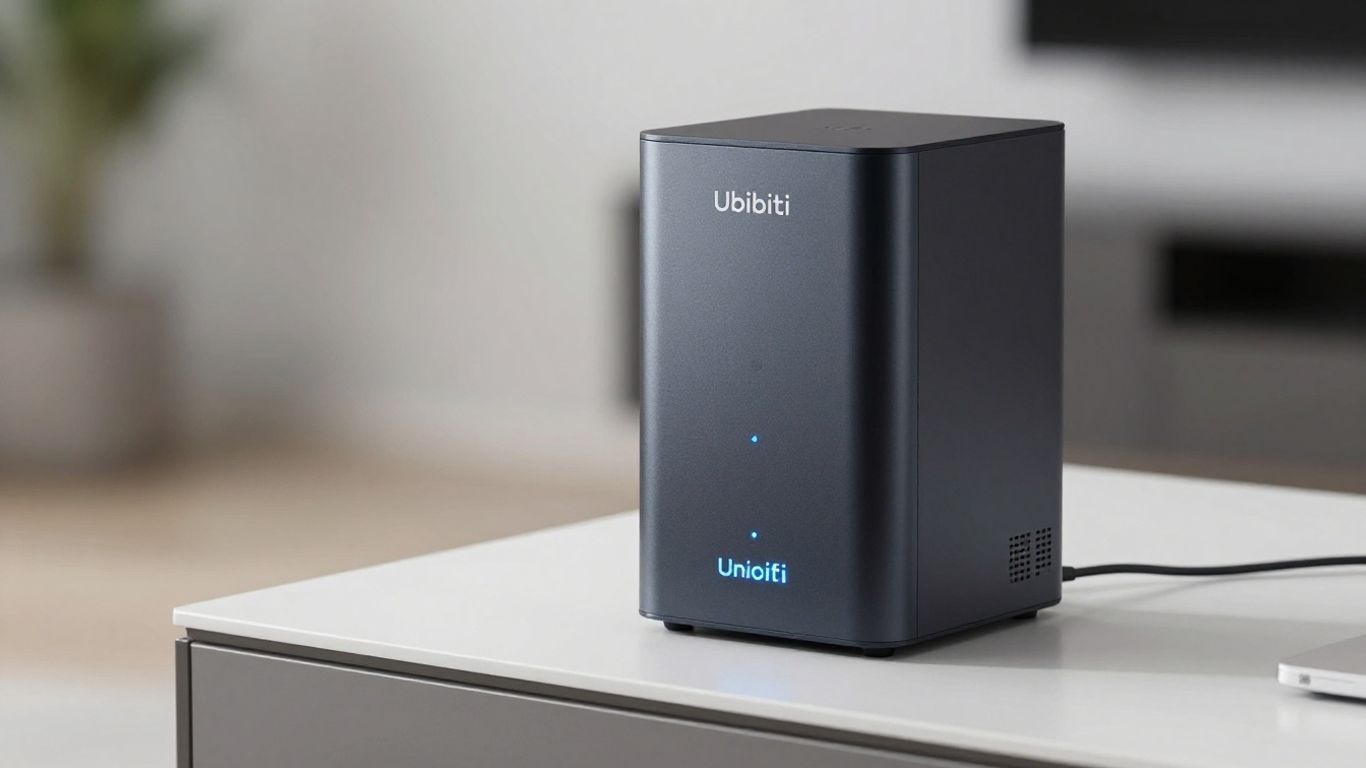
When you start getting into the nitty-gritty of home networking, Ubiquiti's UniFi gear really starts to shine. It's not just about having a strong Wi-Fi signal anymore; it's about control and segmentation. This is where features like VLANs and Power over Ethernet (PoE) become super useful.
Virtual Local Area Networks, or VLANs, are a way to split your network into smaller, isolated segments. Think of it like having multiple separate networks running over the same physical hardware. Why would you do this? Well, it's great for security and organization. You could put your smart home devices on one VLAN, your work computer on another, and your gaming consoles on a third. This way, if one device gets compromised, it's much harder for the problem to spread to other parts of your network. It also helps manage traffic better. Setting up VLANs in UniFi is pretty straightforward, especially if you're using their switches and access points together. You can configure them through the UniFi Network Controller, which gives you a central place to manage everything. This is a big plus compared to some other systems where you might need to configure things on multiple devices separately.
Power over Ethernet is a game-changer, especially for devices like access points and security cameras. Instead of running a separate power cable to each device, PoE allows you to send both data and electrical power over a single Ethernet cable. This simplifies installation a lot, especially if you're placing devices in tricky spots like ceilings or walls where power outlets aren't readily available. Ubiquiti offers PoE switches and injectors that make this really easy. You just plug your device into a PoE-enabled port, and it gets both network connectivity and power. It's a clean solution that reduces cable clutter and makes your setup look much neater. Many users on Reddit mention how much they appreciate this simplicity when deploying multiple access points.
Understanding what's happening on your network is key to troubleshooting and optimization. Ubiquiti's UniFi system provides tools to identify and monitor traffic. You can see which devices are using the most bandwidth, what kind of traffic they're generating, and even get insights into potential security threats. This level of visibility is often what draws people away from simpler consumer-grade routers. The UniFi Network Controller offers dashboards and reports that can help you spot unusual activity or bottlenecks. For instance, you might notice a specific device hogging all the bandwidth, or perhaps a service you didn't expect is consuming a lot of data. Being able to see this information makes it much easier to manage your network effectively and keep it running smoothly. This is a big reason why people invest in a more robust system like UniFi for their home networks, aiming for better control and performance. You can find more details on setting up your UniFi network for optimal performance in this comprehensive guide.
Managing network traffic and understanding device behavior is no longer a task reserved for IT professionals. With user-friendly interfaces and powerful tools, even home users can gain significant insights into their network's performance and security.
Here's a quick look at how VLANs can segment your network:
So, you've been looking at Ubiquiti, maybe the UniFi line, and you're wondering how it stacks up against other options out there. It's a common question, especially when you start digging into the costs and features. Ubiquiti has carved out a nice niche, but it's definitely not the only player in the game.
When you look at typical consumer brands you find at big box stores, there's a big difference. Those all-in-one routers and mesh systems are designed for simplicity. You plug them in, use an app, and usually, things just work. They're great for people who want a "set it and forget it" kind of network. Ubiquiti, on the other hand, offers more control and often better performance, but it comes with a steeper learning curve. You're not usually getting a single box that does everything; instead, you're building a system with separate components like a router, switch, and access points. This modularity is a plus for customization but can be overwhelming if you're not comfortable tinkering.
For the more technically inclined, open-source router software like pfSense or OPNsense is a really interesting alternative. These are powerful, flexible systems that you can install on your own hardware. Think of it like building your own custom computer, but for your network. You can get some pretty beefy hardware, like mini PCs (sometimes called NUCs), and load it up with these free operating systems. The big draw here is the sheer amount of control and advanced features you get, often with better security and more consistent updates than some commercial options. However, this route requires a significant time investment to set up and maintain. You're responsible for everything, from picking the hardware to configuring every single setting. It's not for the faint of heart, but for those who want ultimate control, it's a compelling choice.
Looking at what people discuss on Reddit and other forums, a few names pop up frequently when comparing against Ubiquiti. TP-Link's Omada line is often mentioned as a direct competitor, sometimes seen as a more budget-friendly option with a similar feature set, though some find the hardware design less appealing. Aruba Instant On is another brand that gets a nod for its business-oriented features, though it might not offer a direct router equivalent for home users. Mikrotik is also a popular choice, especially for those who want high performance and advanced routing capabilities at a competitive price. They offer powerful hardware that can often outperform Ubiquiti at similar price points, but again, the setup and management are generally more complex.
The choice between Ubiquiti and its alternatives often boils down to a trade-off between ease of use and granular control. Consumer brands prioritize simplicity, while open-source and some prosumer brands like Mikrotik offer deep customization at the cost of increased complexity. Ubiquiti sits somewhere in the middle, aiming for a balance that appeals to a wide range of users, but sometimes leaving advanced users wanting more or beginners feeling a bit lost.
Here's a quick look at how some options compare:
Lots of folks on Reddit share their struggles and how they eventually sorted them out. It’s not always straightforward, and sometimes it feels like you're banging your head against a wall. One common headache involves Wi-Fi devices not connecting properly after firmware updates. For instance, a user reported an Actron Connect module failing to connect after upgrading their UniFi APs. The issue turned out to be related to specific Wi-Fi security tags not being sent correctly by the access point. Ubiquiti support was quite firm that it wasn't their fault, but the community found a workaround by adjusting settings or sometimes even using a different access point model.
It's easy to get lost in the technical details, but remember that most problems boil down to a few key areas: compatibility between devices, incorrect configuration, or sometimes just a buggy firmware release. Don't be afraid to dig into logs or use network analysis tools if you're comfortable, but often, a simple reboot or a rollback to a previous firmware version can save a lot of frustration.
Here are a few common troubleshooting steps shared by users:
Getting your network to run at its best often involves tweaking settings and understanding how your devices interact. One area users frequently discuss is network segmentation using VLANs. While it might sound complex, creating separate networks for different types of devices (like IoT gadgets versus your main computers) can really clean up traffic and improve security. The ability to easily create multiple SSIDs, each tied to a specific VLAN, is a big plus for UniFi users. This means your smart fridge isn't on the same network segment as your work laptop, which is a good thing for security.
Another performance booster is understanding Power over Ethernet (PoE). Many users discover PoE when they get into UniFi, realizing they can power devices like access points or cameras directly through the Ethernet cable. This cuts down on the need for extra power outlets and makes for a much cleaner installation. Some users even found that using PoE switches from Ubiquiti made their setup much more robust.
If you're just starting with Ubiquiti, the Reddit community is a goldmine of advice. Many users recommend starting small and building up. Don't feel like you need to replace your entire network overnight. You can integrate UniFi access points with your existing router and switches to begin with.
Many users express surprise at how well the system works once set up, often noting that features they thought required hardware upgrades are actually available through software updates. It's a system that rewards a bit of learning and planning.
So, after digging through all those conversations on Reddit about Ubiquiti gear, it's pretty clear this community is passionate. People are sharing their setups, troubleshooting problems, and debating the best ways to build a home network. Whether someone's just starting out with a UniFi Dream Machine or deep into advanced configurations, there's a lot of shared knowledge. It seems like Ubiquiti offers a flexible system that many users appreciate for its control and features, even if it sometimes comes with a learning curve or requires a bit of patience. The discussions show that while there are other options out there, the Ubiquiti ecosystem has a strong following among those who like to tinker and get detailed insights into their network's performance.
Ubiquiti Reddit is a place where people who use or are interested in Ubiquiti's networking gear, like their UniFi products, can talk about it. They share tips, ask questions, and discuss their experiences with setting up and using these devices for their home or business networks.
Many users pick Ubiquiti UniFi because it offers powerful features, like detailed network insights and easy ways to manage different parts of your network, without the super high cost of some other professional systems. Plus, it doesn't usually require yearly fees, which is a big plus for many people.
Think of a router as the main traffic director for your internet, deciding where data goes. A switch is more like a local connector, allowing multiple devices in your home to talk to each other and the router. Ubiquiti offers both, often working together in their UniFi system.
PoE stands for Power over Ethernet. It means that a single Ethernet cable can both connect a device, like a Wi-Fi access point, to your network and provide it with power. This is super handy because you don't need to find a power outlet right next to every device.
Yes, absolutely! While Ubiquiti is popular, there are many other brands out there, from big names in consumer electronics to more advanced options like those using open-source software. The Reddit community often discusses these alternatives, comparing their features and costs.
It can have a learning curve, especially if you're new to networking. However, the Ubiquiti Reddit community is a great resource. Many users share guides, troubleshooting tips, and are happy to help newcomers get their systems up and running smoothly.
Connect with us to explore our scalable solutions tailored to your unique needs and receive a personalized free quote.


