Explore Ubiquiti on Reddit! Get insights, user experiences, and solutions from r/Ubiquiti and beyond. Discover hardware, software, and security discussions.

If you're into home networking or even small business setups, chances are you've stumbled across Ubiquiti. It's a brand that pops up a lot, especially on Reddit. People seem to either love it or have strong opinions about it. We're going to take a look at what folks are saying about Ubiquiti gear and software on places like r/Ubiquiti, digging into user experiences, common issues, and what makes this brand so talked about.
If you're looking into Ubiquiti gear, chances are you've already stumbled upon Reddit. It's a pretty common place for people to talk about their setups, ask questions, and sometimes vent about issues. The r/Ubiquiti subreddit is the main hub, but you'll find discussions scattered across other tech-focused communities too.
The folks on r/Ubiquiti are a mixed bag, really. You've got home users setting up their first UniFi network, homelab enthusiasts pushing the limits, and even some IT pros who use Ubiquiti in smaller business settings. It's a place where you can see some really impressive home network builds, but also where people share their frustrations. It's important to remember that what works for one person's home lab might not be the best fit for critical infrastructure.
Here's a quick look at what you'll typically find:
When you spend some time browsing r/Ubiquiti, a few topics keep popping up. One of the most frequent is the comparison between the older UniFi Controller interface and the newer, more visually appealing one. While the new look is nice, many users point out that the older interface often has more features and is easier to follow for those using older tutorials.
Another big theme is the reliability and performance of Ubiquiti hardware, especially when compared to alternatives. You'll see debates about whether Ubiquiti is suitable for more than just a home lab, with some users highlighting its limitations for mission-critical applications. Firmware bugs, particularly around VLAN tagging, also get a lot of attention. It seems like a recurring issue that pops up with different updates.
The installation processes for some Ubiquiti software can feel a bit unpolished. Sometimes it seems like things are put together quickly without a lot of error checking, which can lead to more problems down the line. It's not always the most straightforward experience.
While Reddit isn't an official support channel, it's often where you'll find the quickest answers to your Ubiquiti questions. If you're stuck on a configuration issue, like setting up VLANs or getting a new AP to adopt, chances are someone else has faced the same problem and posted about it. Searching the subreddit is usually a good first step.
Users often share detailed guides and workarounds that aren't readily available in Ubiquiti's official documentation. You can also get direct feedback on specific hardware or software versions from people who are actively using them. Just be prepared to sift through a lot of information, and always cross-reference advice with official sources when possible.
When people talk about Ubiquiti gear on Reddit, it's usually a mix of "wow, this is great" and "why is this broken?" It seems like a lot of folks are drawn to the UniFi line for their home networks. You see setups with the Dream Machine Pro or the Cloud Gateway Ultra, paired with UniFi switches and Wi-Fi 6 access points. The idea of having everything managed from one place is a big draw, especially for people who want a cleaner, more integrated system than what your typical ISP router offers.
Many users share their home network configurations, often featuring the UniFi ecosystem. They'll post pictures of their racks, detailing the specific switches, access points, and gateways they're using. It's common to see discussions about how to best place access points for optimal coverage or how to segment their network using VLANs for different devices like IoT gadgets or guest networks. The appeal often lies in the unified management interface, which makes complex network tasks feel more accessible. People appreciate being able to see their entire network topology at a glance and make changes without needing to log into multiple devices.
There's a recurring theme about where Ubiquiti gear truly shines. For homelabs, it's often seen as a solid choice. You can experiment, learn, and build out a pretty sophisticated network without breaking the bank. However, when it comes to running truly critical infrastructure, the conversation gets more cautious. Some users point out that while Ubiquiti gear can work, it might not have the same level of reliability or immediate support as enterprise-grade solutions when things go wrong. The experience of a Dream Wall dying unexpectedly and leaving someone with a "makeshift network" is a good example of this concern.
Ubiquiti doesn't exist in a vacuum, and comparisons to other brands like TP-Link's Omada and Mikrotik pop up frequently. Omada is often mentioned as a more budget-friendly alternative that offers a similar centralized management experience, though some feel its feature set isn't quite as deep or polished. Mikrotik, on the other hand, is usually brought up for its sheer power and flexibility, but it comes with a steeper learning curve and a less user-friendly interface, making it less appealing for those who just want things to work without a lot of tinkering. The choice often boils down to budget, technical skill, and how much control versus ease-of-use you prioritize.
The idea that Ubiquiti pushes out buggy software as production-ready and that we're all their beta testers is a pretty common meme on their subreddit. Companies are doing this all over the map now, from cars to games to network equipment, and it's frustrating to feel like you're paying full price to be part of a company's research and development.
Here's a quick look at how users often compare them:
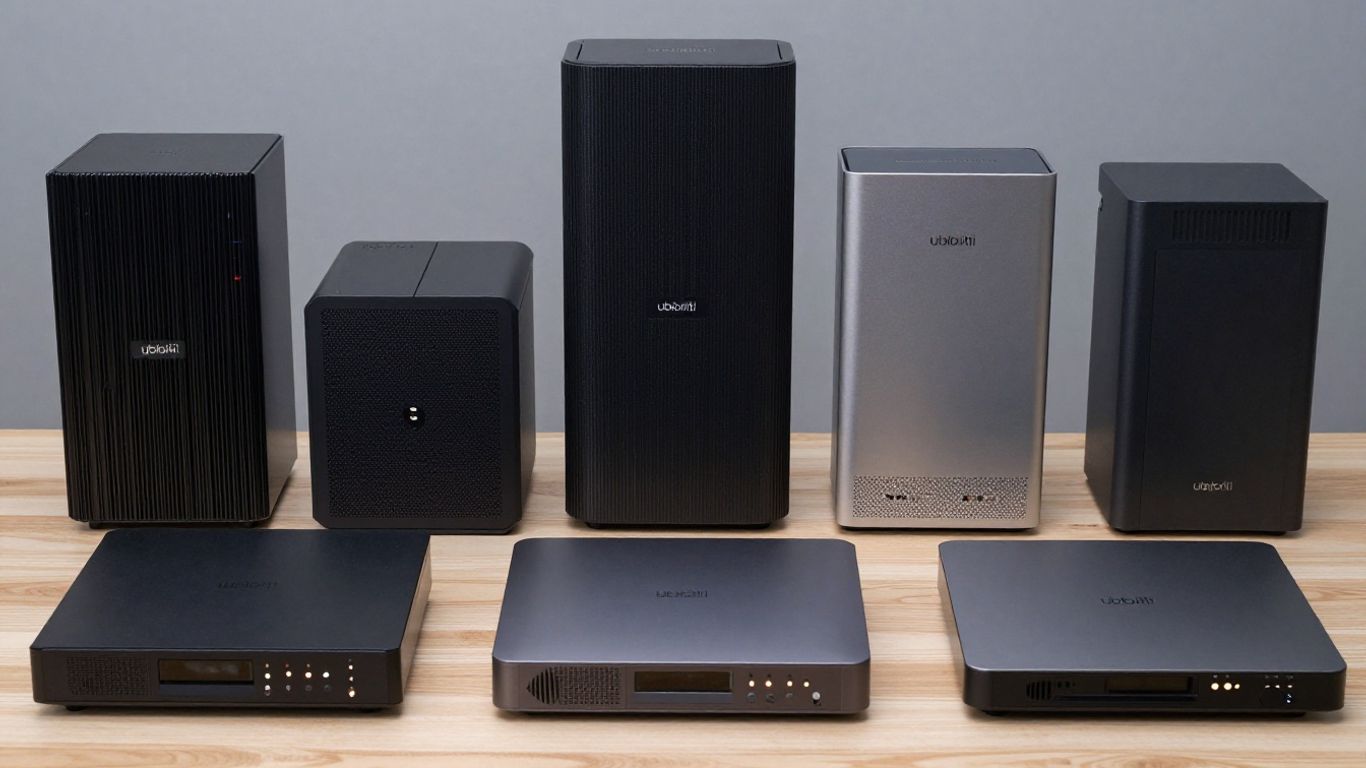
When you start looking into Ubiquiti gear, especially on Reddit, you'll quickly run into discussions about their software and firmware. It's a mixed bag, to say the least. Some folks find it works great, "just works" as they say, while others run into a fair share of headaches.
This is a recurring theme. Setting up some Ubiquiti software, particularly on self-hosted servers or older hardware, can feel a bit rough around the edges. Users have reported installations that don't seem to have much error checking, just chugging along even when things go wrong. It's not always the most polished experience, and sometimes you're left wondering if it's going to break later.
The installation process for some Ubiquiti software can feel like assembling furniture without clear instructions. You might get it put together, but there's a nagging feeling that a piece is missing or something isn't quite right.
Firmware is where a lot of the day-to-day functionality lives, and it's also where bugs can cause significant disruption. One particular area that gets mentioned a lot is VLAN tagging. Several users have shared stories about Ubiquiti devices not handling VLAN tags correctly, leading to traffic issues or security concerns. It's frustrating when basic network segmentation doesn't work as expected, and it seems like this has been a problem that pops up repeatedly, even after fixes are supposedly implemented.
Ubiquiti has a habit of rebranding its operating systems and applications, which can cause confusion. What was once the "UniFi Controller" is now the "UniFi Network Application" or "UniFi Network Server," and it's built into various hardware devices like the Dream Machine and UniFi Express. While this consolidation can be convenient, the constant name changes and evolving management interfaces can make it hard to keep track of what's what, especially when looking for support or tutorials online. It's a minor point, but it adds to the general feeling that Ubiquiti's software side can be a bit of a moving target.

When you start looking at Ubiquiti gear, you'll notice a lot of talk about their access points and the UniFi Dream Machine series. People often praise the UniFi access points for their coverage and ease of management, especially when you're building out a home network. The U6-Lite, for instance, is a popular choice, though some users point out it only supports 802.11n on the 2.4GHz band, which feels a bit dated now. For those wanting the latest, the UniFi U7 Pro is a newer option that brings Wi-Fi 6E to the table, offering better performance in crowded environments. You can find a detailed look at the UniFi U7 Pro if you're curious about its specs and how it performs.
Ubiquiti's access points generally get good marks for their performance and how they integrate into the UniFi ecosystem. They offer a good balance of features for both home users and small businesses. However, getting top speeds can sometimes be tricky. Users have reported that tweaking settings like DTIM values, disabling features like Fast Roaming (especially if you have Apple devices), and ensuring you're using WPA3 can help. Sometimes, even with the latest hardware, you might not hit theoretical maximums, especially with older client devices or specific network configurations.
The EdgeRouter line is often seen as more of a traditional router, powerful but perhaps a bit dated in terms of hardware. The Dream Machine (UDM) series, particularly the UDM Pro and UDM SE, aims to be an all-in-one solution. Feedback here is mixed. Some users love the integrated approach, especially for smaller setups where they want a single device to handle routing, switching, and Wi-Fi. Others find that for more demanding tasks or complex networks, dedicated devices might still be a better choice. The UDM Pro, for example, is praised for its IDS/IPS throughput when not using PPPoE, but comparisons often arise with more specialized routing hardware.
When comparing routing hardware, it's important to match the device to the intended use. A device designed for a specific purpose, like a dedicated firewall or router, might outperform an all-in-one unit in certain scenarios, even if the all-in-one offers more convenience.
One of the big draws for Ubiquiti is the unified management experience through the UniFi Controller. Whether you're using an EdgeRouter, a UDM, or just UniFi switches and APs, managing it all from one place is a significant advantage. The hardware itself often has a clean, minimalist aesthetic that blends well into home or office environments, unlike some of the more industrial-looking networking gear. This integration and design are key reasons why many users choose Ubiquiti, even if there are occasional performance quirks or limitations to work around.
When you're setting up your network gear, especially if it's for your home or a small business, security and privacy are definitely things to think about. Ubiquiti has had its share of bumps in the road, and people on Reddit talk about it. It's not always about the hardware itself, but how it connects and what data it might send out.
There have been a few incidents that have made users pause and reconsider. The most talked-about event involved a security breach a few years back that really shook people's confidence. While Ubiquiti has since made changes and claims to have improved its security posture, the memory lingers for some in the community. It’s a reminder that even tech companies aren't immune to vulnerabilities.
One of the recurring topics on Reddit is about the data Ubiquiti devices collect and where it goes. Some users are wary of what's called "telemetry" – information sent back to Ubiquiti about how the devices are used and performing. While the company states this data is anonymized and used to improve products, the lack of absolute transparency can be a sticking point. Many users prefer to disable as much of this data collection as possible.
The debate often boils down to trust. Do you trust Ubiquiti to handle your network data responsibly, or do you prefer to keep everything under your own roof, with no external connections for management or data reporting?
This is where Ubiquiti gets a bit of praise, even from those concerned about privacy. Unlike some competitors who push cloud-only solutions, Ubiquiti has historically offered robust options for self-hosting the UniFi Network Application (controller). This means you can run the management software on your own hardware, like a Raspberry Pi or a server, keeping your network configuration and data entirely within your local network. This approach gives users more control and peace of mind, especially when dealing with sensitive data or wanting to avoid reliance on external servers. Even with newer integrated consoles in devices like the Dream Machine series, the option to run a local controller remains a significant draw for privacy-conscious users.
Lots of folks on Reddit talk about how well Ubiquiti gear plays with Home Assistant. It seems like a pretty popular combo for people building out smart homes. You can get a lot of information from your UniFi network – like which devices are connected, their IP addresses, and even how much data they're using – right into Home Assistant. This lets you create some neat automations. For example, you could have lights turn on when a specific phone connects to your Wi-Fi, or get an alert if an unknown device pops up on the network. It's not always plug-and-play, mind you; sometimes it takes a bit of tinkering with custom components or YAML files, but the community support is usually there to help figure it out.
When you look at Ubiquiti's product line, it's clear they're trying to cover a lot of ground. They've got UniFi for networking, UniFi Protect for cameras, UniFi Access for door control, and even UniFi Talk for phone systems. There's also UniFi Connect, which seems to be a newer platform aiming to tie some of these together, maybe for things like smart displays or access control panels. It can get a little confusing with all the different "UniFi" branded apps and services. Some users appreciate the ambition, hoping for tighter integration between these systems down the line, like having cameras trigger door unlocks or intercoms work more smoothly. Others find the ecosystem a bit crowded and wish for clearer paths between products.
The pace of new product releases and software updates can be a double-edged sword. While it means Ubiquiti is actively developing, it also means users sometimes deal with bugs or features that aren't fully baked. The community often steps in to share workarounds and fixes, but it's not always the polished experience some users expect.
Looking ahead, it seems like discussions about Ubiquiti on Reddit will continue to focus on a few key areas. People will likely keep sharing their home network setups, comparing UniFi to alternatives like TP-Link Omada or MikroTik, and troubleshooting firmware issues. There's also a consistent thread about the balance between Ubiquiti's ease of use and its limitations, especially for more complex network needs. As Ubiquiti rolls out new products and updates its existing ones, expect to see more conversations about how these pieces fit together, how they perform in real-world scenarios, and whether the company is addressing the concerns users voice online. The ongoing debate about local control versus cloud dependency will probably remain a hot topic.
Here's a quick look at what users often discuss:
So, after digging through all those Reddit threads, it's clear that Ubiquiti gear sparks a lot of conversation. People seem to like the look and feel of the UniFi system, especially for home setups where they want things to just work and look good. Many users appreciate the central management and the potential for expansion, like adding cameras down the line. However, it's not all smooth sailing. There are definitely some recurring complaints about software bugs, occasional issues with features not working as advertised, and past security concerns. Some folks have moved on to other brands like TP-Link or built their own solutions with things like pfSense, finding them more reliable or flexible for complex needs. Ultimately, whether Ubiquiti is the right fit seems to depend a lot on what you're trying to do and how much you're willing to tinker when things don't go perfectly. It's a popular choice, for sure, but it comes with its own set of quirks that users are happy to discuss, for better or worse.
Yes, many people find Ubiquiti's UniFi gear easy to set up, especially for home networks. It often works well right out of the box, and the system is designed to be managed from one place, making it simpler to keep track of everything.
Some users report issues with software updates causing problems, like bugs that affect network features such as VLAN tagging. There are also concerns about the company's past security problems and how they handle user data. Sometimes, the setup process can feel a bit clunky.
For many Ubiquiti devices, you can manage them locally without needing a constant internet connection or cloud account. This is great for privacy and ensures your network still works if your internet goes down.
Ubiquiti is often seen as having a slicker design and a more integrated system, similar to Apple products. TP-Link Omada is usually a bit cheaper and might offer similar features, but some users find Ubiquiti's overall experience smoother. Both have their fans and their critics.
While Ubiquiti gear is great for home labs and many home networks, some experts suggest that for really critical business networks, you might want to consider more robust enterprise-level solutions. This is because of past issues with bugs and security that might not be acceptable for essential services.
Ubiquiti OS is essentially the operating system that runs on their newer devices like the Dream Machine. It's designed to manage all your Ubiquiti network gear from one place, providing a central hub for control and settings. It aims to offer a complete, integrated solution.
Connect with us to explore our scalable solutions tailored to your unique needs and receive a personalized free quote.


