Choosing the right NVR camera system? Learn about key features, components, and considerations for optimal security. Get expert advice.

So, you're looking into getting a security camera system, specifically an NVR camera system. It sounds complicated, right? Well, it doesn't have to be. Think of it like setting up a home theater system – you need the right pieces to make it all work together smoothly. We're going to break down what you need to know to pick an NVR camera system that actually fits what you need, without all the confusing tech talk. It’s all about matching the gear to your place and what you want to keep an eye on.
Before you even start looking at specific NVR models or fancy camera specs, you really need to figure out what you actually need the system to do. It’s not a one-size-fits-all deal, you know? What works for a small corner store is going to be totally different from what a big warehouse needs. So, let's break down how to get a handle on your specific situation.
Think about the physical space you need to cover. Is it a sprawling property with lots of entry points, or a compact office? You'll want to map out the areas that are most important for security. This means identifying blind spots, high-traffic zones, and any areas where valuable assets are stored. Also, consider the risks. Are you worried about theft, vandalism, unauthorized access, or just general safety? The answers here will guide where you place your cameras and what kind of coverage you need. For instance, a loading dock might need a wide-angle view to catch everything happening, while an office entrance might need a camera that can capture faces clearly.
How many cameras do you actually need? NVRs are rated by the number of channels they support, which is basically how many cameras they can handle at once. A simple setup might only need 4 or 8 channels, but if you've got a larger area or multiple entry points, you might be looking at 16, 32, or even more. It’s also smart to think about how long you need to keep footage. Some places might only need a week's worth, while others might need 30, 60, or even 90 days. This directly impacts how much storage you'll need on your NVR. Don't forget about the environment each camera will be in. Outdoor cameras need to be tough and weather-resistant, and might need special lenses for low light. Indoor cameras have different needs, like maybe a wider field of view for a large room.
It’s easy to get tunnel vision and just buy what you need right now. But what happens in a year or two? Will your business expand? Will you need to add more cameras to cover new areas? It’s a good idea to pick an NVR system that can grow with you. Look for systems that support more channels than you currently need, or that allow you to easily add more storage or even upgrade the NVR itself down the line. This way, you won't have to replace your entire system when your needs change, saving you time and money in the long run. Planning for the future now can save a lot of headaches later.
Figuring out your requirements upfront is like drawing a blueprint before building a house. It prevents costly mistakes and ensures the final structure is exactly what you need.
So, you're looking into NVR systems. That's a good move. Unlike the old-school DVRs that were tied to analog cables, NVRs work with digital IP cameras over your network. This setup opens up a whole lot of possibilities for better video quality and easier expansion. Let's break down what makes these modern systems tick.
This is the big one. NVRs use Internet Protocol (IP) cameras. Think of them like little computers that capture video and send it over your network, usually through Ethernet cables or Wi-Fi. This digital approach means you can get much higher resolutions – we're talking clear, sharp images, not the grainy stuff from years ago. Plus, you can place these cameras pretty much anywhere there's a network connection, which gives you way more flexibility in how you cover your property. Each camera has its own network address, and the NVR keeps track of all that video data.
All the video footage gets recorded digitally. This is a huge step up from analog. Your NVR acts as the central brain, storing all this video data. You can usually put hard drives right inside the NVR, and many systems let you add more or even connect to external storage if you need a ton of space. Digital storage makes it a breeze to search for specific events, pull out video clips, and manage how long you keep recordings. It's all about having your security footage organized and accessible when you need it.
Many NVRs today come with built-in smarts. These aren't just recording machines anymore. They can actually analyze the video feed. We're talking about things like:
These features help you focus on what matters and make reviewing footage much faster. The smarter the analytics, the more efficient your security monitoring becomes.
While these advanced features are great, remember they depend heavily on the quality of the cameras and the software running on the NVR. Don't expect a cheap camera to suddenly become a super-spy with advanced analytics. It's a system, and all parts need to work well together.
Picking the right gear for your NVR setup is kind of like building a good toolkit. You need the right tools for the job, and they all need to work together. It's not just about grabbing the cheapest stuff; it's about matching what you buy to what you actually need to watch.
When you're looking at cameras, resolution is a big deal. Think about what you need to see. For general overview, 1080p (that's Full HD) is usually pretty good. But if you need to zoom in and make out faces or license plates from a distance, you'll want something higher, like 4K. Higher resolution means more detail, which can be a lifesaver when you're trying to figure out exactly what happened.
Don't forget where these cameras are going. An outdoor camera needs to handle rain, sun, and maybe even snow. Look for weatherproofing ratings like IP66 or IP67. If you're putting cameras in places with bad lighting, you'll need ones with good low-light performance or built-in infrared (IR) for night vision. Indoor cameras might need wider lenses to cover more area, like in a big open office.
How long do you need to keep your recordings? This is a question that really impacts how much storage you need. Some places might only need a week's worth of video, while others, maybe due to regulations or risk, need 30, 60, or even 90 days. The more cameras you have and the higher the resolution, the more storage you'll chew through.
Here’s a rough idea:
Note: These are just estimates. Actual storage needs depend on frame rate, compression, and how much motion is detected.
Most NVRs have multiple hard drive bays, so you can add more storage later if you need it. It's smart to plan for a bit more storage than you think you'll need right now, just in case.
Your NVR system is only as good as the network it runs on. Each IP camera sends data over your network, and if you have a lot of cameras, that can use up a lot of bandwidth. It's often a good idea to set up a separate network just for your security cameras. This keeps your surveillance traffic from slowing down your regular internet use and adds a layer of security.
Think of your network like the roads for your video data. If the roads are jammed, the data gets stuck. A dedicated network for cameras is like building a private highway – smooth sailing for your security footage.
Also, consider how you'll connect everything. Most modern IP cameras use Power over Ethernet (PoE). This means one cable carries both the data signal and the power to the camera. You'll need a PoE-capable network switch for this, and you need to make sure the switch has enough power output for all the cameras you plan to connect. Planning your cabling routes, especially for outdoor cameras, is also important to protect them from the elements and potential tampering.
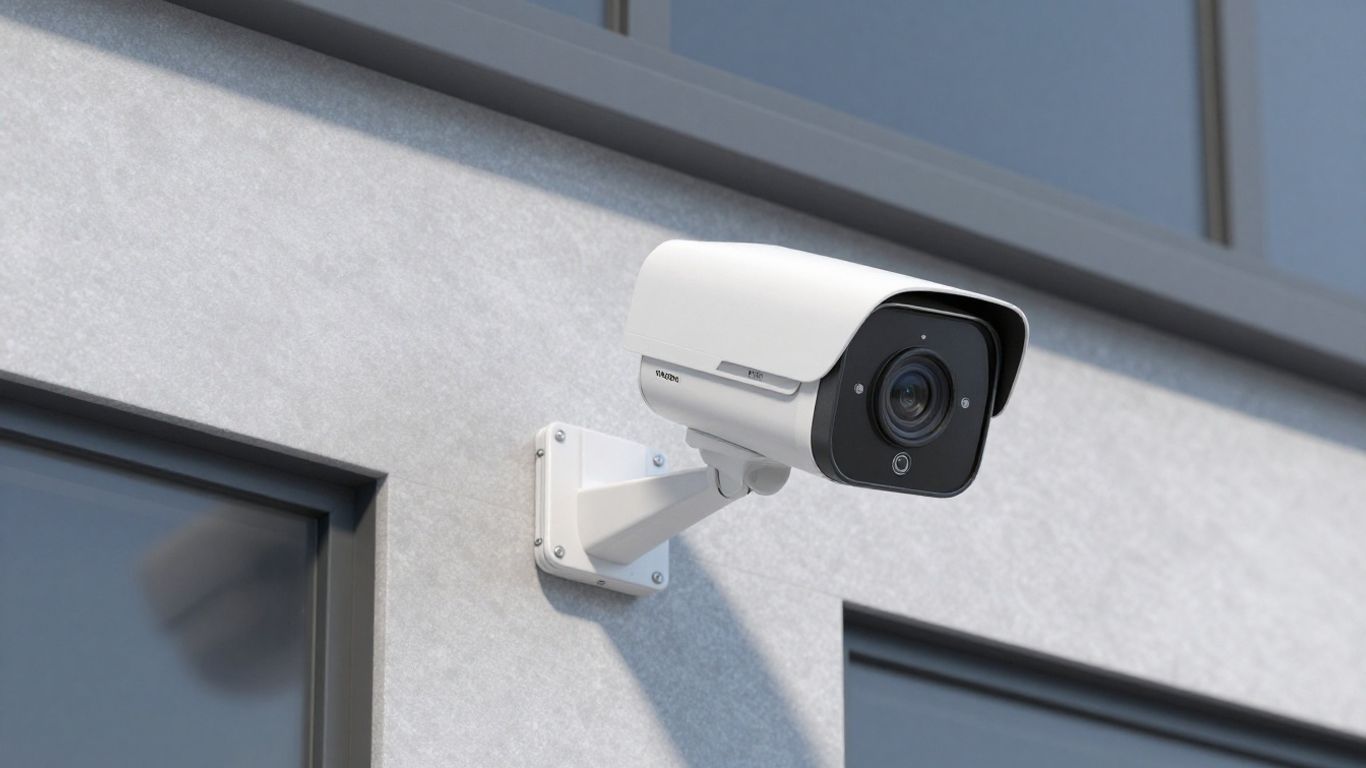
Beyond just recording, modern NVR systems pack some pretty smart features that can really make a difference in how you keep an eye on things. These aren't just bells and whistles; they're tools that help you catch what matters and react faster.
This is a big one. Instead of recording 24/7, which eats up storage and makes reviewing footage a chore, motion detection tells the NVR to start recording only when something moves in the camera's view. This saves a ton of space and makes finding specific events much easier. You can usually tweak the sensitivity and even set up specific zones within a camera's view to ignore things like swaying trees, so you don't get a flood of useless alerts. When motion is detected, the system can also send you an alert, often to your phone or email, so you know right away if something's happening.
Ever worried about getting locked into one brand of camera? ONVIF (Open Network Video Interface Forum) compliance is the answer. It's basically a standard that lets IP cameras and NVRs from different manufacturers talk to each other. This is super handy. If you have existing cameras from one brand and want to add more from another, or if a camera fails and you need a quick replacement, ONVIF compliance means you're not stuck. You can mix and match, which often leads to better pricing and more options.
Here's a quick look at why ONVIF matters:
Being able to check in on your property from anywhere is a game-changer. Most NVR systems today offer remote access, usually through a dedicated app on your smartphone or tablet, or via a web browser on a computer. This means you can view live feeds, playback recorded footage, and even receive alerts no matter where you are. It’s like having a security guard in your pocket. Just make sure your NVR and network are set up securely to prevent unauthorized access when you enable this feature.
Setting up remote access requires careful attention to network security. Using strong, unique passwords for your NVR and any associated accounts is non-negotiable. Consider enabling two-factor authentication if available. It's also wise to keep the NVR's firmware updated, as updates often include security patches that protect against known vulnerabilities. A secure setup means you can confidently monitor your property without introducing new risks.
Here's what you can typically do remotely:
Setting up an NVR system is more than just plugging in cameras and a recorder. You've got to think about the backbone that keeps it all running smoothly. Without a solid infrastructure, even the best cameras can become useless, especially when you need them most. It's about making sure the network, power, and the NVR itself are set up to handle the job.
Your NVR system relies heavily on your network. Each camera sends data, and if you have a lot of them, that's a lot of traffic. To keep things from slowing down and to add a layer of security, it's a good idea to separate your surveillance network from your main business network. This way, your security cameras don't hog bandwidth needed for other operations, and it makes it harder for unauthorized access to your main systems.
Power over Ethernet, or PoE, is a real game-changer for camera installations. It means you can run a single Ethernet cable to each camera, and that cable will carry both the data signal and the power. This simplifies wiring a lot. However, you need to make sure your network switches and the cables you use are actually built for PoE. You also need to check the power budget – basically, how much power your switch can supply to all the connected devices. If you overload it, cameras might drop off, which is the last thing you want.
Don't forget about the NVR unit itself. It's the brain of your system, and it needs protection. Ideally, the NVR should be housed in a secure, locked location, like a server room or a locked cabinet. This prevents tampering or theft. Good ventilation is also key; these devices generate heat, and overheating can lead to system failures or even data corruption. Think about power too – an uninterruptible power supply (UPS) can keep the system running during a power outage, and surge protectors can guard against electrical spikes. Protecting the NVR is just as important as protecting the areas it monitors.
Keeping your NVR hardware safe from physical access and environmental issues is just as vital as the cameras themselves. A compromised NVR means no recordings, no evidence, and no security.
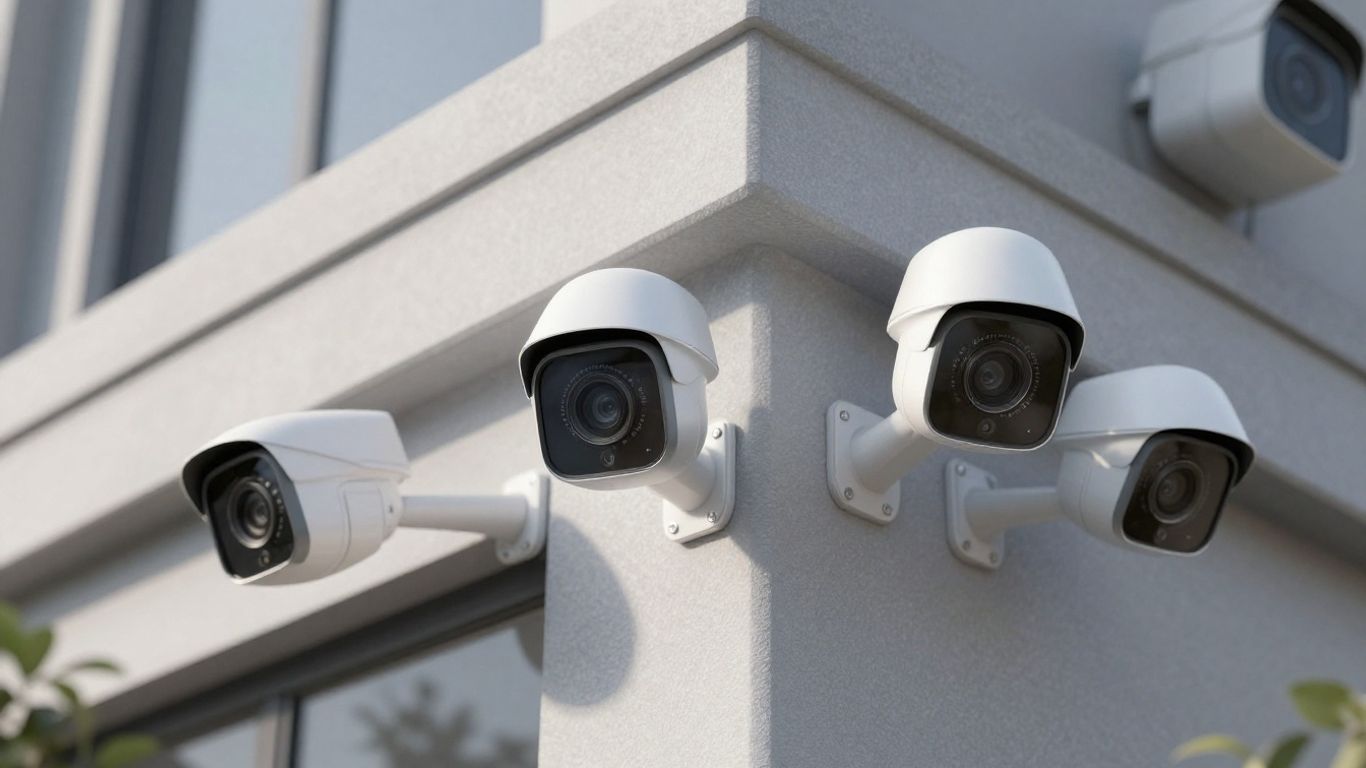
So, you've picked out your cameras and the NVR box itself. That's great! But how do you know if it's actually going to do a good job? It's not just about having cameras; it's about them working well when you need them to. We need to look at how well the system handles video, stores it, and how easy it is to actually use.
This is pretty straightforward. The NVR needs to be able to handle the quality of video your cameras are sending. If you've got fancy 4K cameras, your NVR better be able to record and play back in 4K without chugging. Most modern NVRs can handle at least 1080p, which is Full HD. But if you're aiming for super clear images, especially for identifying faces or license plates from a distance, you'll want to check for 4K support. It makes a big difference when you need to zoom in on something later.
Here's a quick look at what resolution means:
This is where the rubber meets the road for how long you can keep your footage. An NVR with good storage management means you can actually store what you need to store. You'll want to think about how many hard drive bays it has and if you can add more later. Some systems let you hook up external storage too, which is handy. Also, look for features like 'smart overwrite' – basically, it makes sure older footage gets automatically deleted when the drives get full, so you don't have to manually manage it all the time. It's a small thing, but it saves a lot of hassle.
The amount of storage you need really depends on a few things: how many cameras you have, the resolution they're recording at, and how long you need to keep the footage. Don't skimp here; running out of space when you need footage is a bad time.
Okay, this one is super important, and sometimes overlooked. If the NVR's interface is confusing or clunky, you're going to have a tough time using it. Think about how easy it is to find live camera feeds, play back recorded video, and change settings. Is it intuitive? Can you quickly search for events? A system that's hard to use will just make your life more difficult, even if it has all the best features on paper. You want to be able to get to the footage you need without a degree in computer science.
So, you've picked out the cameras and the NVR box itself. Great! But before you just plug everything in and hope for the best, there are a few more things to think about to make sure your whole setup actually works well and stays secure. It’s not just about the hardware; it’s about how it all fits together.
Think about what else you have running. Does your NVR system need to talk to your alarm system? Or maybe your access control? Being able to link up different security tools can make managing everything a lot simpler and give you a more complete picture. For example, if a door is forced open, you might want the cameras covering that area to automatically start recording at a higher frame rate or even send an alert. Not all NVRs play nice with everything, so check the specs to see what it can connect with. This might involve looking for specific protocols or checking compatibility lists.
Nobody wants their security system to go down, especially when something important is happening. That's why looking at redundancy is a good idea. What happens if a hard drive fails? Or the network connection drops? Some NVRs have features to help with this:
Downtime is the enemy of security. Even a few minutes without recording could mean missing something vital. Planning for potential failures with redundant components can save you a lot of headaches down the line.
Let's be honest, sometimes tech just doesn't work the way it's supposed to. When that happens, you'll want to know you can get help. Check out what kind of support the NVR manufacturer offers. Is it just an email address, or do they have phone support? What are their response times? Also, look at the warranty. How long does it cover the hardware? What exactly does it cover if something breaks? A good warranty and responsive support team can make a big difference, especially if you're not a tech wizard yourself. It's worth asking about this before you buy, not after you've got a problem.
So, picking the right NVR camera setup really boils down to knowing your place and what you need to watch. It’s not just about grabbing the fanciest gear. Think about how your property is laid out, where trouble might pop up, and what you actually need to see. Once you get that sorted, you can look at features like how clear the video is, how much storage you need, and if you can check in from your phone. Getting this right means your system will actually work when you need it, not just sit there. A well-planned NVR system is like the solid foundation for keeping your property secure.
Think of an NVR system like a digital video recorder for your security cameras. It uses special internet-connected cameras (called IP cameras) to capture video and then saves it all in one place. This makes it easy to watch live video or look back at what happened.
IP cameras are like the smart cameras of the security world. They send video over your network, which means you can get much clearer pictures, even in tough lighting. Plus, you can place them more flexibly than older types of cameras.
That depends on how long you want to keep recordings. If you need to save footage for a week, you'll need less space than if you need to keep it for a month or more. The number of cameras and how clear the video is also affect how much storage you'll need.
Yes, most modern NVR systems let you check in on your cameras from your phone or computer, no matter where you are. It's like having a remote control for your security cameras.
PoE stands for Power over Ethernet. It means that one cable can send both the video signal and the power to the camera. This makes setting up cameras much simpler because you don't need to run a separate power cord to each one.
ONVIF is like a common language for security cameras and recorders. If your NVR is ONVIF compliant, it means you can often use cameras from different brands with it, giving you more choices and making it easier to upgrade or replace cameras later on.
Connect with us to explore our scalable solutions tailored to your unique needs and receive a personalized free quote.